Participating Frequently
June 7, 2017
Answered

Bridge output into DxO Optics Pro

  • June 7, 2017
  • 1 reply
  • 2085 views

Hello

I import my RAW camera images into Bridge CC 2017, to triage my files and then provide shoot-specific Metadata and Keywords (batch processed). Bridge appears to save these changes into an .xmp file.

How do I get my Bridge processed file into DxO Optics Pro 10? If I click on the original RAW file, it does not have the Bridge changes just applied.

(I run a 64-bit Windows 10 PC CC and DxO10)

Would appreciate a bit of help on this.

thanks and regards

Chris

This topic has been closed for replies.
Correct answer Stephen Marsh

DNG is a container, it can hold raw or rendered data. There is more than one way to store the original data.

The real question is can DxO process DNG files that contain raw camera data?

In Bridge, are you using XMP sidecar files, or storing edits to the Camera Raw database? If you have Lightroom, do you really need to use Bridge?

Some cameras save the raw sensor data into DNG as a native format, however most camera makers persist/insist in using their own proprietary formats (CR2, NEF, ORF etc).

I think that you may need to re-examine your workflow, as there will probably be incompatibilities with your desired workflow and you will need to work out where/how you are going to introduce your various image processing steps in different software.

Good luck!

1 reply

Sahil.Chawla
Adobe Employee
Adobe Employee
June 19, 2017

Hi Chris,

All the edits and metadata is stored in the XMP files, that is why the raw file is not showing the changes that are applied by you.

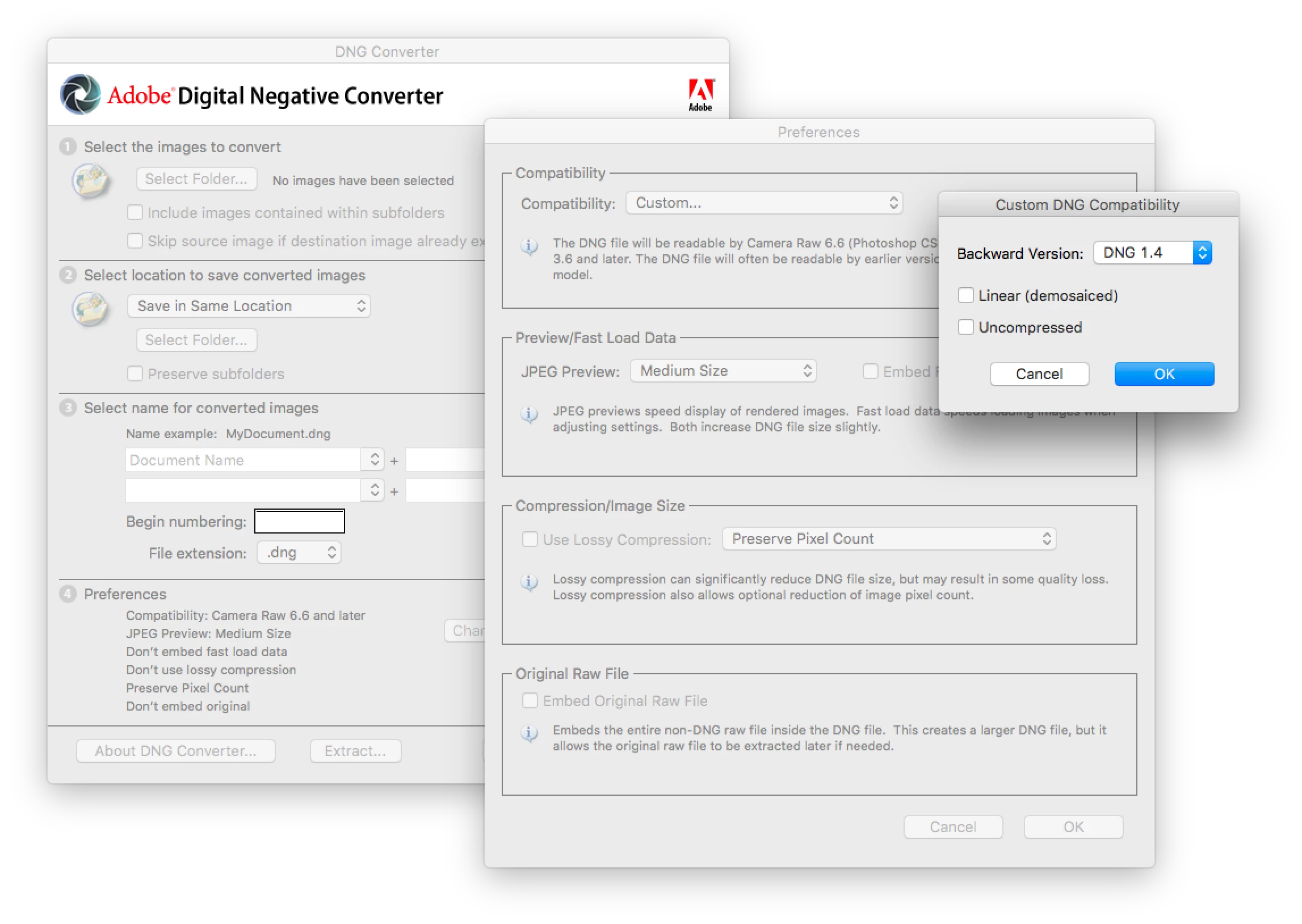
You can convert your raw file to DNG format (Which also a raw format designed by Adobe and it does not use XMP to store information) then apply changes to the metadata.

Please let us know if it helps.

Regards,

Sahil

cherftAuthor
Participating Frequently
June 22, 2017

hi Sahil

Appreciate your response.

So, to apply this suggestion, what i need to do is?:

- import my files from my camera into Bridge, CONVERTING THEM TO DNG

- apply some basic file handling in Br, then some basic editing such as

Crop and Straighten (so these changes will be stored in the DNG file)

- open the selected DNG files in Lightroom - using the DxO plugin in Lr

- process some basic DxO de-noising the pass back the DNG back to Lr

- continue with Lr and Ps as needed

I understand some of this is not your area (DxO) but if you have any

observations, I'd appreciate hearing from you.

DxO support separately advises that DxO "only" will work with the original

out of camera RAW files and I think this is an awful restriction. Does

DNG=RAW?

thank you in advance

Cheers

Chris

Stephen Marsh
Community Expert
Stephen MarshCommunity ExpertCorrect answer
Community Expert
June 22, 2017

DNG is a container, it can hold raw or rendered data. There is more than one way to store the original data.

The real question is can DxO process DNG files that contain raw camera data?

In Bridge, are you using XMP sidecar files, or storing edits to the Camera Raw database? If you have Lightroom, do you really need to use Bridge?

Some cameras save the raw sensor data into DNG as a native format, however most camera makers persist/insist in using their own proprietary formats (CR2, NEF, ORF etc).

I think that you may need to re-examine your workflow, as there will probably be incompatibilities with your desired workflow and you will need to work out where/how you are going to introduce your various image processing steps in different software.

Good luck!