
Participant
November 28, 2019
Question

Bridge Problems

  • November 28, 2019
  • 4 replies
  • 631 views

Hi, 

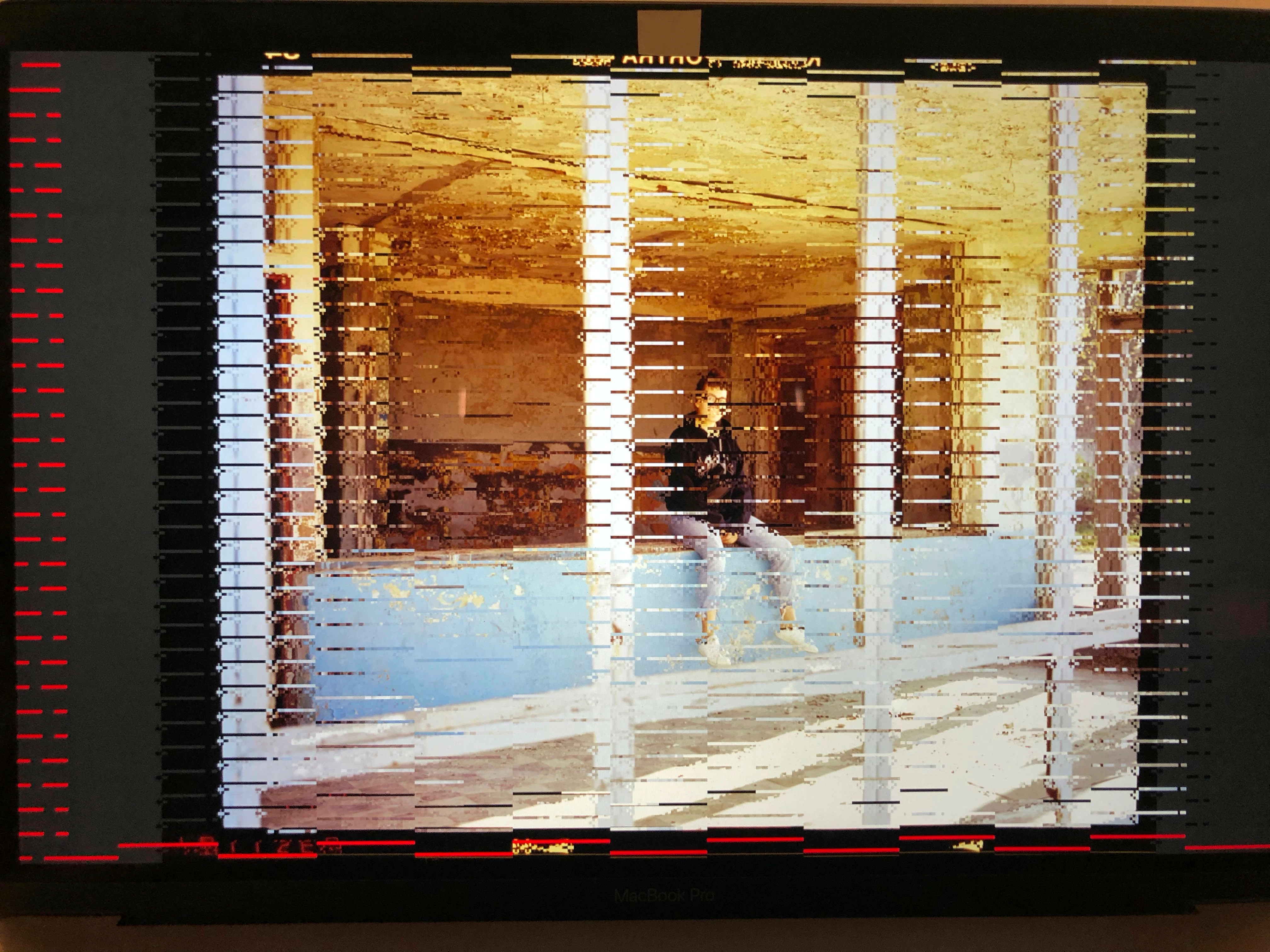
andybody knows why my bridge has a kind of bug?


It doesnt show my images properly. I emptied the cache, instelaled and updated bridge. Nothing hepls. I thought is a problem with my grafic card problem, what would be really bad, but photoshop seems to work normaly. 


Can somebody tell me what it is? Down there is an example. 


Thanks.
 

This topic has been closed for replies.

4 replies

Adobe Employee
July 23, 2021

Hi @vedad.divovic ,


Could you please share the below information with us to reproduce this issue at our end-

1. Bridge version and OS version

2. It is a preview that is creating problems on the thumbnail too.

3. Graphic card and its version.

4. File type for eg CR2/Jpeg etc


If there are some specific images/assets, you can share them with us at sharewithbr@adobe.com

so that we can test this at our end.

gary_sc
Community Expert
Community Expert
July 11, 2021

This means that you need to set your machine to Software Rendering in your Bridge's Preferences:

jbm007
Community Expert
Community Expert
November 28, 2019

You have a video card driver issue.

Check to make sure you have the latest video from the manufacturer installed

November 28, 2019

Moving to the Bridge forum from Get Started