
thomasc57208912
Participant
December 12, 2017
Question

Bridge Resolution Issue

  • December 12, 2017
  • 1 reply
  • 778 views

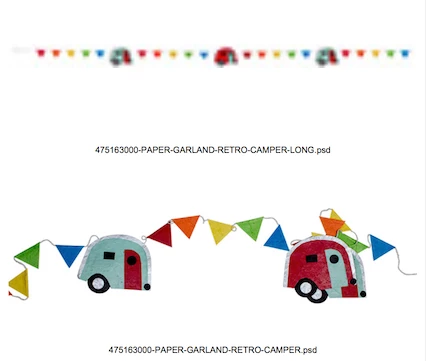
When i bring certain photoshop files into bridge they export to PDF in a very very low quality. We use these sheets to proof images and they need to all print out at the same resolution.

We recently upgraded to the Creative Suite - previously we were using CS6 without issue.

Here's a screenshot of the PDF. These files are both photoshop files at the same resolution (300dpi).
Here's general info about the file.

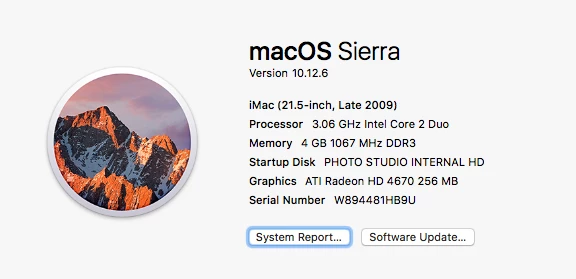
And here's my computer's specs.
This topic has been closed for replies.

1 reply

Sahil.Chawla
Adobe Employee
Adobe Employee
December 14, 2017

Hi Thomasc,

Could you please share the images with us so that we can review them at our end?

Also, please open Bridge and go to Help > About Bridge & let us know which exact version of Bridge are you using?

Regards,

Sahil

thomasc57208912
Participant
December 15, 2017

Hey Sahil,

I think we talked on the twitter thread.

https://twitter.com/DocHeathcliff/status/940216956476690432

If so I already sent you those files I believe.

The version of Bridge I'm using is: 8.0.1.282

Just reinstalled this morning. No change.

Thomas

thomasc57208912
Participant
December 15, 2017