


Bridge won open some RAW files. not keeping metadata. won't rename files. filter list not work. etc.
Bridge won't open some RAW files in both CR2 and CR3.
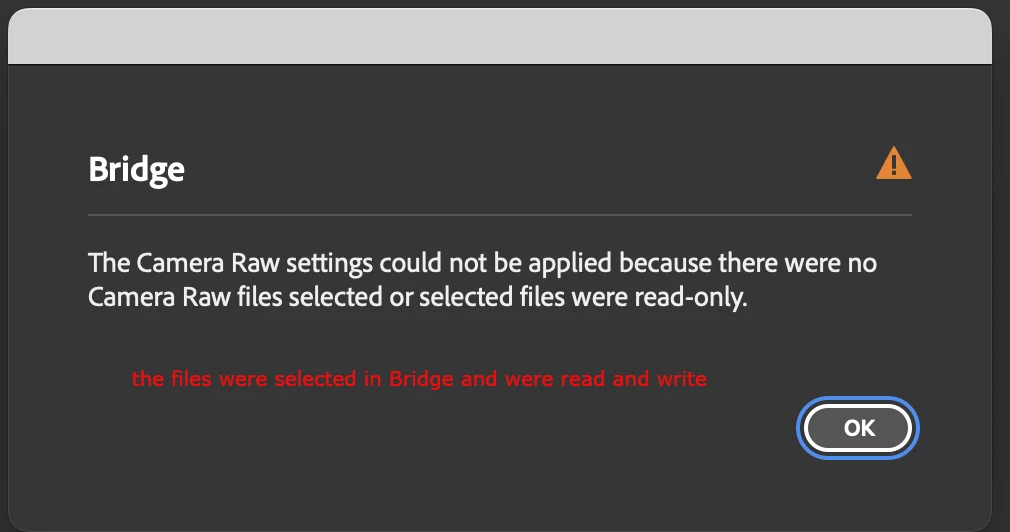
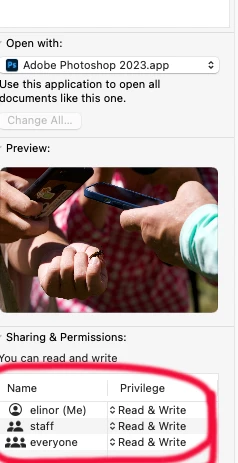
the same files do open from Finder MAC 12.6.2.
For the files that do open in Bridge, sometimes adding metadata works and sometimes I type in metadata or click one in my master list and get--
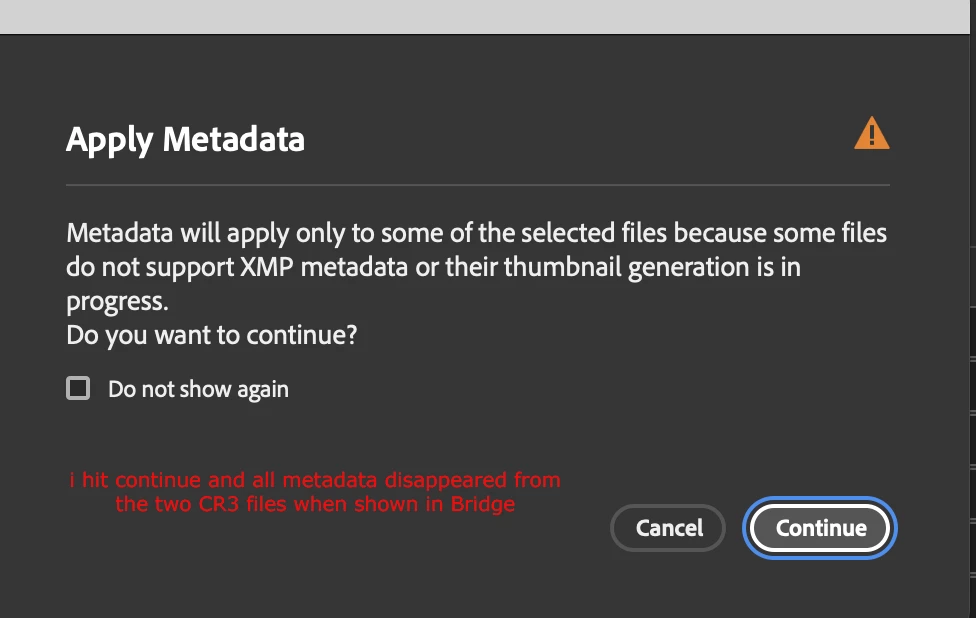
So I did meta in LightRoom which is a huge pain because the keyword list there is a lot more strung out.
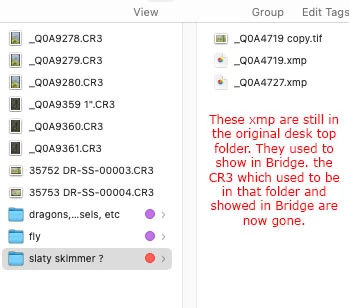
Then i tried to rename in Bridge and my RAW files have disappeared. This is all I can get in the Bridge window.
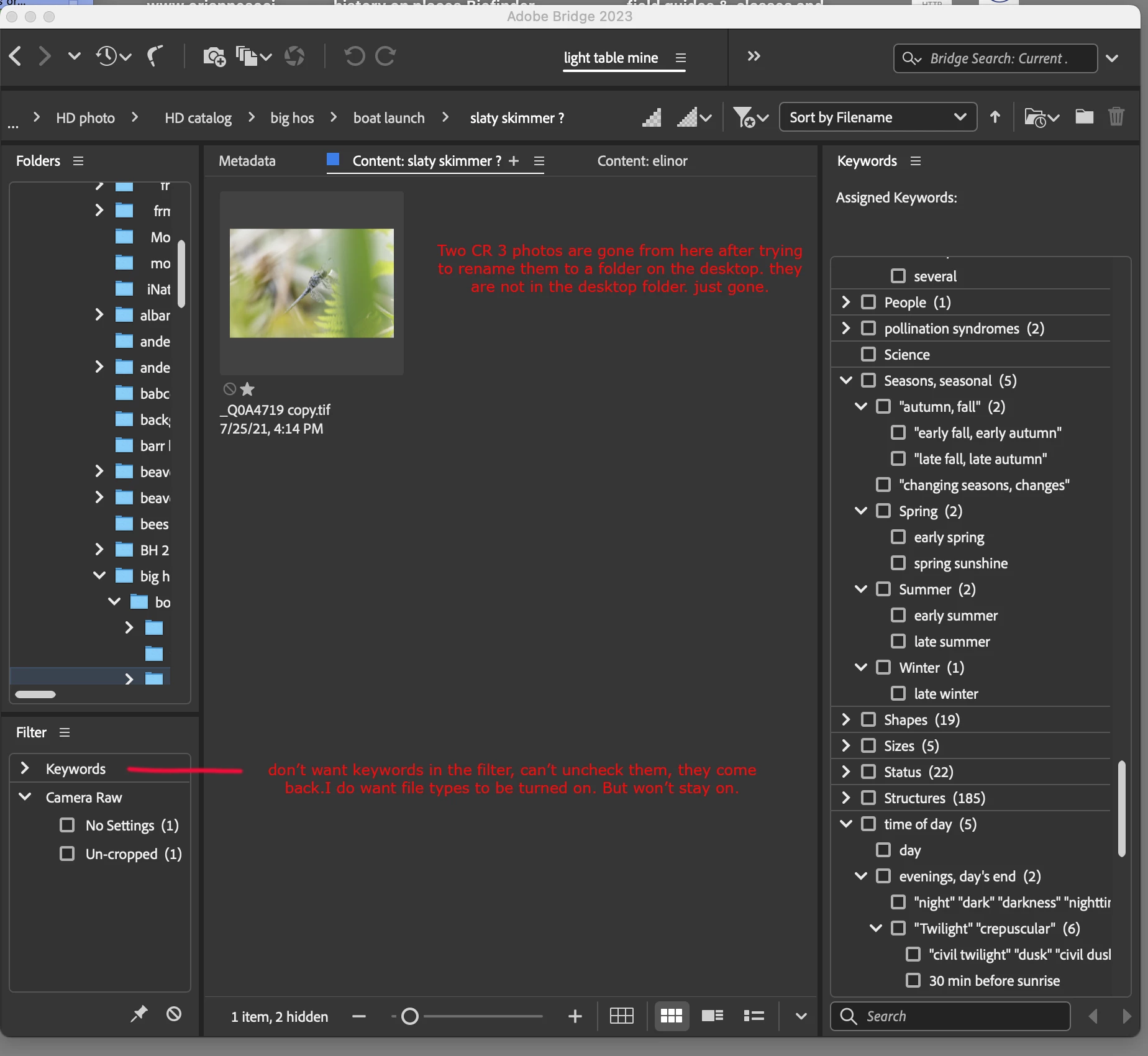
RAW files are also gone from the Finder desktop folder. xmp are still there. Also Bridge will no longer rename in the same folder. I get SEQN instead of the seqence number. I called about this three times about 7 years ago. Still not fixed so I have to ssend the rename to another folder.
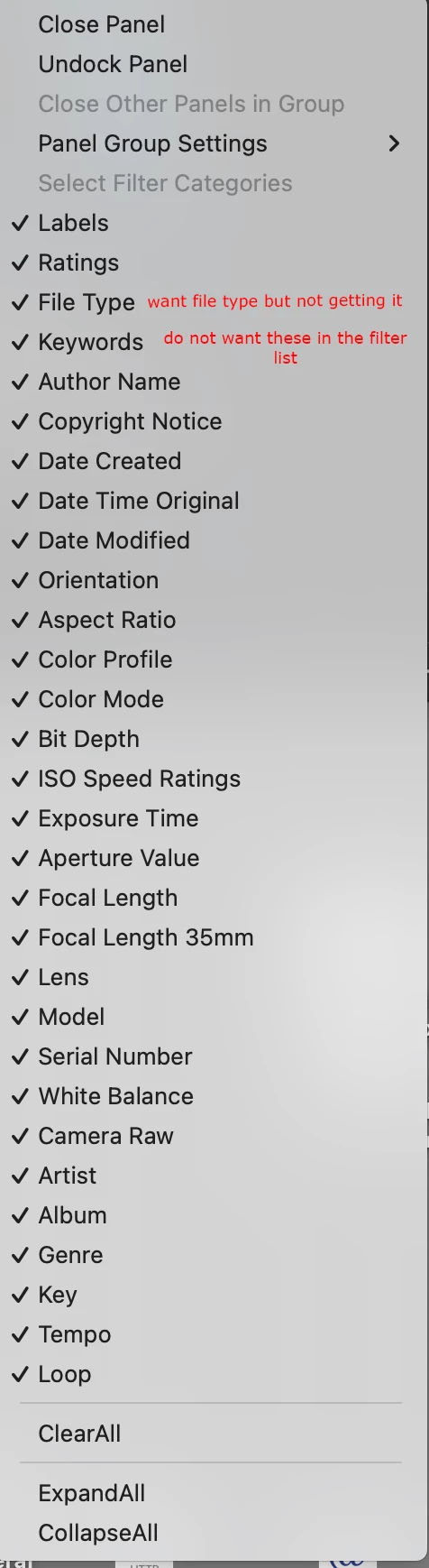
In the filters panel, all stay checked even when i uncheck all I don't want. I want File Types but they won't show.
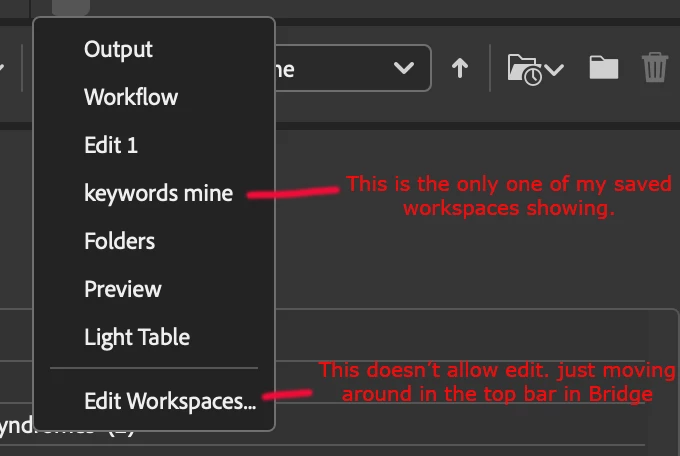
workflows don't show my saved ones except for keywords mine.
I've closed and reopened Bridge. Restarted computer. Have all Adobe apps up to date. I'm losing hours and hours trying to fix this stuff. I don't want to go to other cataloging apps because in the past Bridge was so much faster and simpler to use. Totally frustrated.
Also in PhotoShop the keyword shortcuts don't hold. Press b for brush and it just goes back to the previouly used tool.
 AdChoices