


Camera Raw Does Not Save Defaults Properly
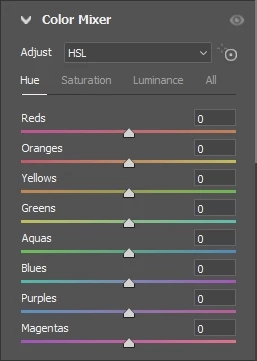
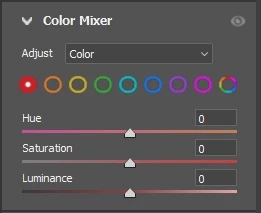
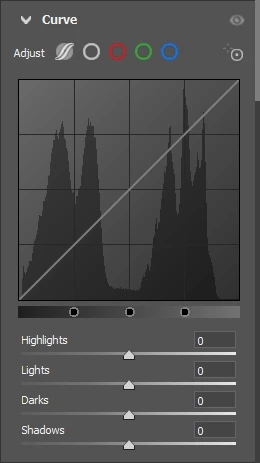
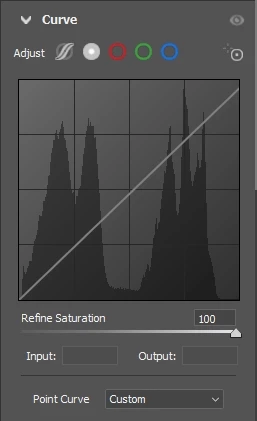
Camera Raw 15.5 on a Windows PC does not save the default settings properly for the Curve panel and the Color Mixer panel. I have tried again and again to save these settings (and others) as defaults when Camera Raw first opens. These two panels are the only ones I have noticed that do not retain their settings properly. As shown in the attached photos, after I start Bridge, and then select an image to edit with Camera Raw, the startup views are incorrect. They used to start up correctly. However, most of the time, if I open Bridge and select a photograph, when Camera Raw comes up, I change the panel settings to my preferred views, work on the image, and then I open the image into Photoshop. When I am finished in Photoshop, I return to Bridge and select another image to edit, but this time the settings for these panels in Camera Raw are what I last used (and wanted).


 AdChoices