


Participant
May 12, 2021
Question

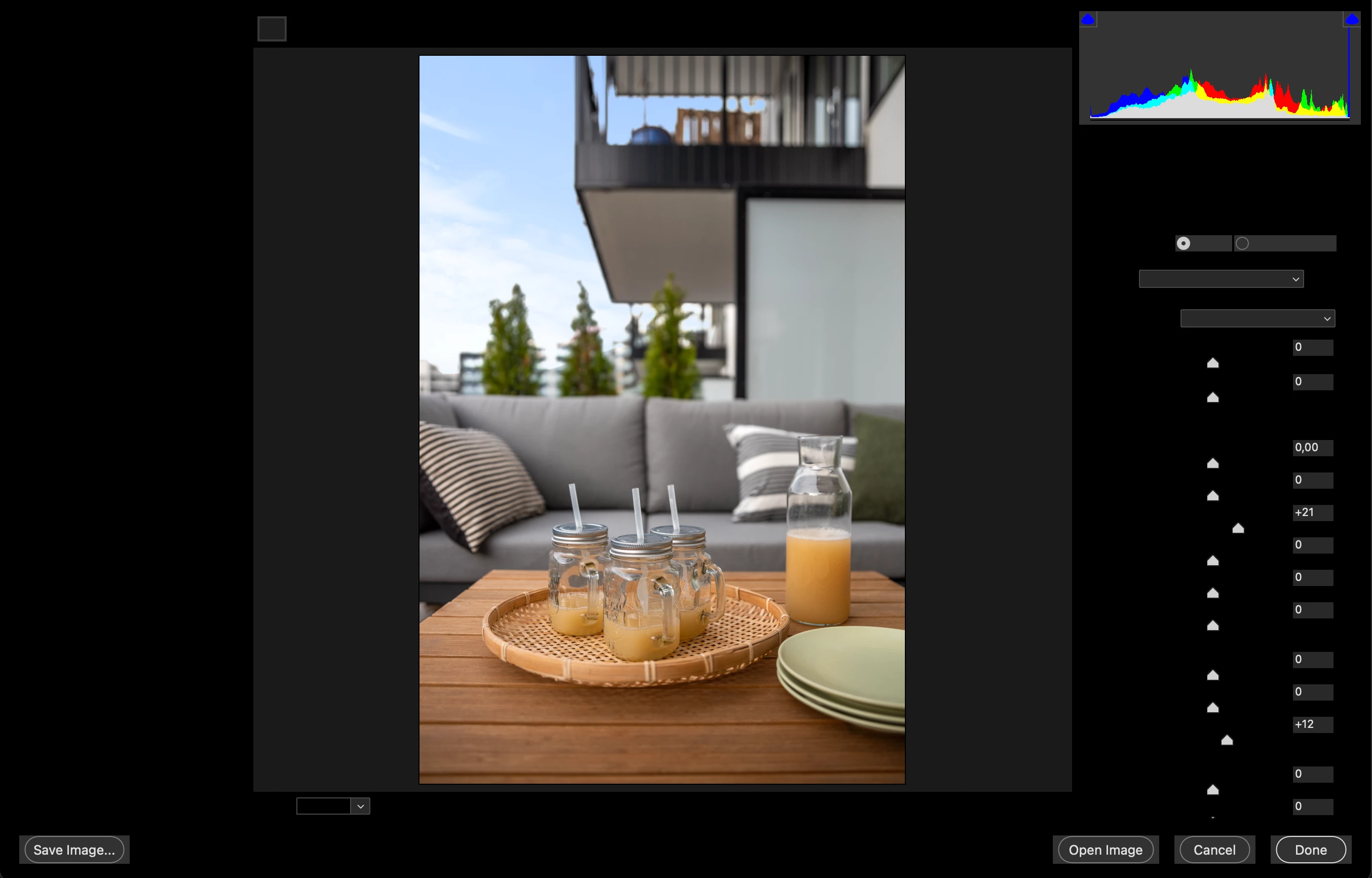
Camera Raw in Brigde is black
  • May 12, 2021
  • 1 reply
  • 240 views


So, I just installed Brigde 2021, and uninstalled Brigde 2019. Then this happened, and I'm not able to edit my photos in Camera Raw. I use a Mac, and just updated to Mac BigSur. Please help someone, I'm clueless and needs this for my work asap. 

This topic has been closed for replies.

1 reply

gary_sc
Community Expert
Community Expert
May 12, 2021

Try rebuilding both Bridge's Preferences and Adobe Camera Raw's Preferences as follows:


ACR: https://www.youtube.com/watch?v=4Y7AzupMPl0


Bridge: 

Start Adobe Bridge and immediately press Ctrl+Alt+Shift (Windows) or Command+Option+Shift (Mac OS) until the Reset Settings dialog box appears. Select all three options--Reset Preferences, Reset Standard Workspaces, and Purge Entire Thumbnail Cache--and then click OK.


Let us know if this solves it or not.