
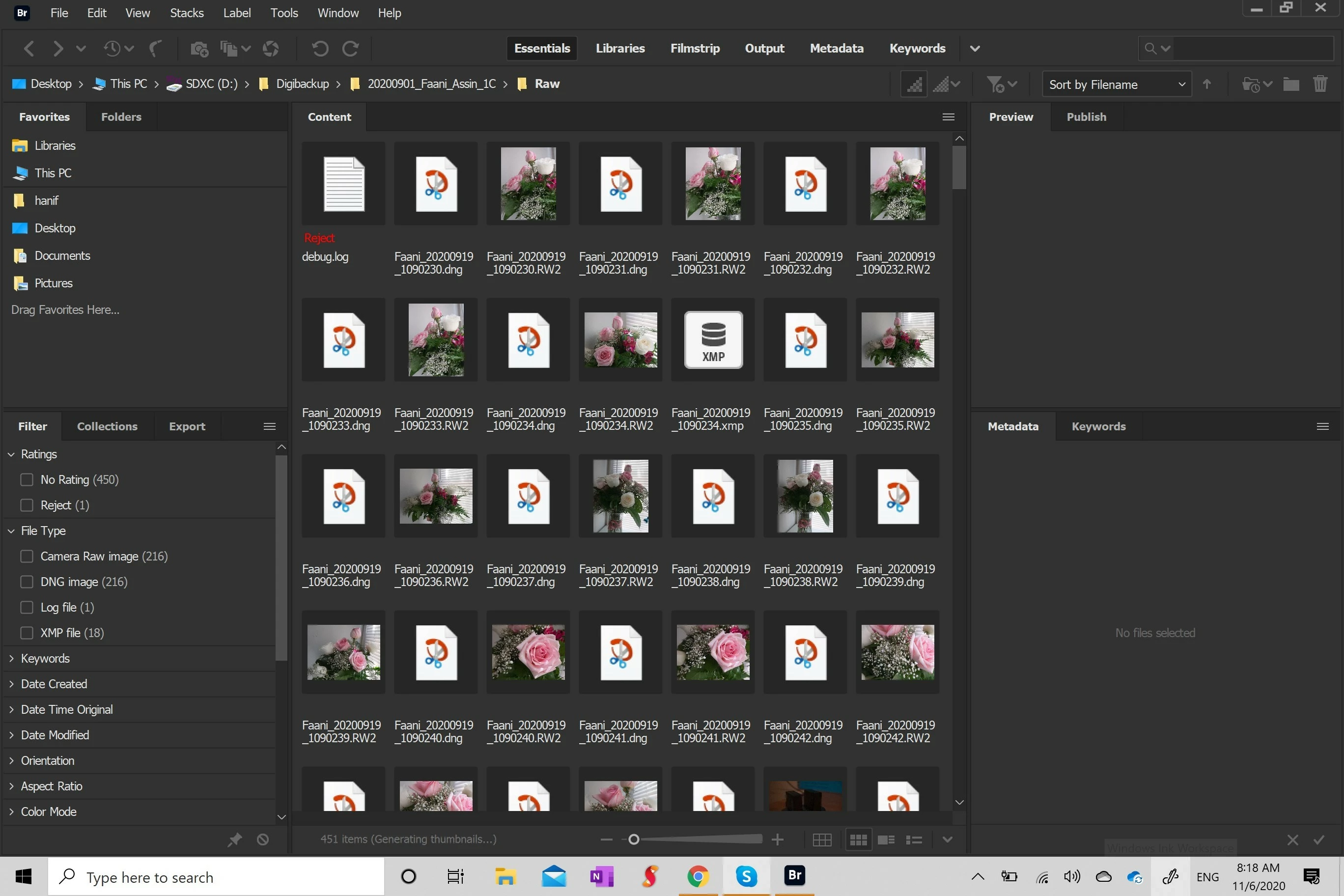
camera raw settings and thumbnails disappearing in bridge
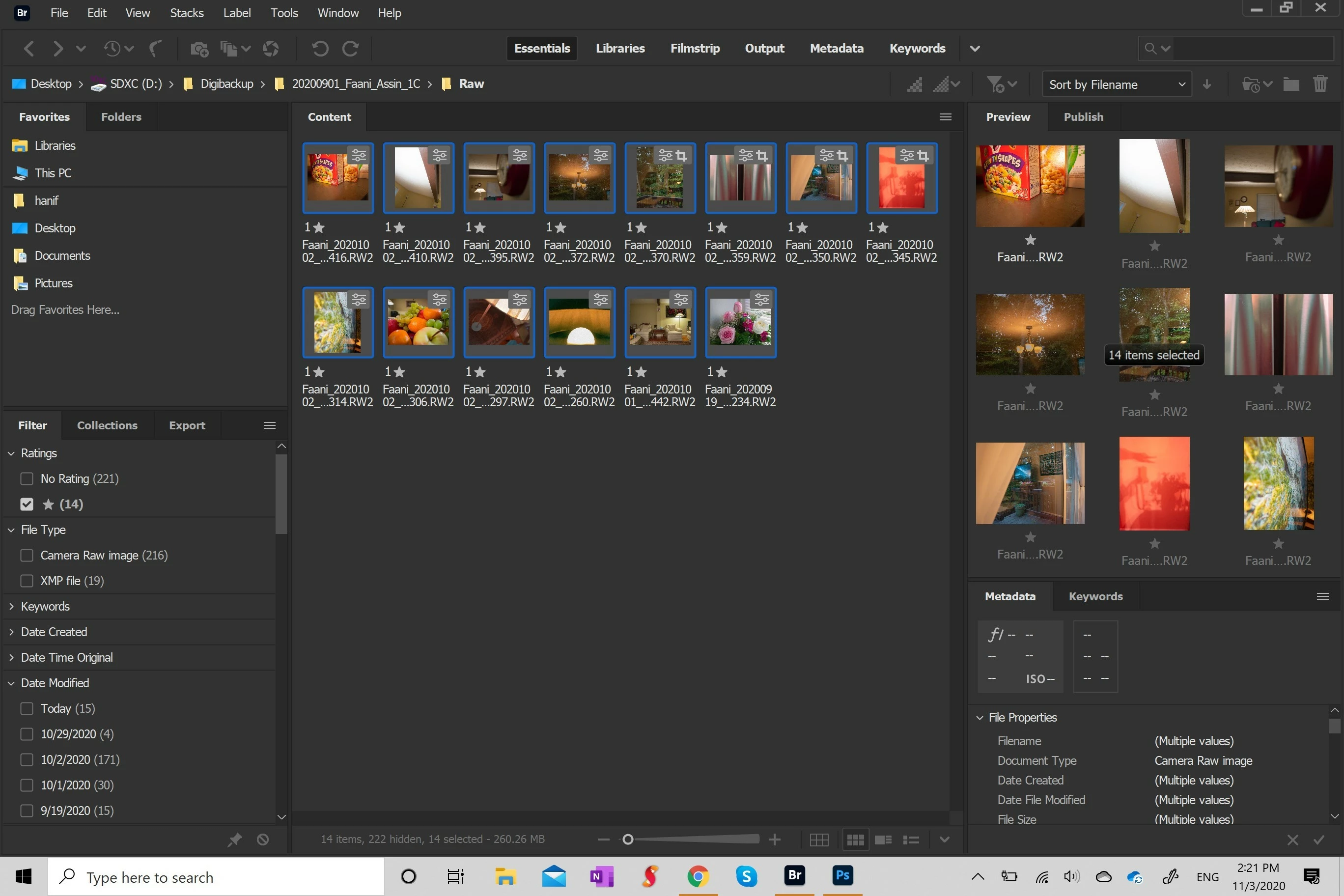
the edits I made on camera disappear from the raw preview and are there in the metadata (which I have trouble understanding how to access since I didn’t have this issue before they would just be visible on the raw after)
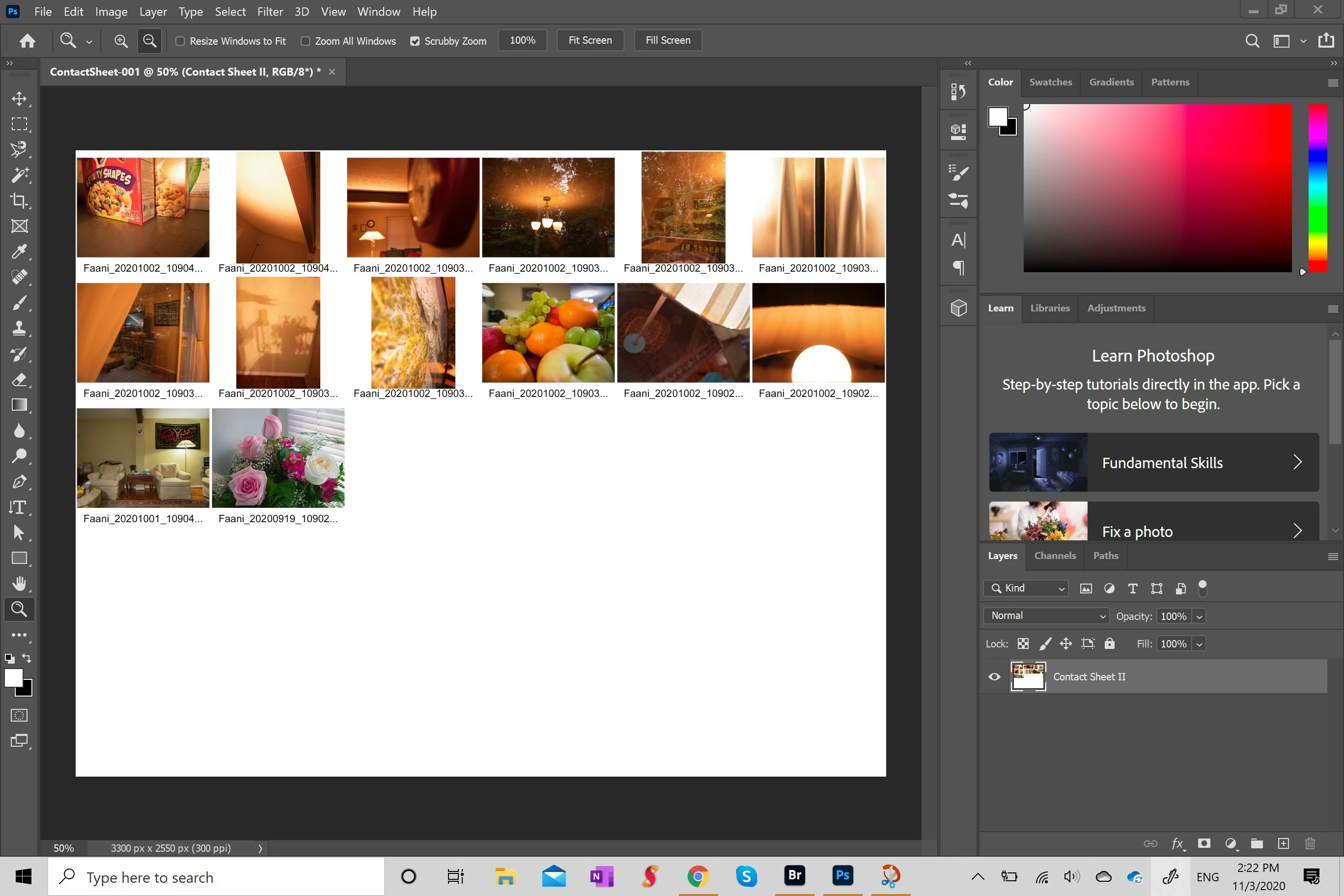
even when the edits don’t “disappear” they don’t show on the raw images when I make a contact sheet which again I was able to do in the past.
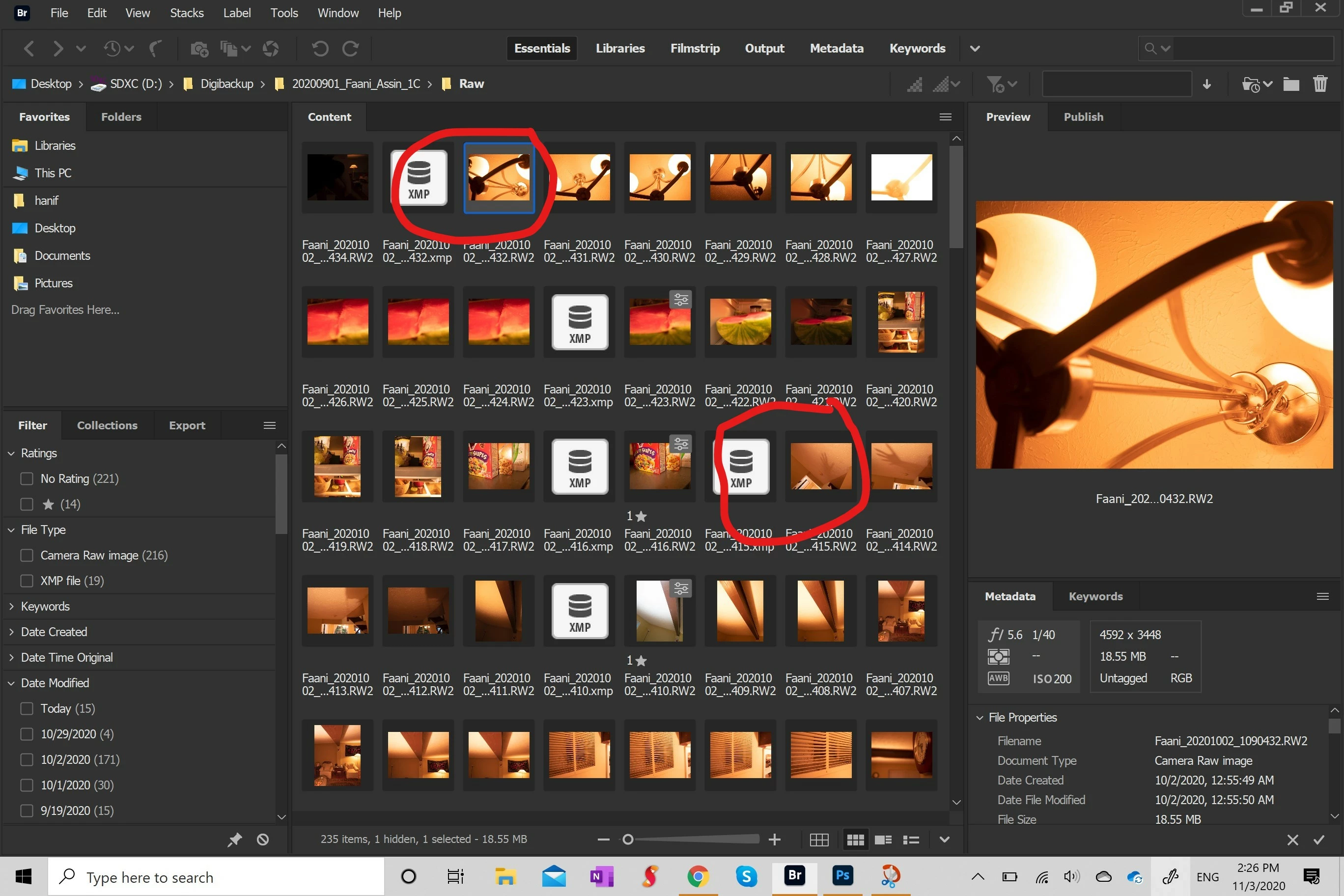
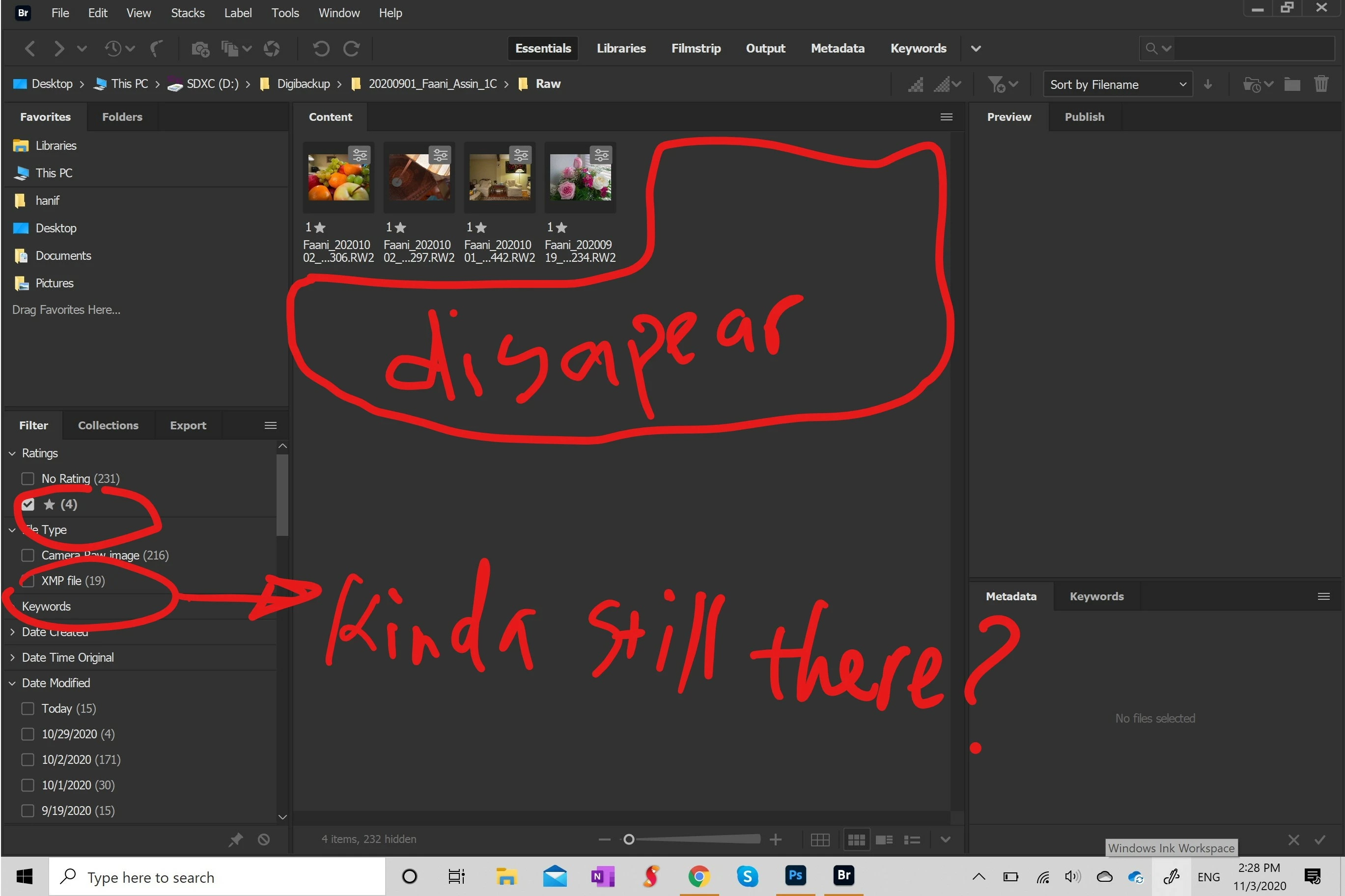
I was happy that after three times of trying my edits didn’t disappear but when I closed and opened bridge again just now strangely only some of the starred images disappeared again but I realized that the number of xmp files were increased as the starred files disappeared. I tried to convert to dng since the raw wasn't working and the dng files worked (were visible) for like three minutes but have just been showing the dng icon since. there is either a bug or virus with my bridge or I might have messed up some setting please help without knowing which believe me I really don't think so.


 AdChoices