

Answered
Camera Raw Settings in bridge and Raw dissappeared after recent update.
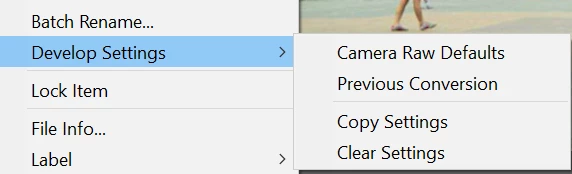
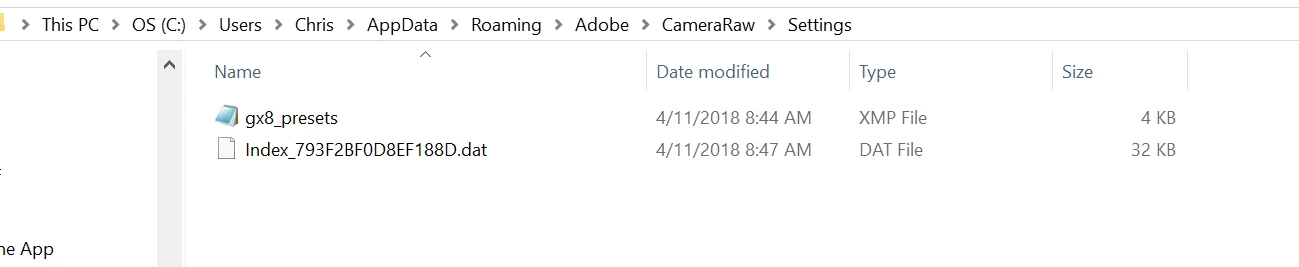
I recently updated camera raw and a few other programs as recommended by Creative Cloud, but right after I updated my settings in Camera Raw were not showing up under the Develop Settings features. Then I opened camera raw and they were not there either. I could load them and I could save them, but they were not showing up under the menu, so applying them has become a real hassle. Please fix this because I absolutely hate Lightroom and I want to continue using my camera raw workflow. Please fix what you broke with the latest camera raw update.


 AdChoices