Participant
December 1, 2016
Answered

Can't set Bridge CC 2017 as default program for opening photos

  • December 1, 2016
  • 1 reply
  • 909 views

I have done EVERYTHING. I am currently on chat with Adobe Customer Care (what a joke) and I still can't "right-click" on a jpg, png, tiff, etc. and set Bridge as my default program. I can make Photoshop my default app for photos, but I can't get Bridge to work. I am working on a Windows 7.

It doesn't seem like a Windows problem because all other Adobe apps work fine when I set them as a default app. Also, it worked fine before the update. Does anyone have a solution that doesn't involve doing these steps? I also tried the file associations in Control Panel > Programs > Default Programs. It's the same dialog so it was pointless to try.
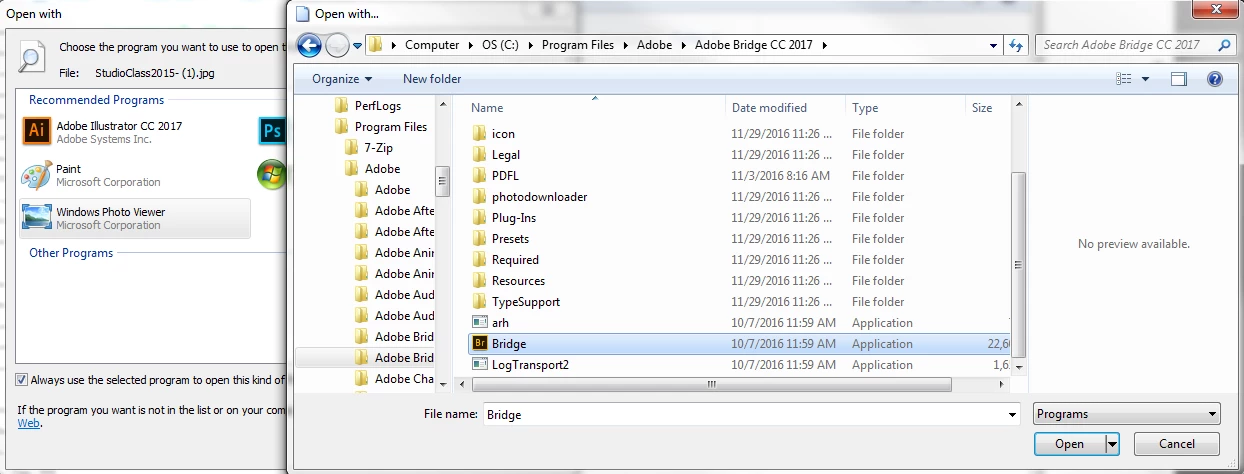
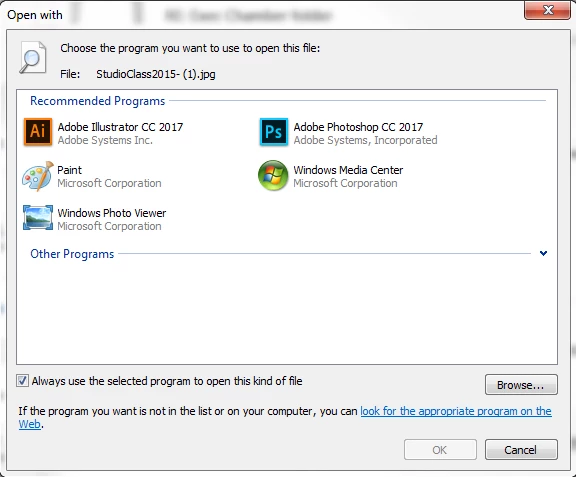
It still doesn't show up as a program I can "use" to open this file. Yet, I can easily view pictures in it, I just have to go the long way to find them or copy and paste the location in Bridge.
This topic has been closed for replies.
Correct answer alyssas9682796616898953

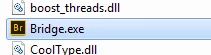
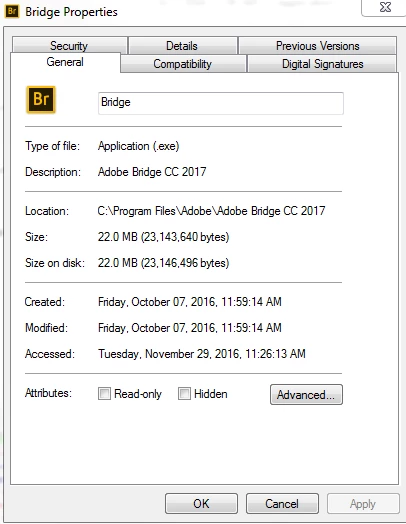
After spending close to two hours dealing with the less than helpful Adobe "Support Chat" my problem wasn't fixed. Then, long after I went home I thought of a possible solution. Bridge is supposed to be a .exe file. So this morning I checked the properties of Bridge (under Program Files > Adobe > Adobe Bridge 2017). It said it was an Application (.exe), but I decided to add .exe extension to the end of Bridge's name (Bridge.exe instead of just Bridge). It worked. Such a simple fix.

I am very displeased with Adobe's tech support. I knew more about the program than she did and the only reason I had the hunch about the .exe extension was because of a similar problem I had that was already solved on a different forum.

1 reply

alyssas9682796616898953AuthorCorrect answer
Participant
December 2, 2016

After spending close to two hours dealing with the less than helpful Adobe "Support Chat" my problem wasn't fixed. Then, long after I went home I thought of a possible solution. Bridge is supposed to be a .exe file. So this morning I checked the properties of Bridge (under Program Files > Adobe > Adobe Bridge 2017). It said it was an Application (.exe), but I decided to add .exe extension to the end of Bridge's name (Bridge.exe instead of just Bridge). It worked. Such a simple fix.

I am very displeased with Adobe's tech support. I knew more about the program than she did and the only reason I had the hunch about the .exe extension was because of a similar problem I had that was already solved on a different forum.