Lightroom can import and process raw, DNG, JPEG, PNG, PSD, and TIFF files including layered files in both RGB and CMYK file format. In the case of layered PSD files they must be saved with 'Maximize Compatibility' checked. All of these file formats can have their LR Develop settings saved to XMP metadata in the file with exception of raw files, which use XMP sidecars.
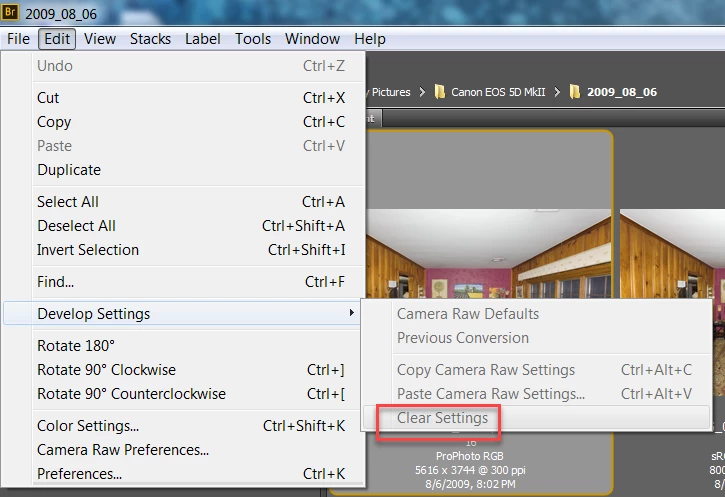
It appears the Adobe Camera Raw Plugin and Bridge can only apply and clear XMP Develop settings in raw, DNG, JPEG, and TIFF file formats. PSD and PNG file format are not supported. The question is why the difference?
I've reported this issue at the Photoshop Family forum as it appears to be a bug or "difference" in the file handling capability of ACR and Bridge versus Lightroom. Please add any further comments at the below post to prevent fragmentation of the discussion. Thank you!
Manage Workspace - Get Satisfaction




 AdChoices