
color differs in thumnail, bridge, raw and photoshop
After purchasing a new screen, I have issues with my colors when working in Camera Raw, Bridge and Photoshop
Screen is Dell U3223QE – we have not used a professional calibration tool. Colors have been adjusted to look like prints and old screen which was calibrated.
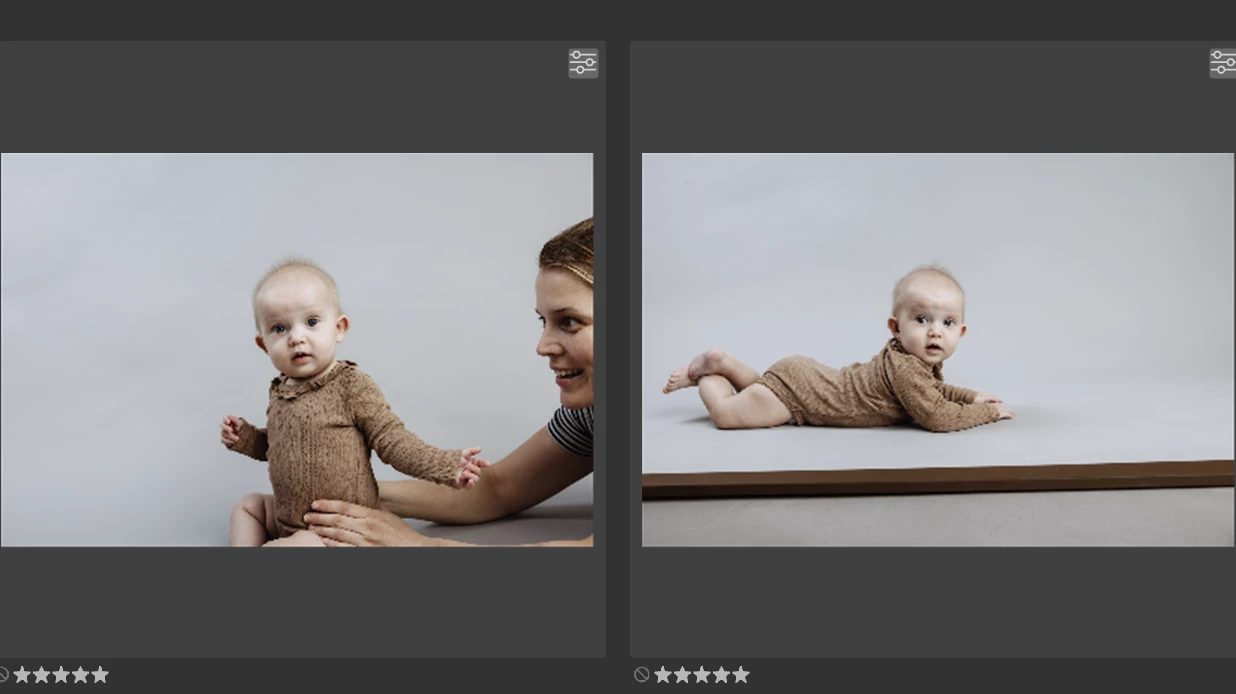
When I open a folder in Bridge, I see the thumbnails but if I mark the thumbnail, the tone of the image changes. Sometimes from warm to cold and sometimes from col to warm
Example:
I open Bridge:
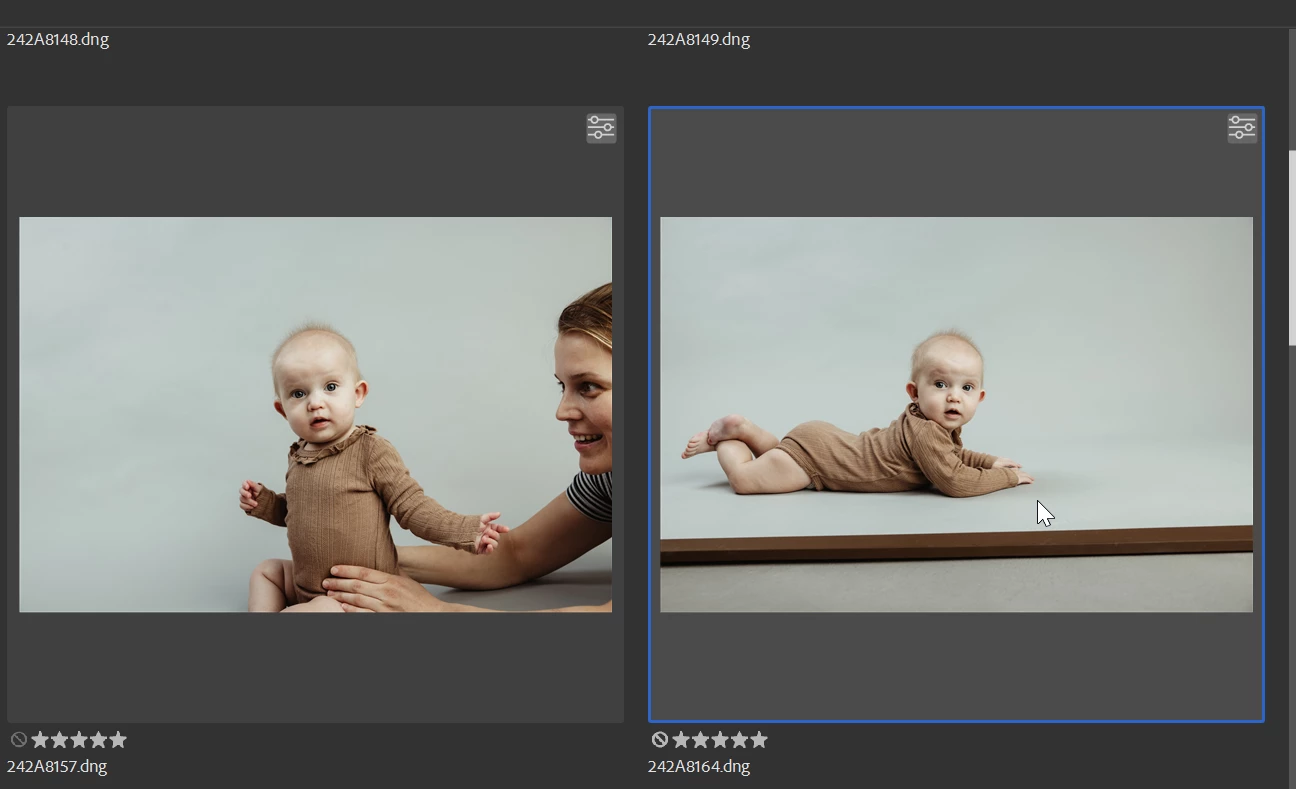
I mark the thumbnails and they change to a cooler tone
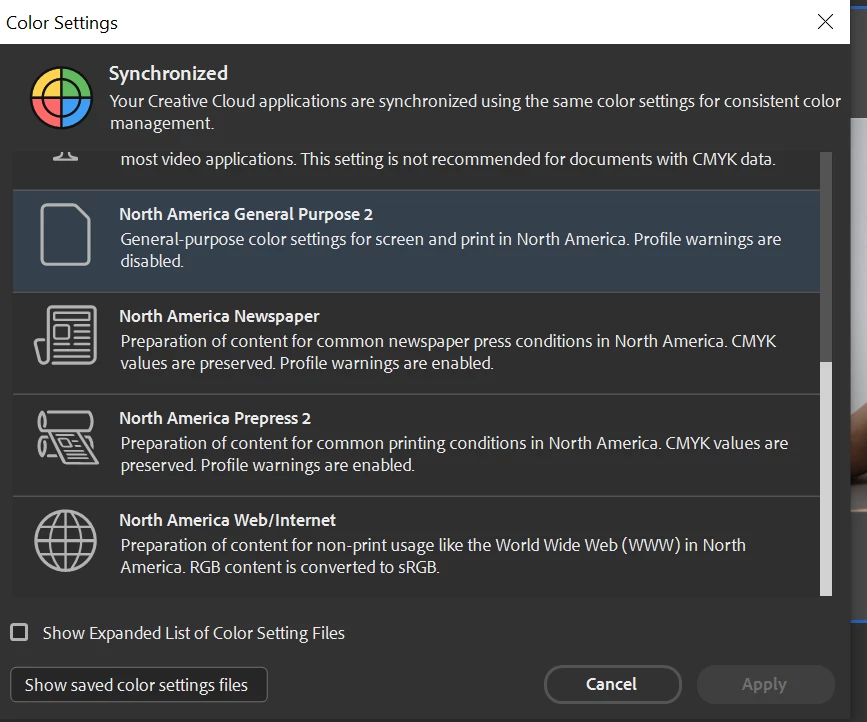
Color settings in Bridge is:
When opening the DNG image in Camera Raw, it opens in the warm tone
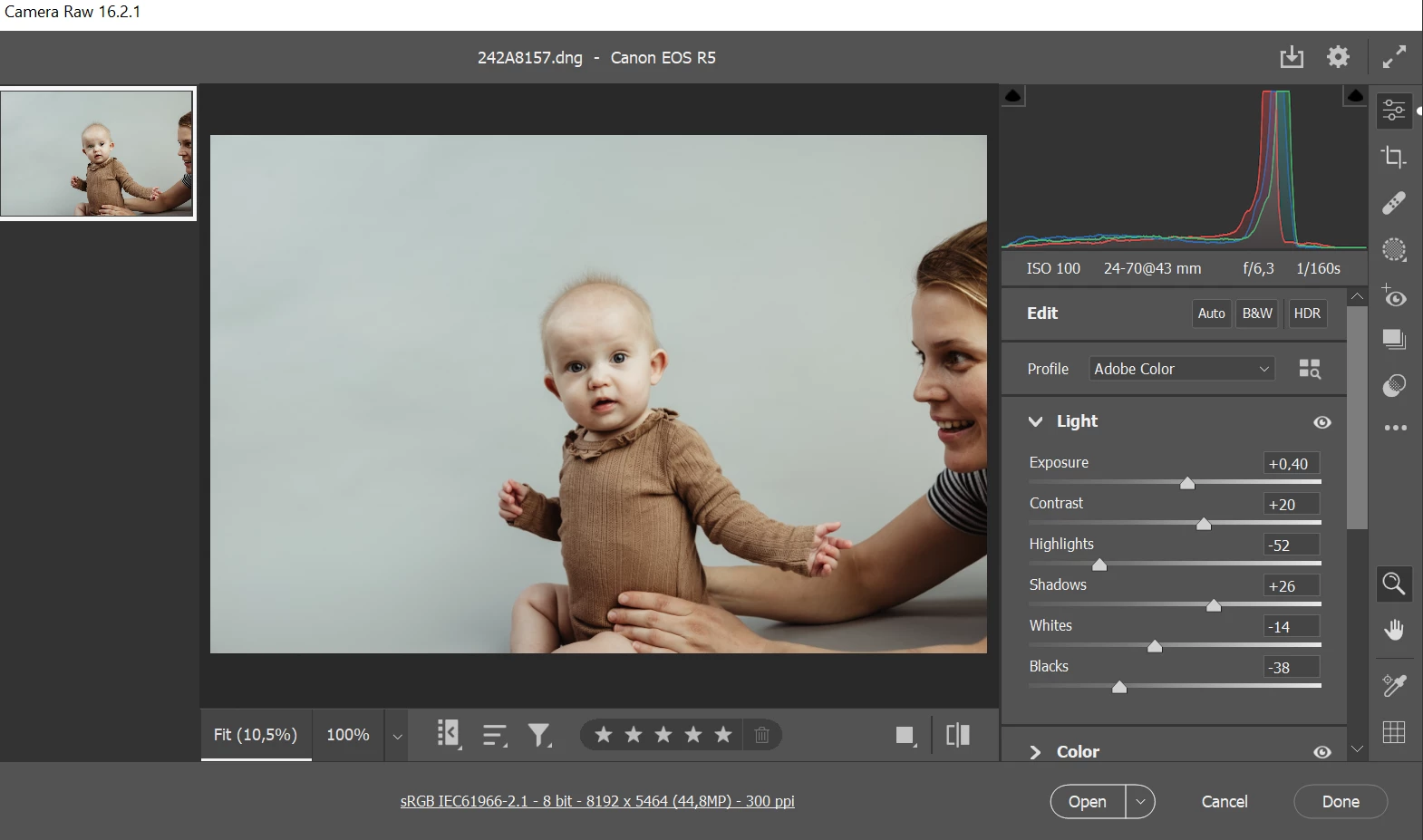
Color settings in camera Raw are the following:
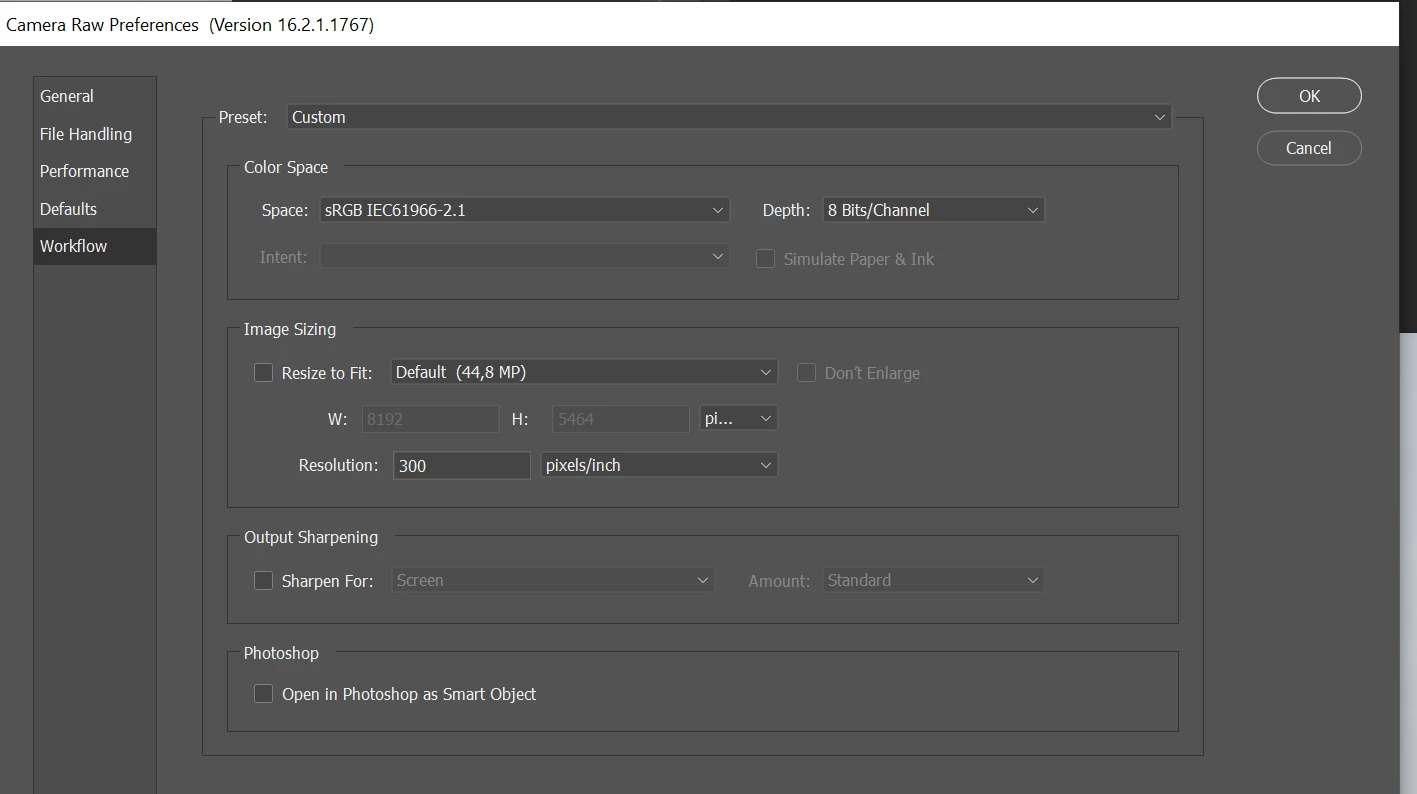
When I then open from DNG converter (no adjustments), it opens in Photoshop in a cooler version
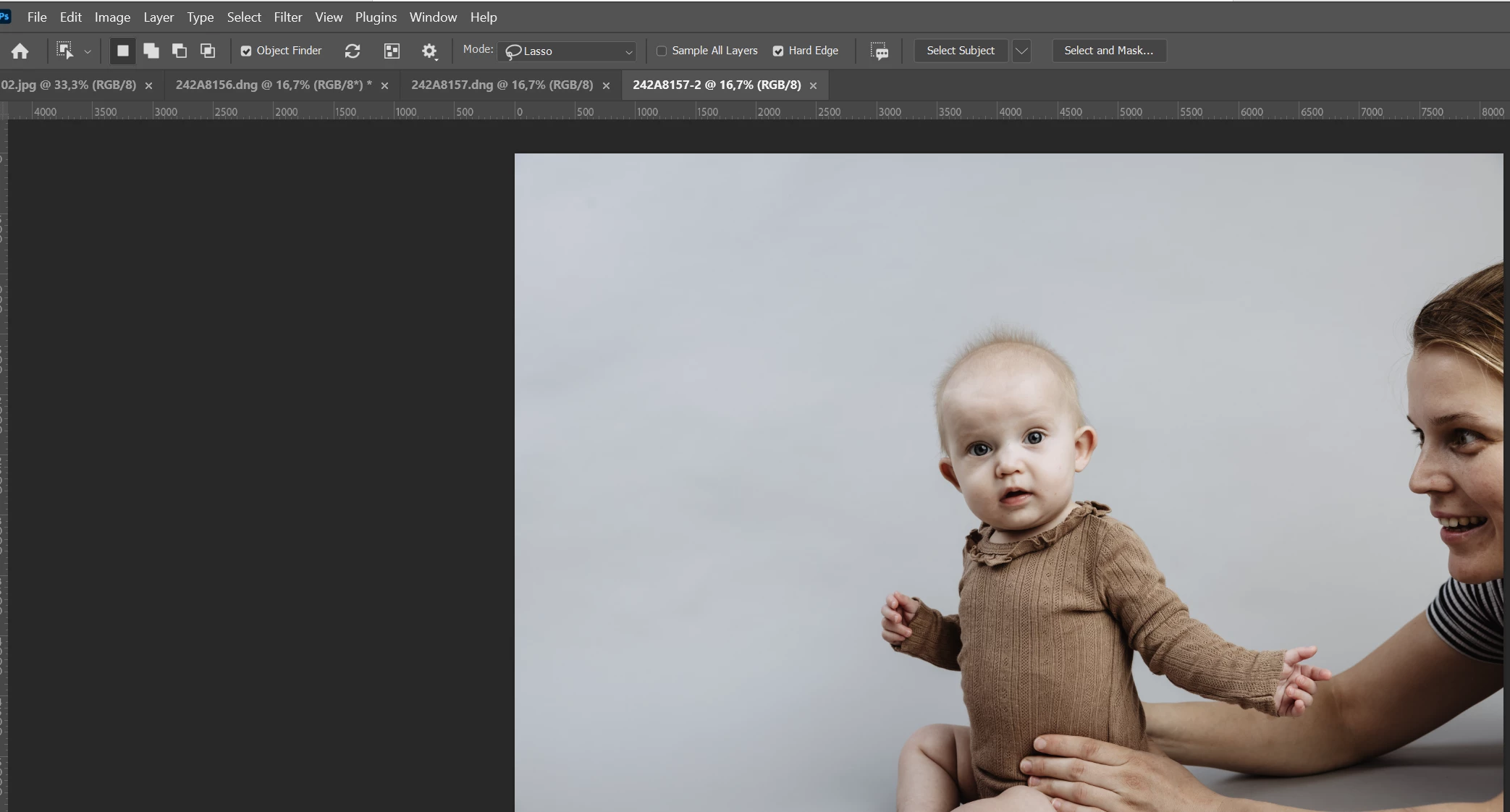
Color settings in Photoshop are:
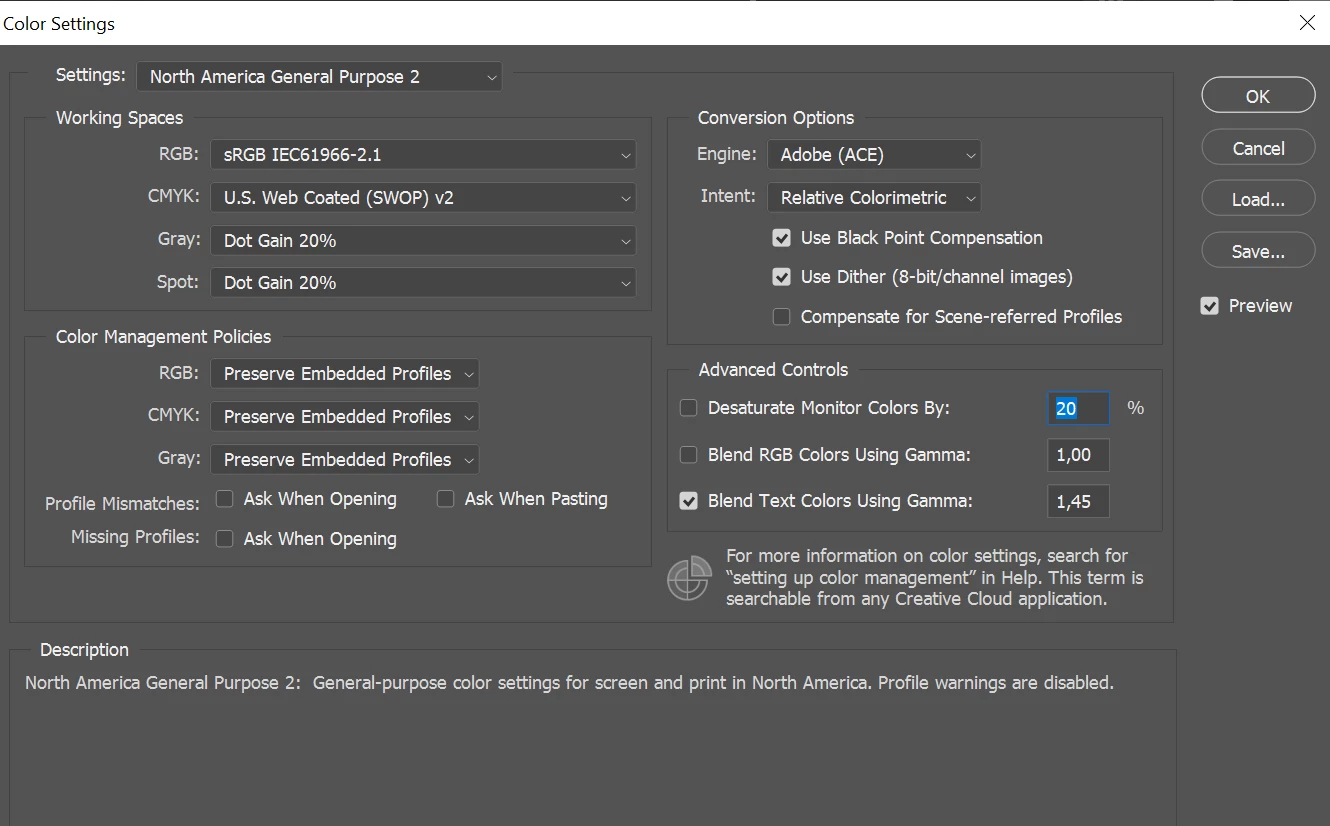
Windows and other software:
When previewing in windows, the tumbnail is showing the warm color but when opening the image, the cooler version are displayed. (left image)
We use Pictime. When uploading to their page the warm color are displayed (right image)

How do we avoid this and get the same color in both Raw, Bridge and photoshop and also correct in thumbnails in Bridge? Please help


 AdChoices