
Editing photo metadata date: "this property cannot be modified"
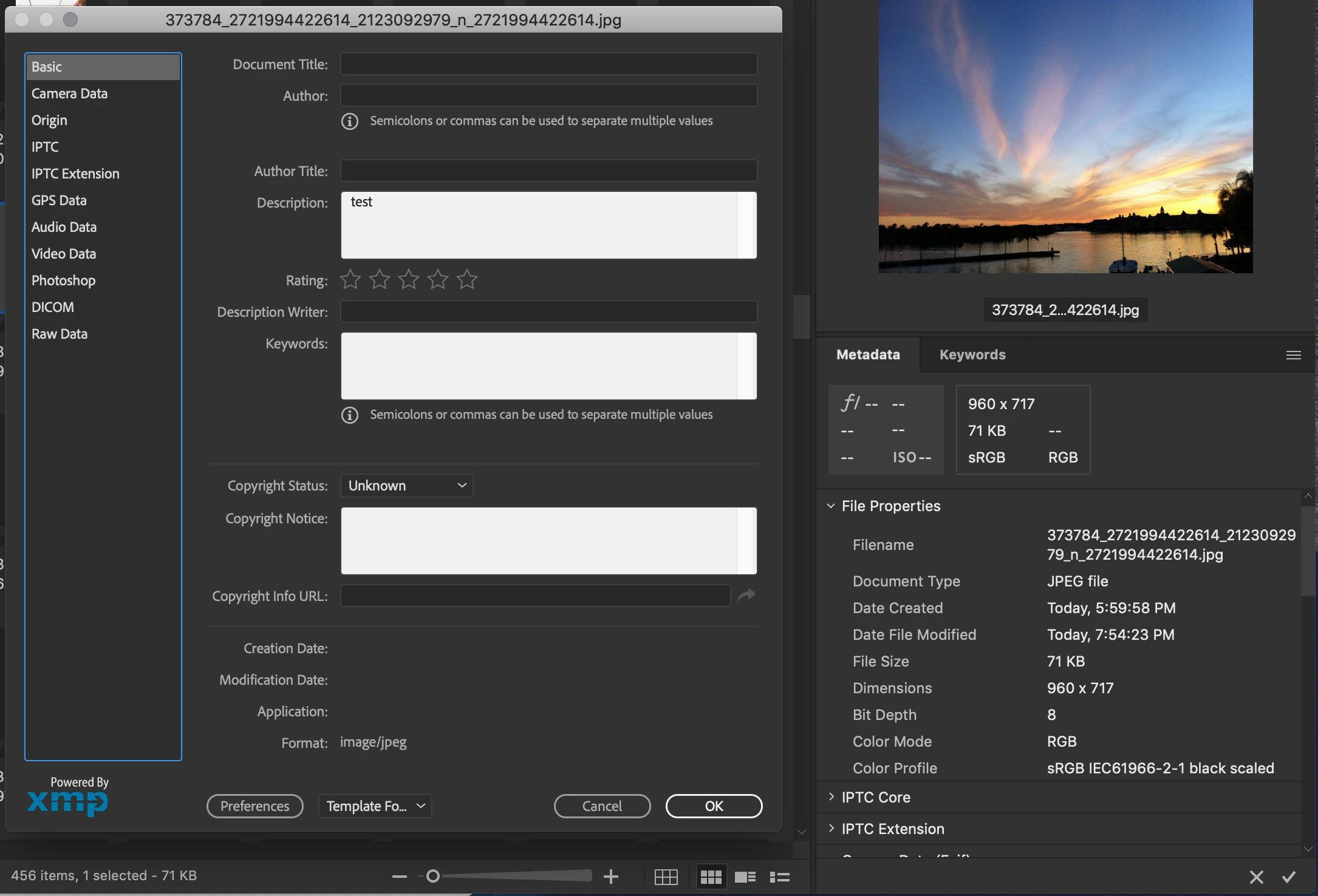
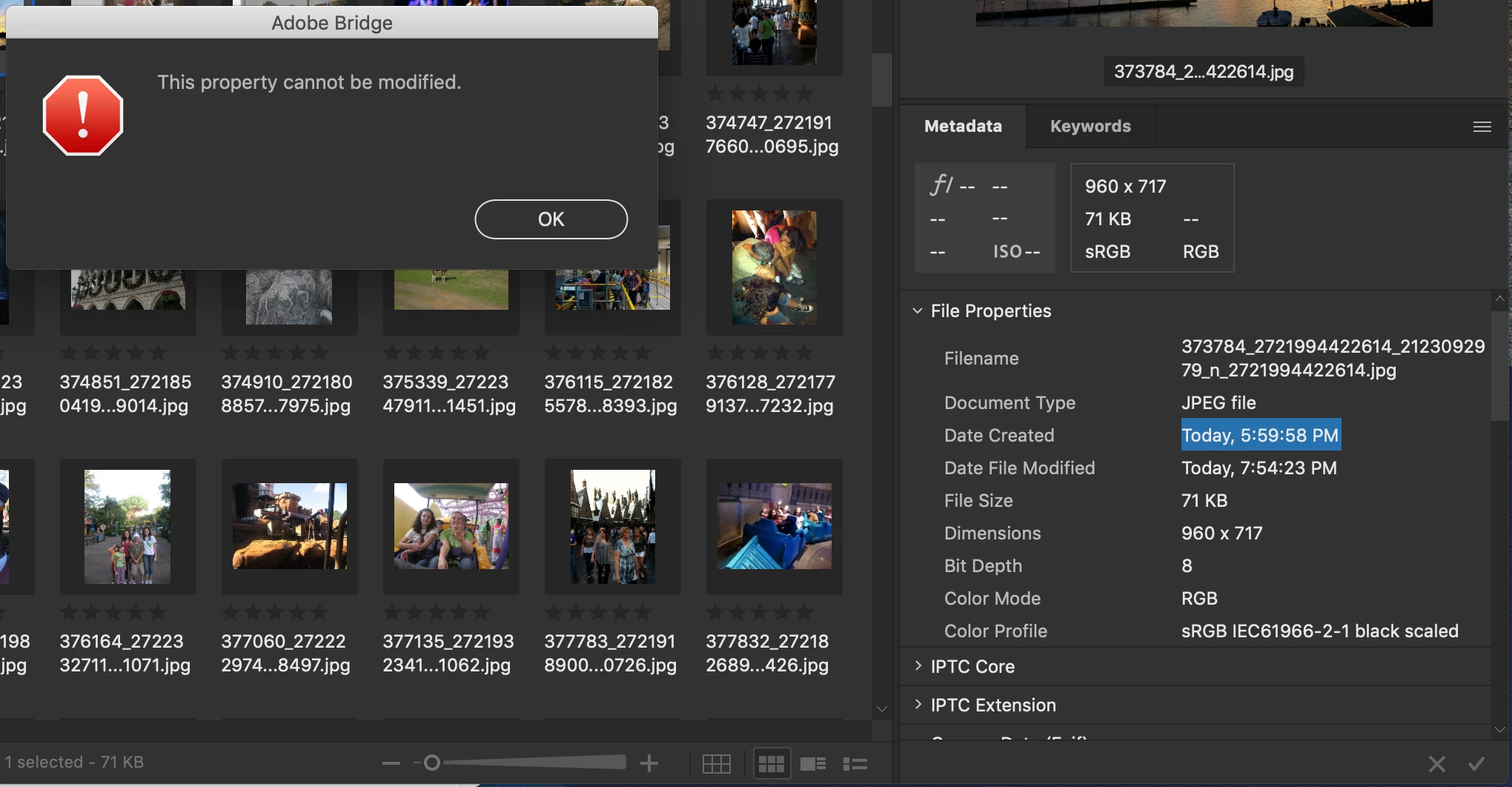
So I just batch downloaded a bunch of photos from my Facebook account. Unfortunately the upload date doesn't come with them, so I'm trying to edit the date metadata so that Google Photos / Apple Photos will organize them correctly chronologically. But when I try getting opening the info panel on a file, (as shown in picture #1), the creation date shows as blank, and I can't click to edit it. When I try double clicking the creation date or the modification date in the metadata panel, (as shown in picture #2) it pulls up a "This property cannot be modified" error message. This also happens to all the other photos I've tried in different file locations. Any ideas as to why this might be happening? I am running Bridge CC 2019 on a Macbook Pro with macOS Mojave 10.14.1.


 AdChoices