

darrisleeharris
Known Participant
October 4, 2024
Question

Entire program is not visible

  • October 4, 2024
  • 1 reply
  • 755 views

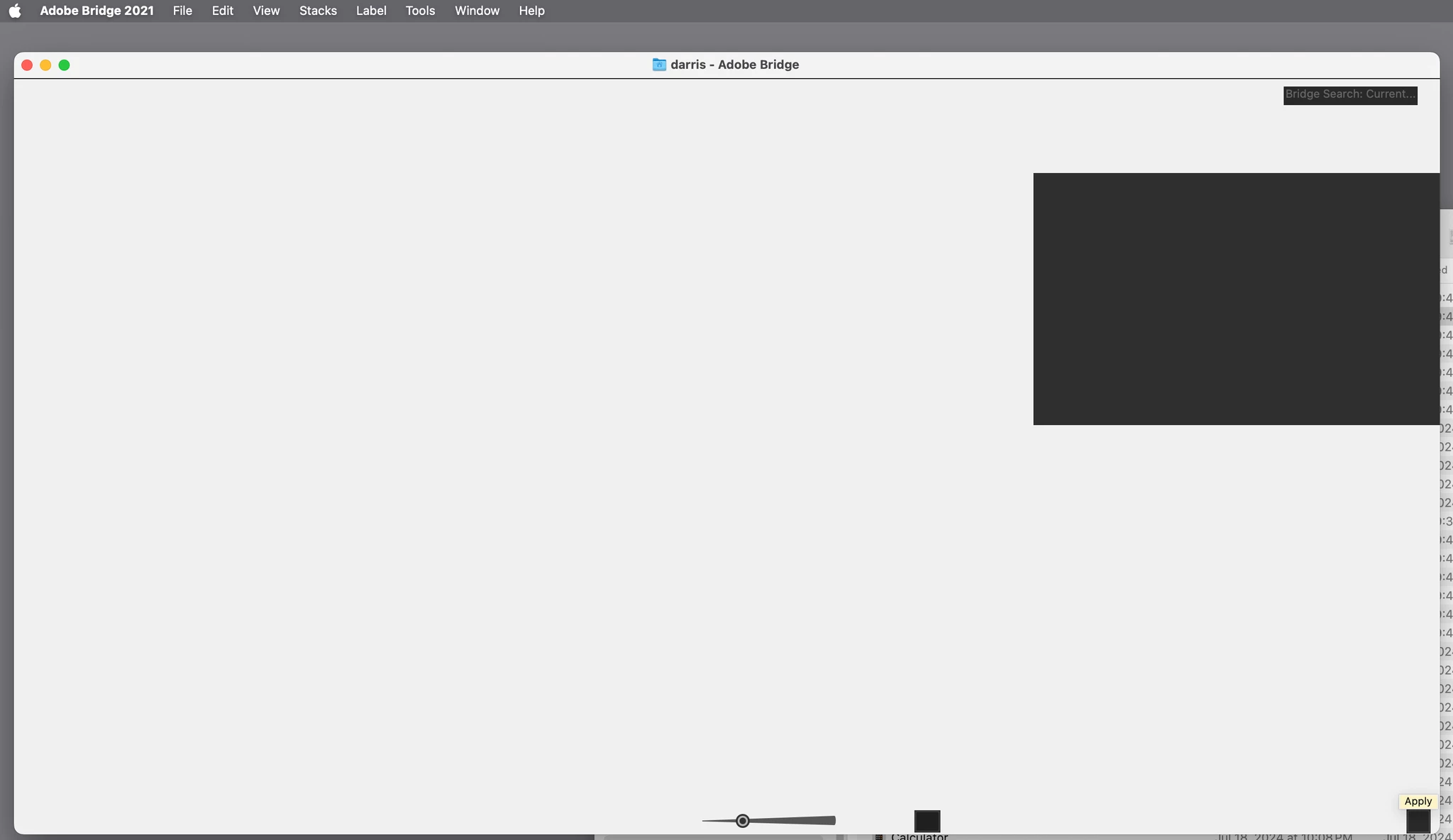
I can't get used to BR 2024. I hate that Adobe has reduced the Color Theme options to just dark and light, and has removed the middle gray. So I got on the phone with Adobe, only to have the tech disable the version 11 I had, forcing me to downgrade to an older version (11.0). It seemed to work fine. But I got a new computer, and now this is all I see in BR 2021 (see attachment). What the heck?
 

This topic has been closed for replies.

1 reply

jane-e
Community Expert
Community Expert
October 4, 2024


quote

this is all I see in BR 2021

By @darrisleeharris


Your document window is too large for your monitor. You can

  • Dock the Window
  • Resize the Window by dragging any corner
    Then move the Window by dragging the Title bar


Is there a reason you have not upgraded to Bridge 2024 on your new computer?


I've moved your post from Photoshop to Adobe Bridge.


Jane


darrisleeharris
Known Participant
October 6, 2024

Thanks for the reply. I'm not sure what you mean; attached is a pic showing what it looks like trying to change preferences. Resizing has no affect. And the reason I like like 2021 BR better than 2024 BR is that there is a middle gray in the Color Theme options. 2024 only offers basically black and white. Also 2024 PS is terrible with guides. Pull out a guide and it's the color spec'd in preferences. But adjust that guide and it turns blue. Why can't this be disabled, or have the color user controllable? AI doesn't mean a thing when other things ruin my user experience. Thanks again!


jane-e
Community Expert
Community Expert
October 6, 2024

@darrisleeharris 


My apologies, I misread your first message. See these two help pages for resetting preferences:


https://helpx.adobe.com/bridge/kb/troubleshoot-errors-freezes-bridge.html#:~:text=Start%20Adobe%20Bridge%20and%20immediately,%2D%2Dand%20then%20click%20OK.

"This document can help you resolve sluggish performance or system errors that occur while you use Adobe Bridge. System errors can manifest themselves in many different ways, including (but not limited to) the following:

  • A blank or flickering dialog box
  • A frozen cursor or screen
  • An error such as "The application 'unknown' has unexpectedly quit."

Different factors can cause system errors, including conflicts among device drivers, software, and hardware, and corrupt elements in specific files. Although a system error occurs only when you work with Bridge, Bridge isn't necessarily the cause. It could be the only application that is memory- or processor-intensive enough to expose the problem.


https://helpx.adobe.com/bridge/using/adobe-bridge-workspace.html#restore_preferences


If resetting preferences doesn't work, contact Adobe Customer Care. They are the only ones who can look at your screen. Try the link to auto-open the Chat:
https://helpx.adobe.com/contact.html?rghtup=autoOpen  
Type "agent"


Note that they will most likely delete your preferences file.


Do not reply to PMs, which are likely to be scammers.

Let us know if this works or if you need more help.


Jane