
Error message when exporting ^0
I have a problem with Adobe Bridge. If I edited an image with Adobe Camera RAW (out of the Bridge) and then want to export it, I get an error message:
The operation could not be completed successfully.
^0
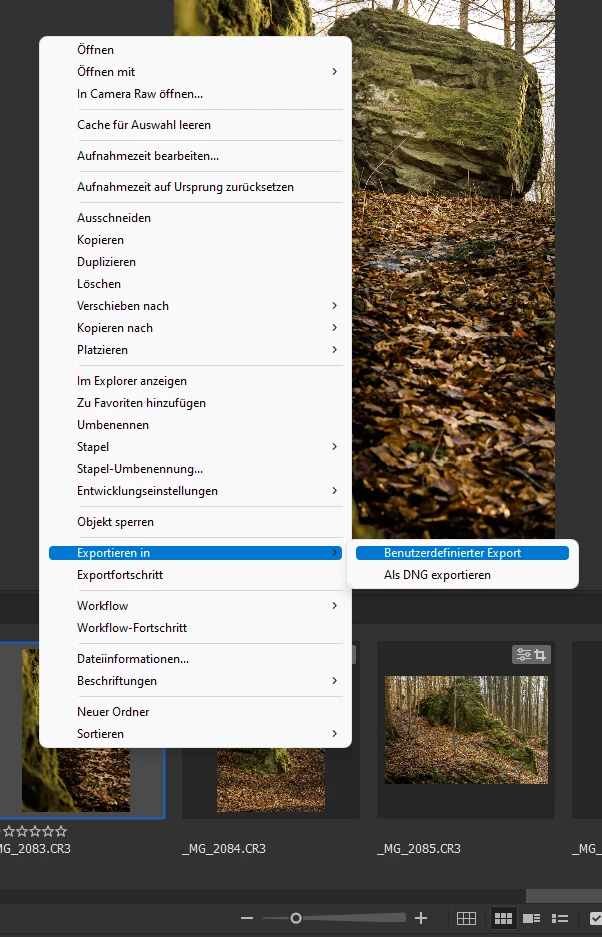
I can't even get to the area where I enter the presets for the image. The error message comes up immediately after I click "Custom Export".
The computer has a new Windows installation. I've already run Adobe Cleaning Tool as admin, removed all products and reinstalled. Before the computer was reinstalled, this error did not appear. No changes were made to the hardware. Windows 11 and the latest Adobe versions were also used before.
Windows 11 Pro Ver.21H2 Build 22000.493
Intel Core i5-9400
Intel(R) UHD Graphics 630
16GB RAM
167 GB free space also hard disk C
(Translation with Google Translate)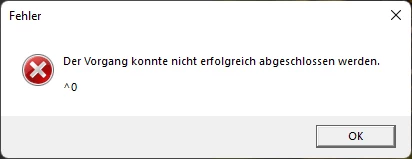


 AdChoices