


Participant
February 5, 2023
Question

Get Photos from Camera doesn't work on Silicon M2 Mac

  • February 5, 2023
  • 1 reply
  • 494 views

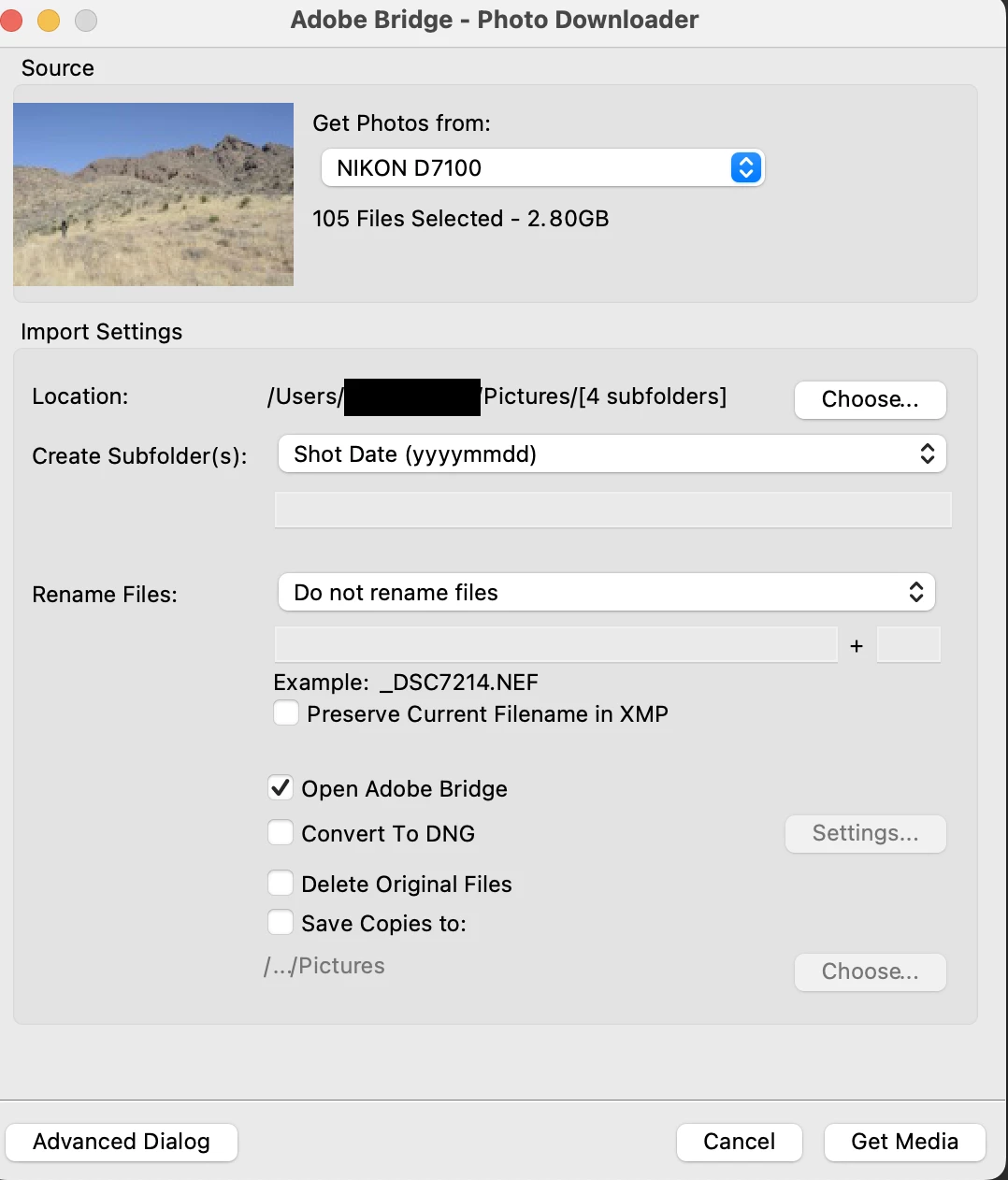
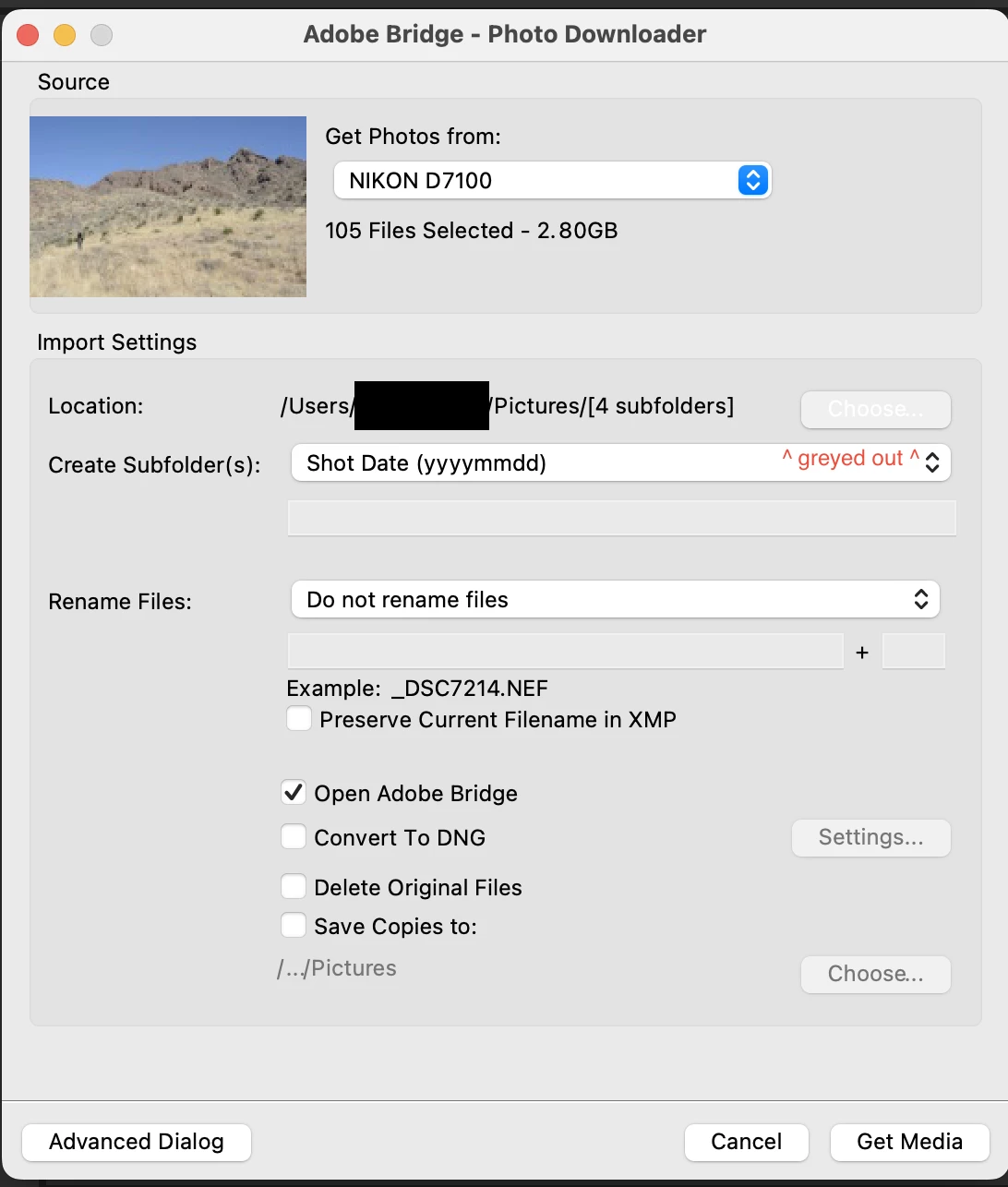
When I launch Bridge (v12.04 or v13.02) on my Silicon M2 Mac, then choose Get Photos from Camera, none of the buttons work. Clicking any button simply makes that button grey out. I have reinstalled Bridge but no luck. No problems using Bridge except this one major PITA to my workflow of importing .xmp files and renaming RAW NEF files on import!! The only function that works is to refresh the list of devices.
This topic has been closed for replies.

1 reply

Community Manager
February 24, 2023

Hi,


Thanks for your feedback.

Could you please share the Mac OS version?

We are aware of some of the issues on Mac Ventura 13.2 and we are working on those.

If you have Ventura 13.2, here is a help link for a workaround.

https://helpx.adobe.com/bridge/kb/bridge-and-macos-ventura.html


Thanks,

Bridge Team

Participant
March 8, 2023
Hi -- Yes, Ventura 13.2.1. I'll try the workaround. Thanks.