


Question
Grid Lock View and Missing Keyboard Control - BUG / ERROR - Bridge 13.0.0.562
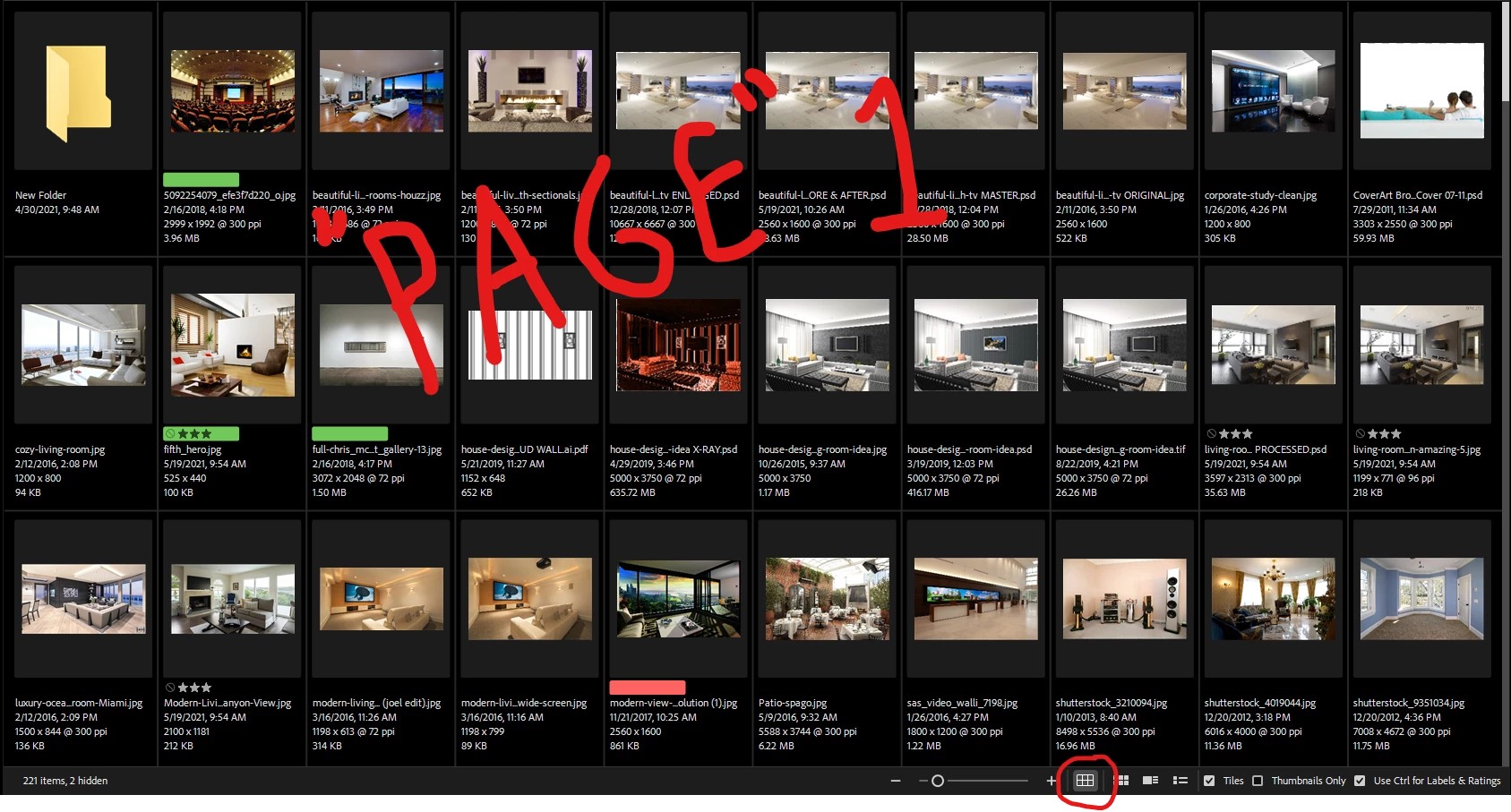
The Grid Lock view adds a grid around each thumbnail box and snaps box to be evenly divided into the width AND height of the thumbnail view window. The number or rows and columns adjusts automatically as the thumbnail size is increased/decreased.
In previous versions of Bridge for as long as I can remember:
- Using the page up/page down keys, up/down arrow keys, up/down scroll bar arrows, clicking to jump the scroll bar, and using the mouse scroll wheel would all advance the thumbnails up/down by exact row increments (single/multiple or whole page).
- Dragging the scroll bar would result in a shifted grid, but then all inputs above would function as noted but with the new grid position exactly until the first or last "page" is reached then snapping back to the original grid layout.
In 2023 version 13.0.0.562 Bridge:
- page up/ page down keys no longer function 😞
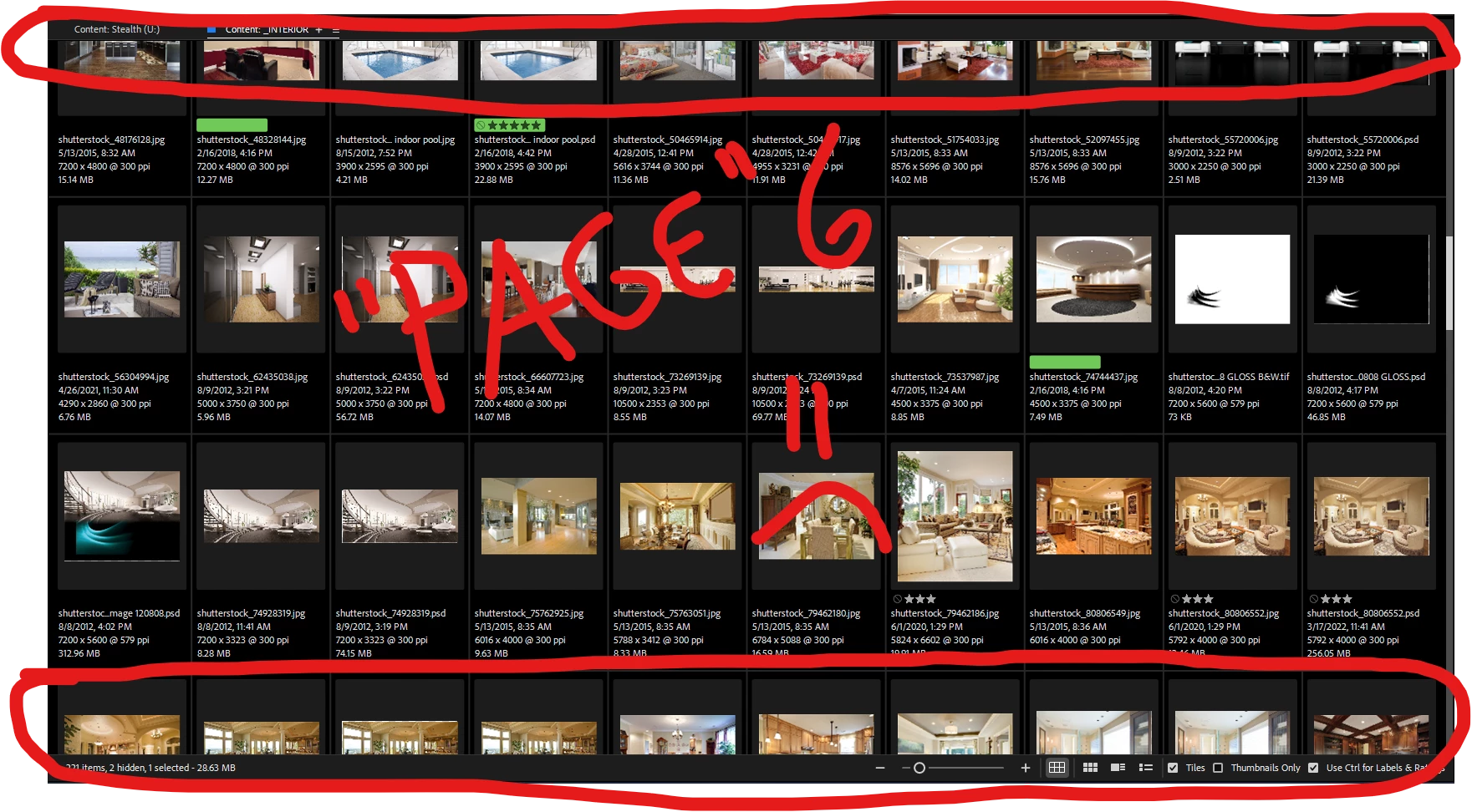
- up/down arrow keys make an initial grid shift slightly off from "page 1" and then increment by whole row increments
- no scroll bar arrows 😞
- clicking on the scroll bar advances by uneven increment, SLOWLY resulting in split rows
- mouse scroll wheel advances by uneven increment, QUICKLY resulting in split rows
- dragging the scroll bar also shifts the grid as 2022 (and prior) versions. Subsequent input action errors are applied from there per the 2023 version.
 AdChoices