blogsofwar.me
Inspiring
January 6, 2020
Answered

How do I drag my CR2s from the card to my desktop?

  • January 6, 2020
  • 1 reply
  • 924 views

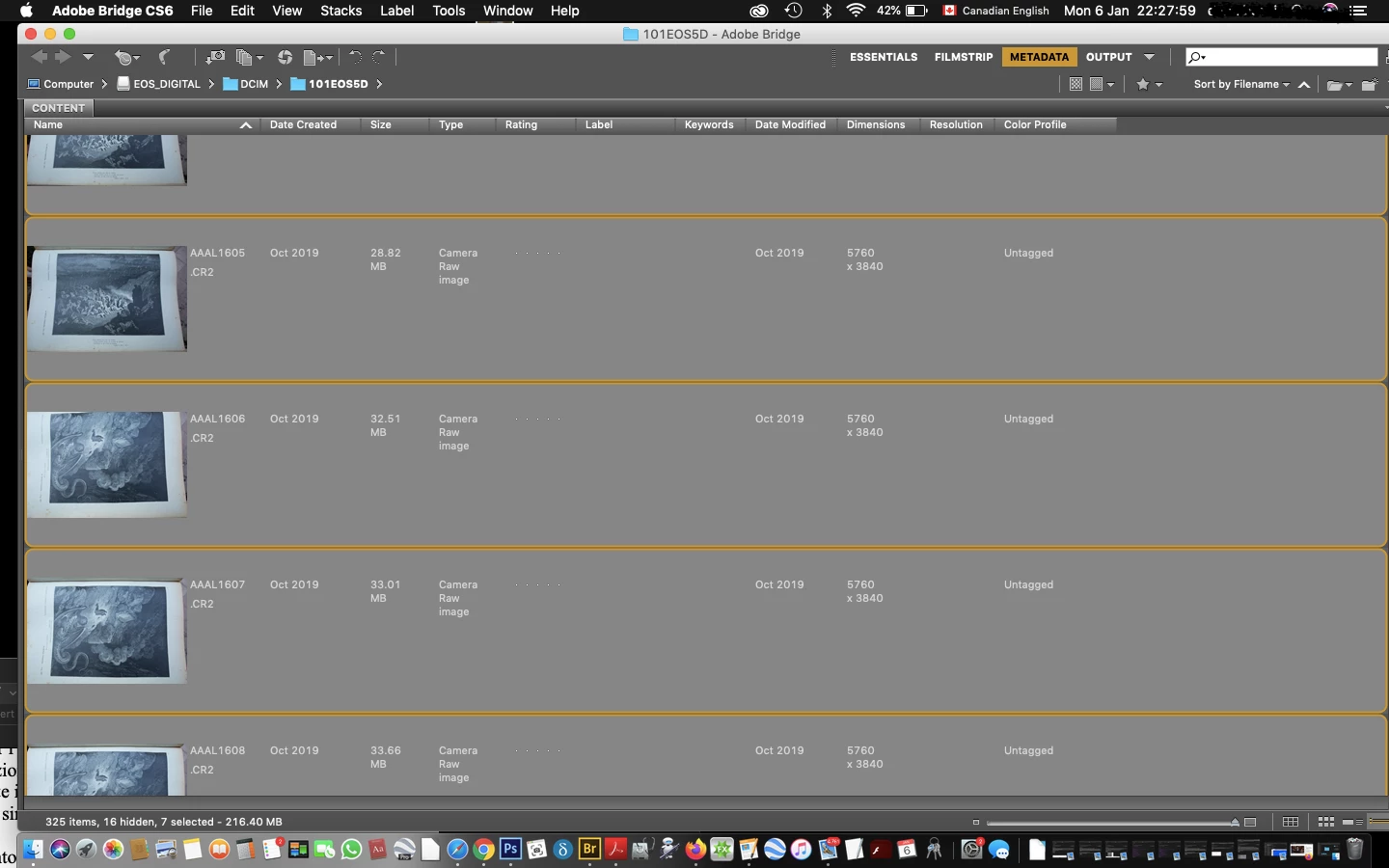
Hi, I used to do this like a breeze but I stopped doing photography for a while. I have these CR2 on Bridge , they are still on my card,  I selected them nd need to bring them to the desktop, as I click on one of them  to drag the all thing I deselect all of them, how do you do that? thanks

This topic has been closed for replies.
Correct answer gary_sc

Hi Gary, but then again PS CS6 seems to be working on Mojave, although I haven't tried it extensively enough yet. I may keep it, as with photojournalism I need it very little. So I didn't know that you could download sorry install - because I think that the bot does everything now for you and downloads are no longer available - bridge 2020, separately from PS, so I may talk to the bot tomorrow.

I am also thinking seriously to go back to yosemite, they hear from me every day at the feedback about the Gallery: Mac Book air for viewers of cute kittens click click click click. I want my cover flow back.


OK, let me elaborate on the word(s) supported/not supported:


An application may work in any given OS but not be supported. That is, if something isn't working, Adobe (or any application developer) is no longer expected to make it work. 


A good example is Catalina: All of Adobe's applications are supported even though a number of them (Bridge in particular) is not working very well. Adobe is doing what it can to make it work. 


If there is a change that leaves you completely not functioning, Adobe will not step up to help. If there is a feature that doesn't work, Adobe will not step up to help. But if the program is working for all your needs, you are golden.


I hope that makes sense.

1 reply

gary_sc
Community Expert
Community Expert
January 7, 2020

Hi Blogsofwar,


First off I see you are using Bridge CS6. What is your Operating system now (and which version)?

blogsofwar.me
Inspiring
January 8, 2020

Hi Gary, mojave 10.14.6, the bot told me I would be safe with perpetual CS6, not Bridge though..

How do you know it's Bridge CS6?

gary_sc
Community Expert
Community Expert
January 8, 2020

Hi Blogsofwar,


Hehe, becuase the screenshot you have of Bridge shows CS6!


What are you referring to when you say "... the bot told me I would be safe with perpetual CS6..."


The sad news is that while I do remember when the head honcho of Adobe at Adobe MAX (when the CC system was announced) said that CS6 will always be supported, the truth is that that is no longer. 


Now here's the deal: you can download the lastest Bridge 2020 for free (you will need your Adobe account) but it's working a bit wonky for some but that is mostly for people using Catalina. I'm (like you) still on Mojave and Bridge 2020 seems to be working fine.


HOWEVER, I have not clue as to how Bridge 2020 will work with the ACR that came with CS6. I fear it will not work at all but you can test. The problem you have is that CS6 would continue to work as long as you didn't update your OS. At one point you went too far so CS6 (which had reached "end of life" several years ago).


I think you may have reached your limit and will either have to either: (1) move to Photoshop Elements (that is still perpetual),  (2) check out the options for the Photoshop [https://www.adobe.com/creativecloud/photography/compare-plans.html], or (3) go to a competing companies perpetual program (e.g., On1 software, etc.)


Sorry, I wish I had better news for you.