
Question
how to call photoshop new script from bridge tools menu
i just create a 'Image Processor Outter Mode.jsx' script for photoshop and copy to ../photoshop cs3/presets/scripts/ folder. i can see the menu item list in photoshop file->script->.
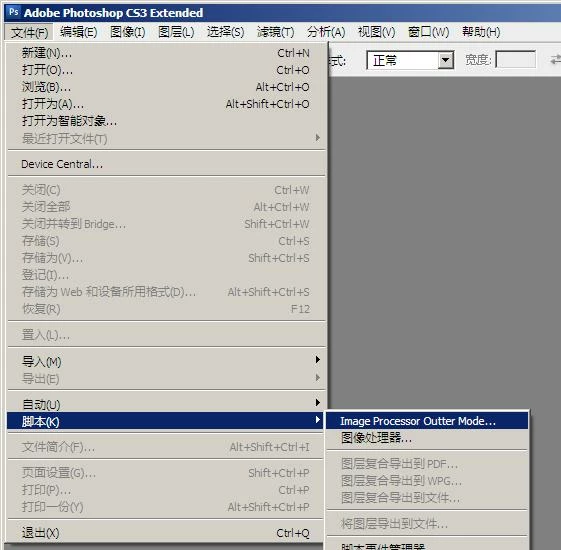
but can't find it in the bridge cs3 menu. in bridge cs3 tools->photoshop. it only list the default script, image processor for example.
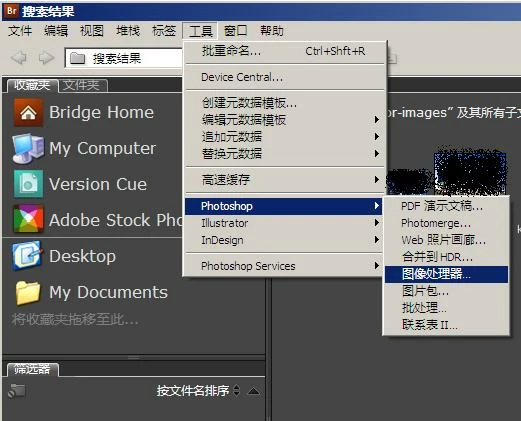
i'm plan to search files in bridge and run all the result files with the new jsx. anybody can help me ?
thanks.


 AdChoices