Hi Adim,
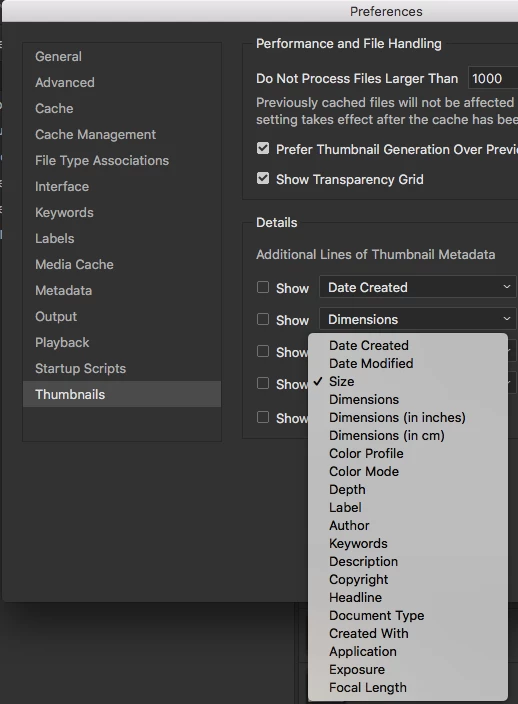
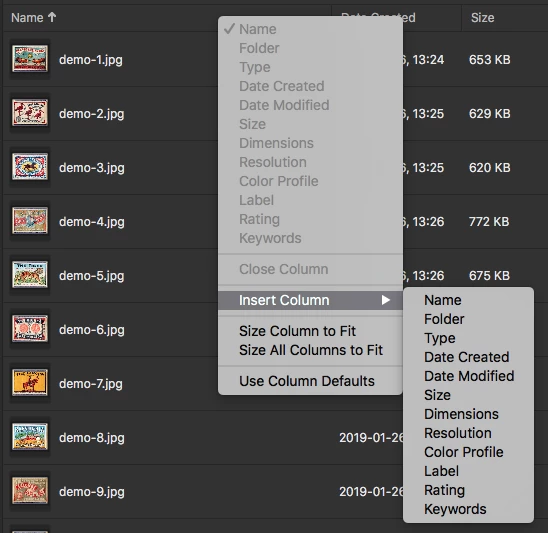
Nope, that's about it. However, if you also have the Metadata panel showing, pretty much all of your metadata is there for viewing.
Let me add here though that while the Bridge structure is very limited in some ways, in other ways there is a lot to work with. Personally I HATE the default layout and find it astonishingly silly that Adobe puts the Preview into a tiny region in the top right while the content is taking the limelight in the large middle section.
You may already be aware of this but in case you do not, you can move the panels around within the Bridge Window, remove them from the Bridge window, and then save what you like as a personal workspace. You can also have multiple workspaces if you like. Simply mouse-down on the top of a panel and drag it to where you'd want it to be.
You are limited to three columns of panels, but no limit as to how many panels in each space and you can have multiple rows in each column.
Sorry but that's about as much as I can come up with here. I did write a blog about Bridge a number of years and while this is out of date on a number of issues, the whole structure of how to work with what's mentioned above is dealt with in detail. I hope this is of value to you.
https://forums.adobe.com/community/creativepipeline/blog/2016/11/11/bridge-part-1-making-bridge-work-for-you-customizing-the-interface



 AdChoices