
Question
Huge adjustment and crop icons covering most of the thumbnail
I have 4K screen. Huge adjustment and crop icons are covering most of the thumbnail. I set the size of thumbnails to the smallest available for which the file name is displayed. Moreover - the file name doesn't fit into the single line! And they are standard file names: 8 letters + 3 letters extension. A single row of thumbnails takes very much of the vertical space.
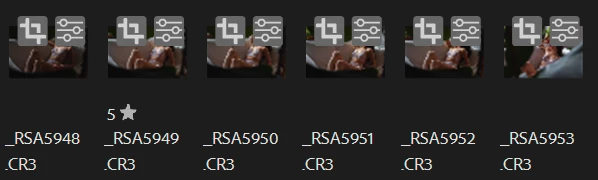
The situation gets even worse when you further decrease the thumbnails size - I can no longer see the images underneath:

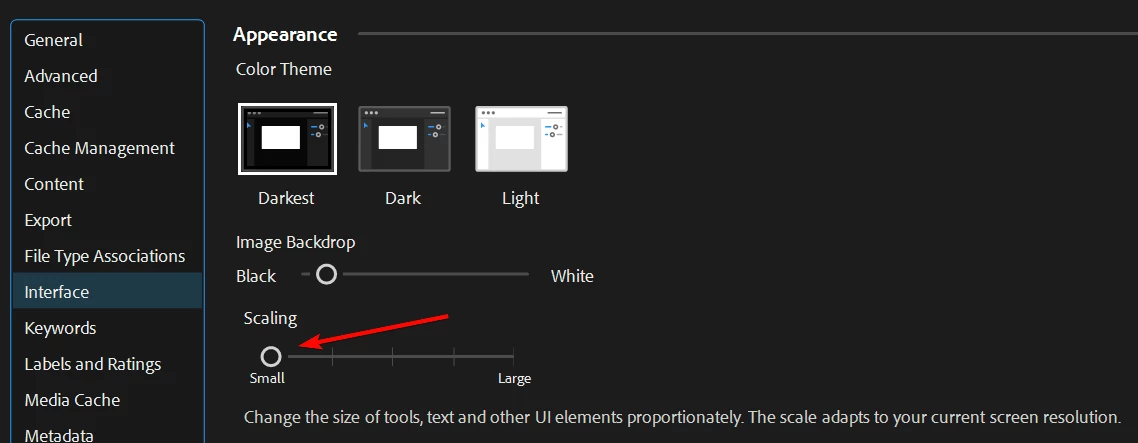
I have set the UI scaling to the lowest setting - no luck.
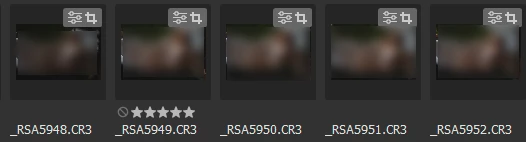
In Bridge 2022 everything is working fine - the icons are small and the file name fits in a single line.
Please fix the scaling.
Issues found in: Adobe Bridge 14.0.2 (and earlier, after 2022 edition)


 AdChoices