susanl57938590
Participant
January 2, 2017
Answered

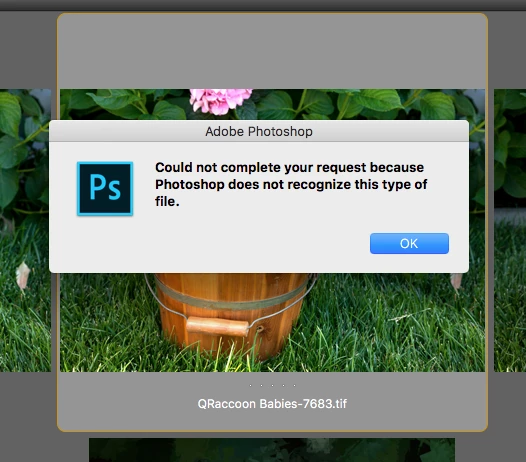
I can't reopen PSD or Tiff files from Bridge

  • January 2, 2017
  • 2 replies
  • 498 views

The problem started when I  was using CS6 and still happening with CC2017.
    This topic has been closed for replies.
    Correct answer Sahil.Chawla

    Hi Susanl,

    Could you please refer to this article Troubleshoot Camera Raw | Photoshop, Photoshop Elements

    Regards,

    Sahil

    2 replies

    GautamBahl
    Inspiring
    January 2, 2017

    Hi Susan,

    Are you able to open the same files directly in Photoshop from finder/explorer?

    Have you checked the file association for Adobe Bridge for tiff and .psd files.

    Regards,

    Gautam

    susanl57938590
    Participant
    January 4, 2017

    I can open from CC2017 but if I double click or open with from Finder, it opens a raw file from another folder unrelated. Yes I checked the file associations.  This started when I was using CS6 and it was working OK. Suddenly the problem started and I wonder if an OS update did it?

    Deepak_Gupta1
    Participating Frequently
    January 12, 2017

    Hi,

    Can you try reinstalling Photoshop CC 2017? This is update the Adobe CameraRaw as well on your computer.

    Thanks,

    Deepak Gupta

    kglad
    Community Expert
    Community Expert
    January 2, 2017

