



MonicaMyers
Inspiring
May 4, 2026
Answered

I need to import my keyword text file into the new 2026 Bridge. It only imports part of it. I need the whole list in order to do my job. I would continue using 2022, but now we need to add Alt Text and that isn't available in 2022. HELP!!!

  • May 4, 2026
  • 3 replies
  • 49 views

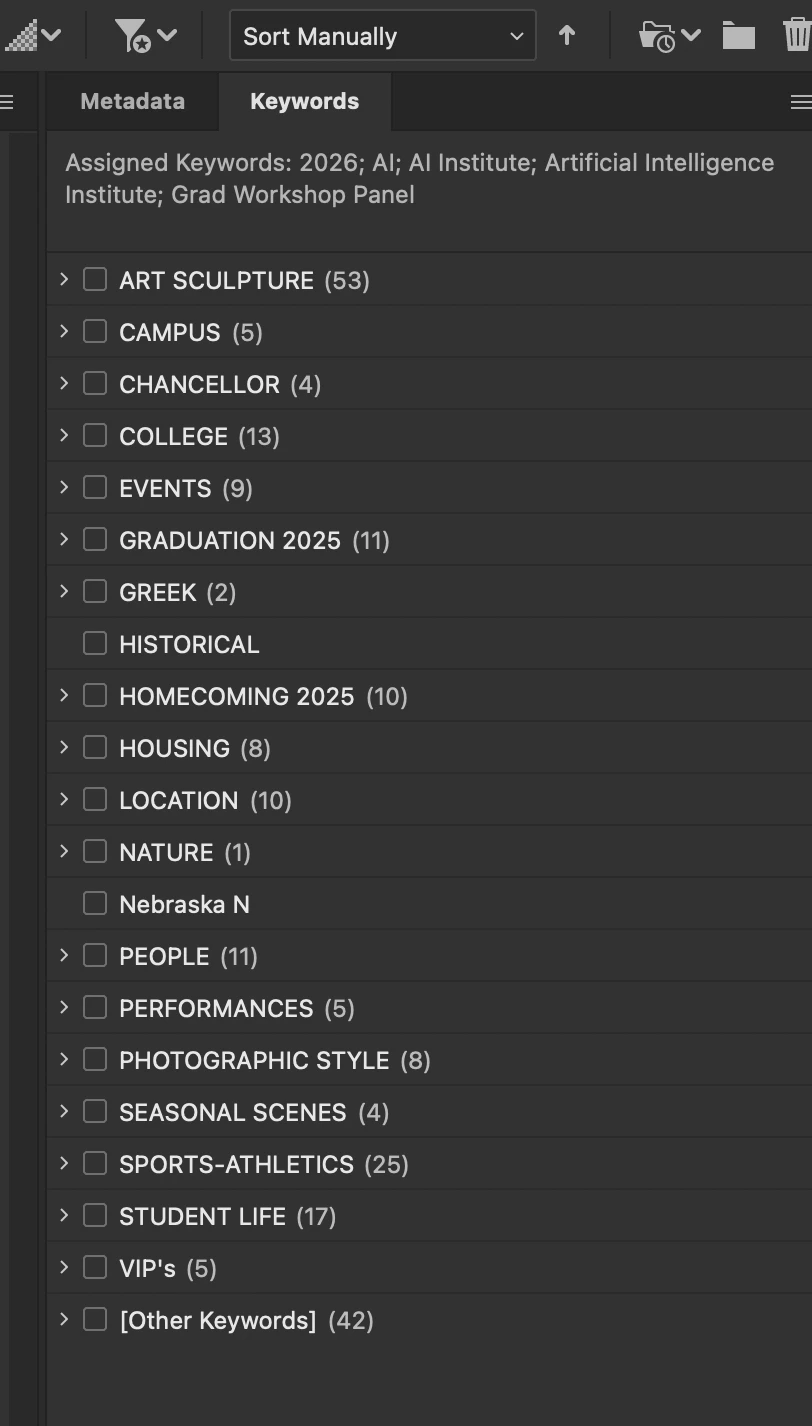
Only about 1/3 of my keyword list is importing into the 2026 Bridge. How can I get the rest of it in there?
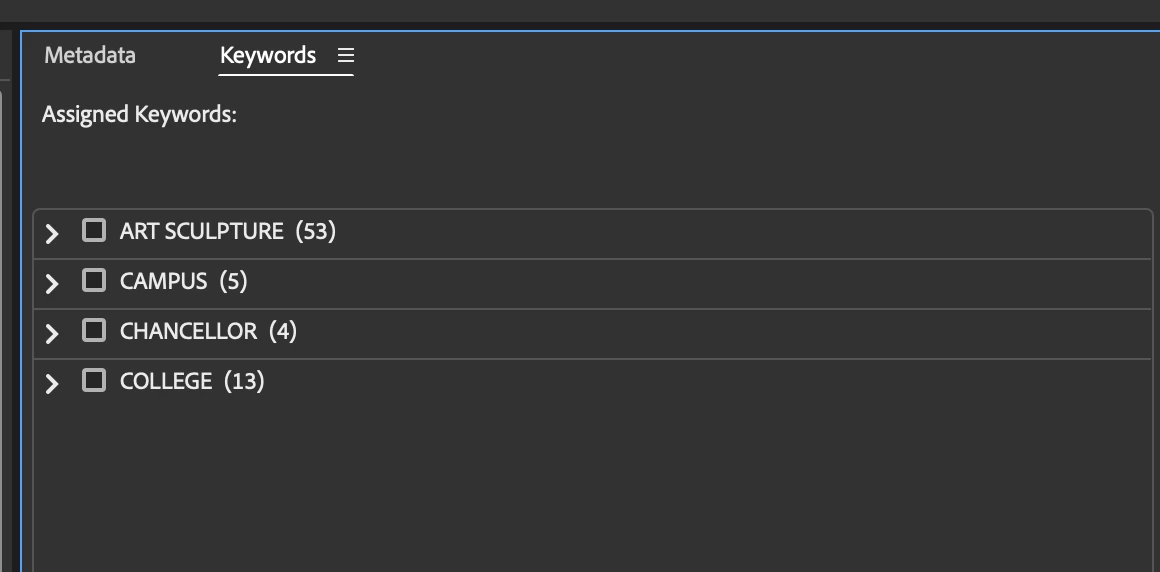
 

Here is what it should look like
 

    Correct answer MonicaMyers

    OH MY GOODNESS!!! That worked! So simple. Thank you!

    3 replies

    Erik Bloodaxe
    Legend
    May 7, 2026

    In the Description field, pressing Return generates a normal carriage return i.e. moves to a new line of text. It's always been that way just as in normal typing in a text editor or Word. It couldn't be any other way otherwise how would you start a new line of text?

    Erik Bloodaxe
    Legend
    May 6, 2026

    What actually worked for you?

    MonicaMyers
    Inspiring
    May 7, 2026

    I exported my keywords from Bridge 2022 and imported them into Bridge 2026. Now if I can just figure out how to get the rest of my info to apply in the fields without having to click “apply” every time. 

    Erik Bloodaxe
    Legend
    May 7, 2026

    What is "the rest of my info" to which you refer? Need to know before suggesting any possible shortcuts.

    Erik Bloodaxe
    Legend
    May 4, 2026

    I've not seen only a part of a keywords list imported like this. From where are you trying to import your keywords list? Has it possibly not been saved correctly or is it corrupted? If you still have an older Bridge version available or at least have not deleted the old Appdata files, you could copy the keywords.xml file across from there.

    See Stephen Marsh's thorough discussion here:

    https://prepression.blogspot.com/2016/11/bridge-restoring-lost-keyword-xml-file.html

    MonicaMyers
    MonicaMyersAuthorCorrect answer
    Inspiring
    May 6, 2026

    OH MY GOODNESS!!! That worked! So simple. Thank you!