
Known Participant
April 27, 2020
Answered

Image Processor Pro not working in Bridge 2020

  • April 27, 2020
  • 2 replies
  • 2100 views

Hi,


I have Dr. Brown's Image Processor Pro installed in Bridge. I'm sure some of you know about this plug in. 
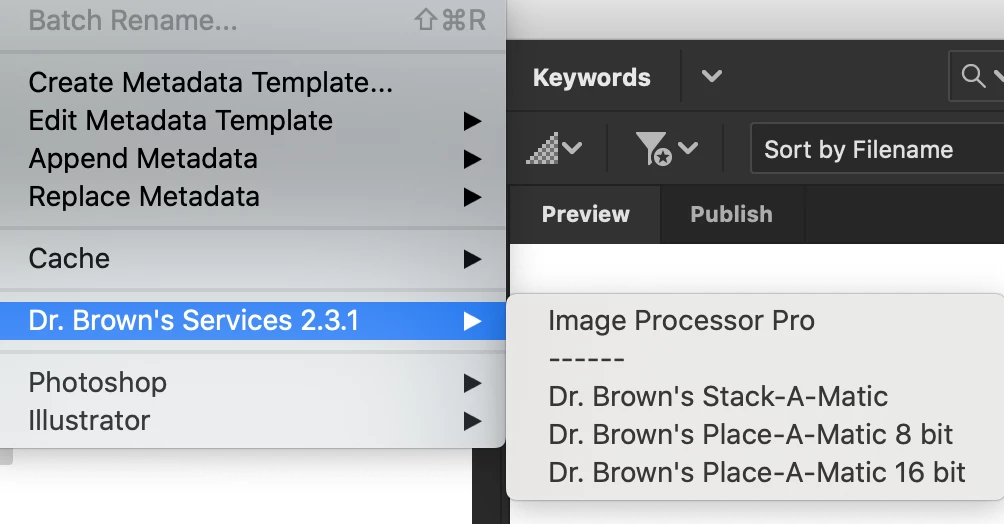


I've been using it for months without any problems. However, it stops working and shows me a message like this. 
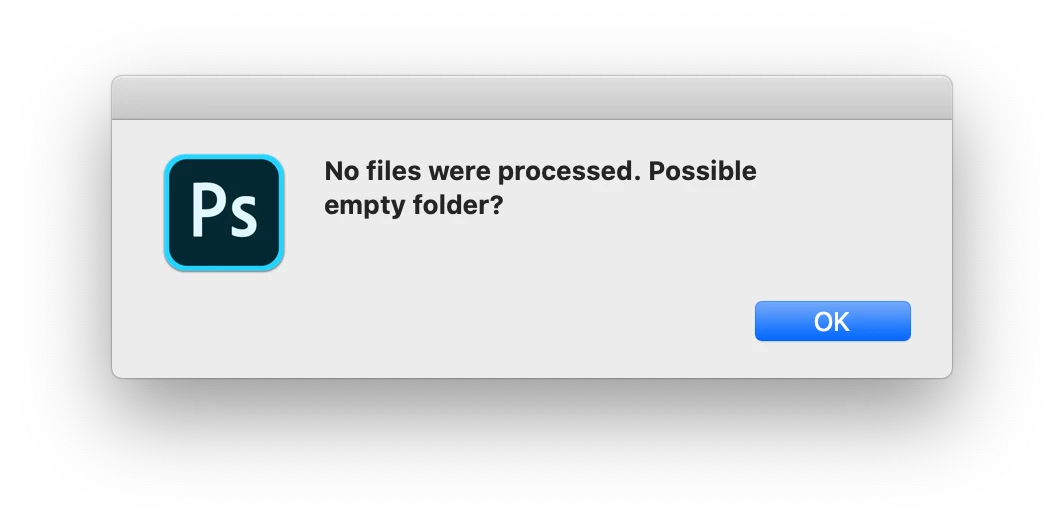
 

Can anyone know why this is happening? By the way, I doubt just re-installing this plug in fix the issue. I feel it's more complicated. Thank you for your tip in advance


This topic has been closed for replies.
Correct answer Lumigraphics

You need to use the version found here:


https://sourceforge.net/projects/ps-scripts/files/Image%20Processor%20Pro/v3_2%20betas/

2 replies

LumigraphicsCorrect answer
Legend
April 28, 2020
w0n_k1mAuthor
Known Participant
April 28, 2020

Thanks for the link. I've tried it but it shows the same dialogue box.


"No files were processed. Possible empty folder?" 


I did exactly the same when I run the IPP between Bridge 2019 and 2020. Only 2019 works. And yes, my PS is version 2020, not 2019. 


So fraustrating. 

Participant
August 16, 2020

i have the same problem... i bougt a new mac  5k newest version, and sudenly on the same photoshop it doesn't work anymore... please dr brown help here

chill

gary_sc
Community Expert
Community Expert
April 27, 2020

Hi W0n K1m,


I just checked and it's working fine for me (I'm using Mojave on a 5K iMac).


What is your OS (and what release)?

w0n_k1mAuthor
Known Participant
April 28, 2020

Hi Gary,


Mine is Catalina. The thing is IPP works when I use Bridge 2019 & Phosothop 2020. But it's not working with Bridge 2020 & Photoshop 2020. It keeps saying "No files were processed. Possible empty folder?".

It's getting creepy.