
Image search within Adobe Bridge/Recherche avec une image dans Adobe Bridge
I have a large number of sanctioned images from previous projets (in our case, designed online courses). I would like to execute a search based on images for a new online course. Suitable but not authorized images have been provided so I am looking to find appropriate substitutes within our own resource library.
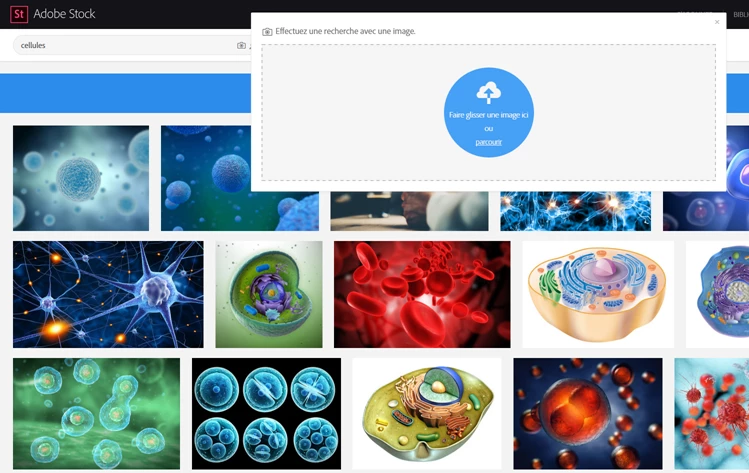
If I want to buy the images through Adobe Stock, I can use their image search function (as seen in the fiques below). But I would like to search through my current Adobe Bridge folder which as I said before is filled with thousands of images. These have not been sorted by collections. The long term plan is to tag these but I have a deadline to meet and even with batch tagging, this strategy will not meet the need.
Is there a way to «image search» my folder in Adobe Bridge?



 AdChoices