
Participant
October 29, 2019
Question

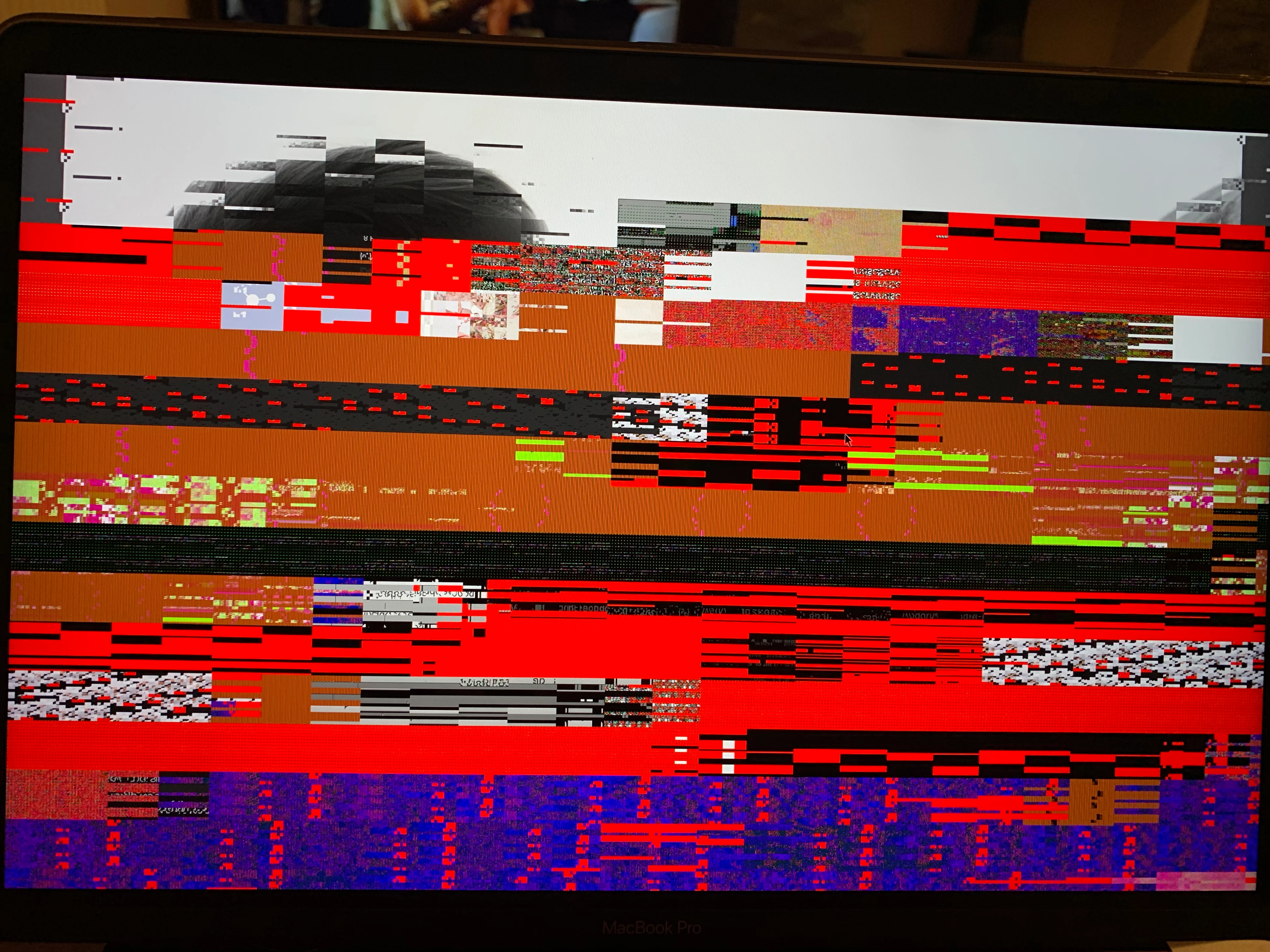
Images distorted

  • October 29, 2019
  • 1 reply
  • 578 views

I've been using Adobe Bridge for over a year now without any issues. My Macbook did an update last night and for some reason this morning all of my images appear pixelated when I try to enlarge them in Bridge. It takes several minutes for them to appear the way they should, if I then move onto the next image the same thing happens again. 

Is there a fix for this? 
    This topic has been closed for replies.

    1 reply

    Varun Varshney
    Adobe Employee
    Adobe Employee
    October 30, 2019

    Hi,


    Many of the Bridge Catalina issues have been addressed in v10.0 which will be released early next month.


    If you need early access to this release, you can sign up for the prerelease program from https://adobeprerelease.com under NDA.

    Select Adobe Bridge. Once we approve your request, you will be able to download v10.0 (choose the latest drop).


    Please check this build and report back.


    Thanks,

    Varun Varshney

    Participant
    November 6, 2019

    Hello Varun, 


    I've installed the new update which was released yesterday and I'm still having the same trouble, it seems to have made no difference at all. 

    Can you advise what to do next? 


    Thanks, 

    Kimberley 

    Varun Varshney
    Adobe Employee
    Adobe Employee
    November 6, 2019

    Hi          MissKimberleyy       ,


    Thank you for reporting the issue with us. Could you please try purging the cache of the affected file ? (Right click > Purge cache for selection).

    If this does not resolve the issue, please try purging all local cache files by : Option key pressed + Click on Bridge icon > Select "Purge all local cache files" and check.


    Thanks,

    Varun