
Participant
Apr 8, 2022 2:53 AM UTC
Question

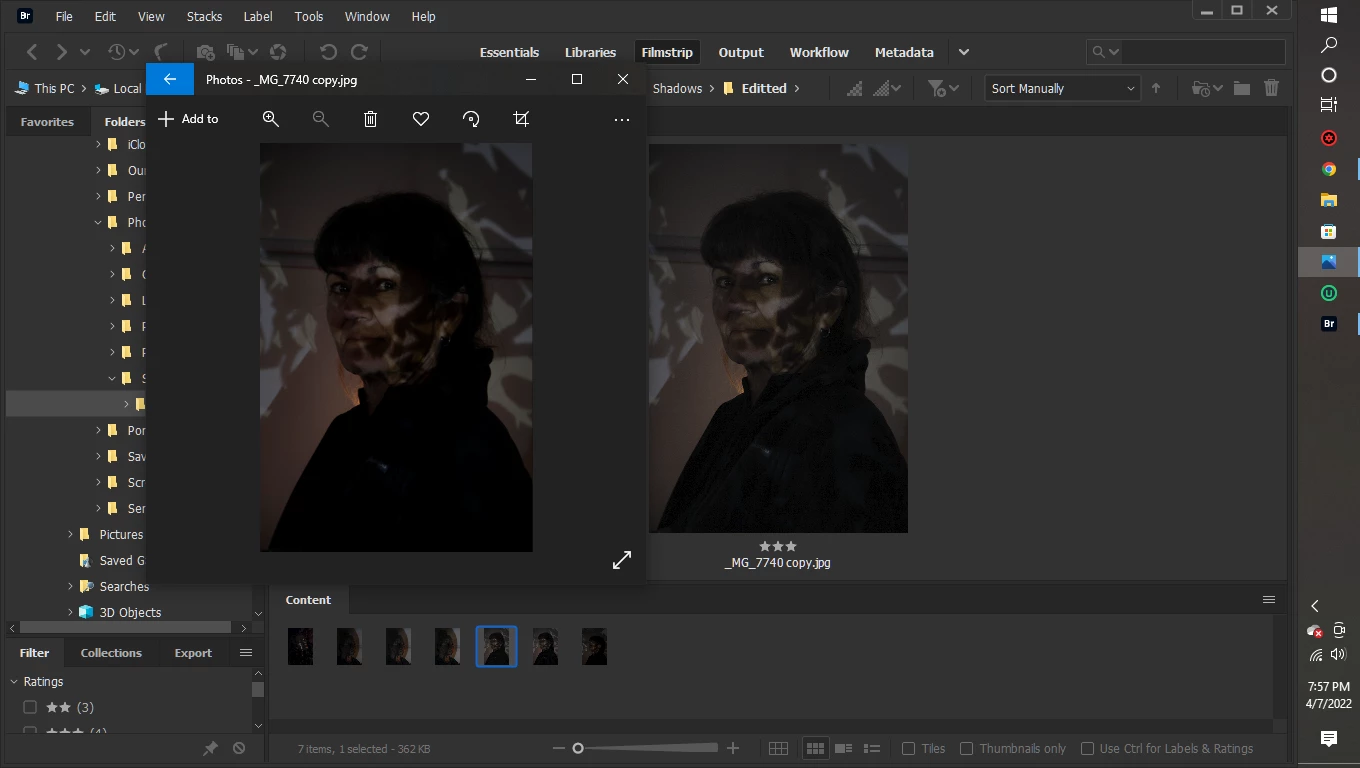
Images look different when viewed in Bridge.

When editting and viewing my images with photoshop they look how I want them to. But when I view them elsewhere they look completely different.

Here is a screenshot with how the same image looks in bridge vs photos.
This topic is closed to new replies. Start a new post to keep the conversation going.

2 replies

Legend
Apr 8, 2022 12:45 PM UTC

Microsoft Photos is not color-managed and will assume sRGB colorspace. From your screensshot, its impossible to tell anything. I can't stand a dark workspace anyway so maybe someone else can give you a better assessment.

Translate
Participant
Apr 8, 2022 2:56 AM UTC

*When viewing and editing in Bridge and Photoshop they look how I want them to.

Translate