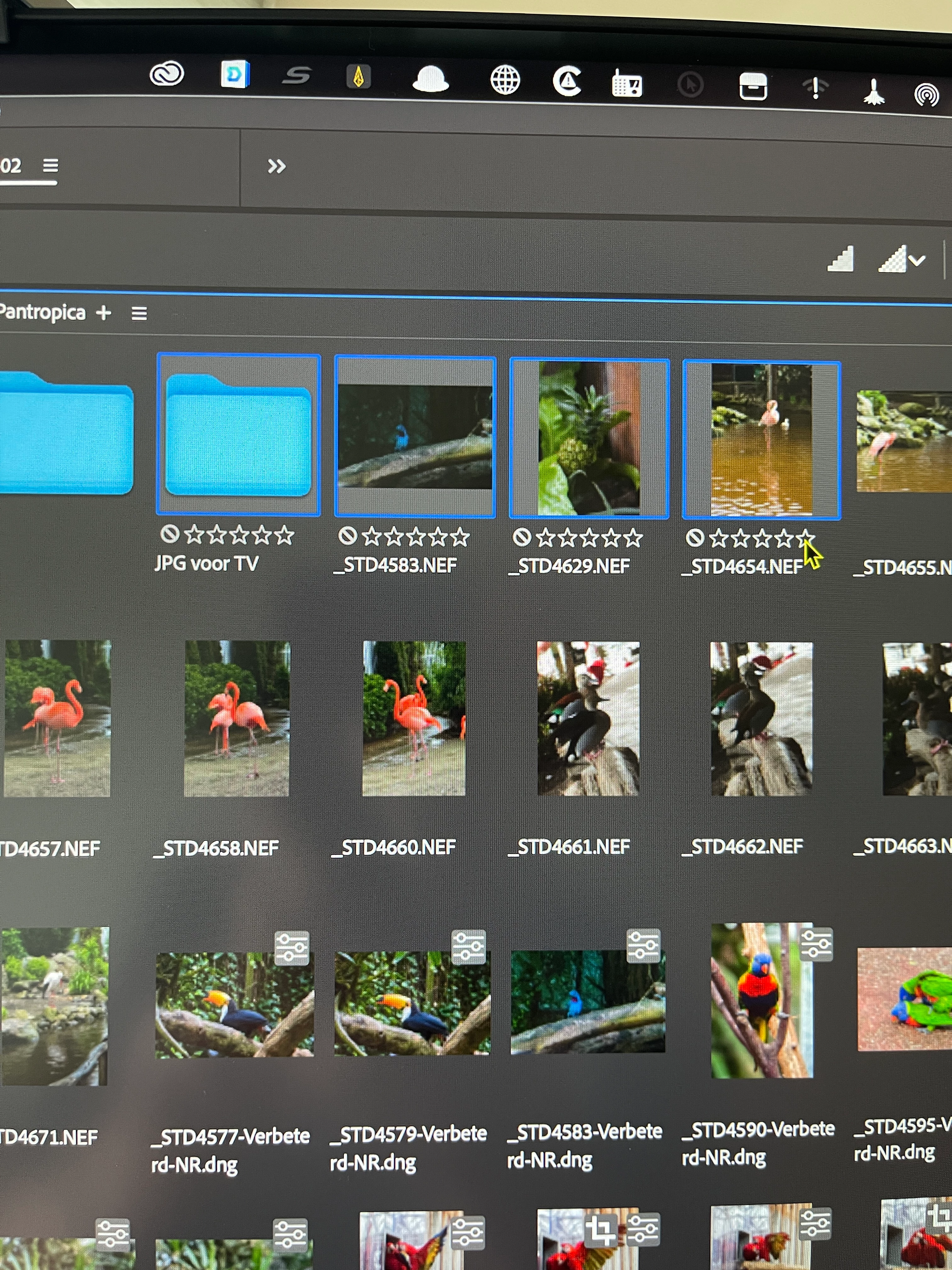
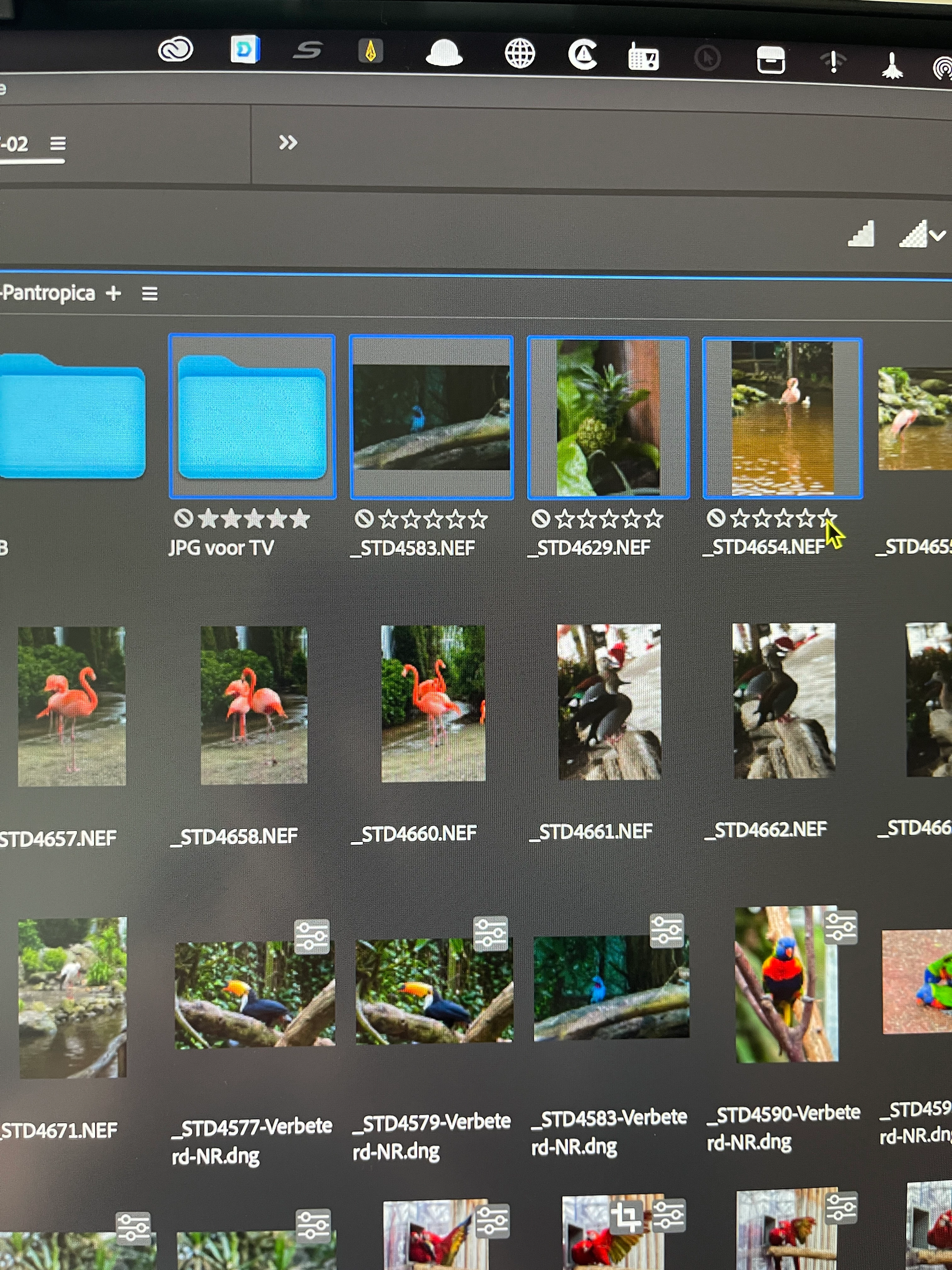
Hi, @aba13051553, there are a couple of things that might be going on here. One, I can dismiss right off: since you can rate folders and not files, that says to me that it's not a permission issue (an Apple issue). But, I do have to ask: are you using a mouse to click on the ratings or are you using a keyboard command? If so, are you using on the keyboard numbers or keyboard numbers and the Command key (example: Command + 3)
If the Command key PLUS numbers work and you'd prefer to use just numbers, if you need help in making that change, check out this short video I posted on YouTube:
Hello, thanks for the quick response, Whatever I try with or without the command key, mouse or keyboard (wireless or with a cable), it remains the same. I now use the rating on an intel macbook pro and then the ratings are recognized on the mac mini M1. Only the coloured labels from the macbook become white on the mac mini M1... It is already very annoying,
OK, regarding the mouse/keyboard rating, have you purged the cache for that folder? Please try that (from the Tools menu). I'm not sure about this, but it's worth a try.
Do you have any other annoying interactivity with files from one folder to any other folder? That is, if you have a folder on your computer, does it work the same or differently if it's on an external drive? Do all the files open the same way. Do image thumbnails reflect the changes made after enhancing an image.
Let me address the "white" you're seeing. Please coordinate the names of your labels. If you have the "red" label identified as "Important" on one computer and "special" on the other, you'll get "white" when you view a label on the other computer, but the correct color on the computer that you placed the label on.
For reference, here is the default labeling. If you rename them to have these names, the problem will go away. If you only used one computer, it would not be an issue, and you could call them anything you want. But either way, you need to have the same name for each color (and I'm pretty sure it doesn't HAVE to be the default name).




 AdChoices