This topic is closed to new replies. Start a new post to keep the conversation going.
Correct answer gary_sc

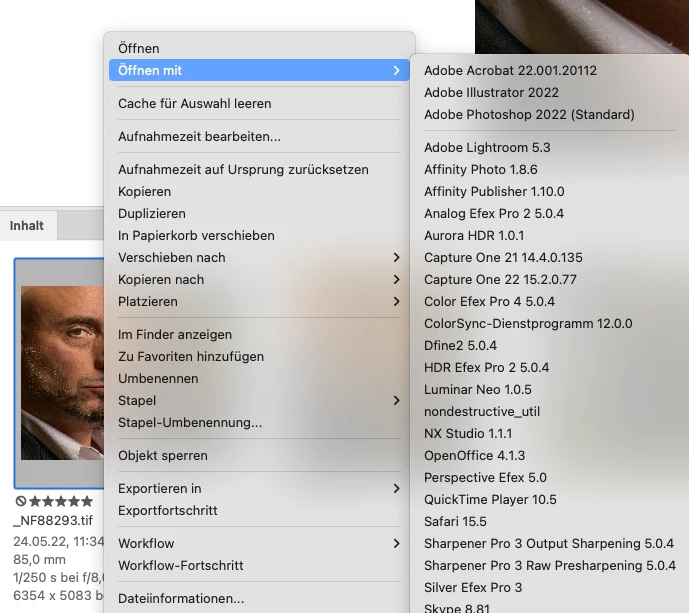
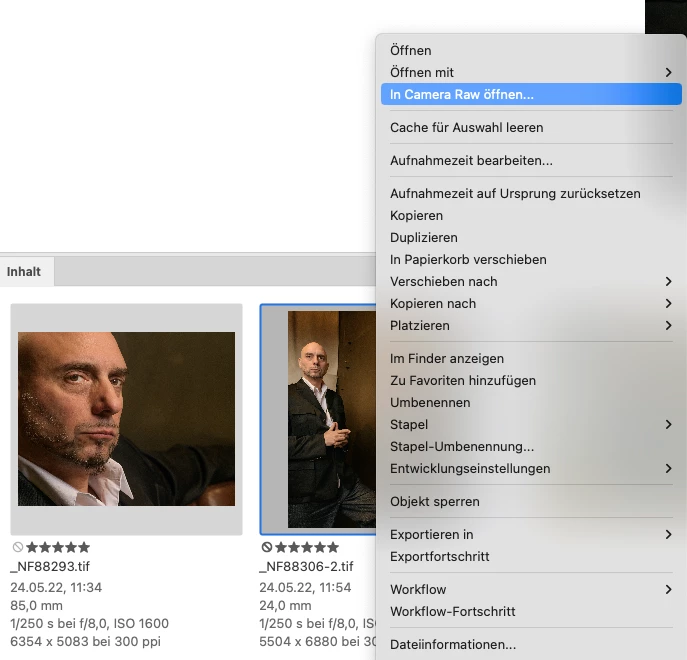
Do the TIF images have layers? If so, those cannot be opened in ACR. 


You'll need to flatten the image AND go to Tools (menu) -> Cache -> Purge cache (for name of folder). Then you can work on those TIFs with ACR.


Let me know if that works.

2 replies

gary_sc
Community Expert
gary_scCommunity ExpertCorrect answer
Community Expert
June 11, 2022

Do the TIF images have layers? If so, those cannot be opened in ACR. 


You'll need to flatten the image AND go to Tools (menu) -> Cache -> Purge cache (for name of folder). Then you can work on those TIFs with ACR.


Let me know if that works.

Participant
June 13, 2022
Thank you very much for the valuable information. My problem was
obvious, no idea why I didn't think of it myself. So thank you very much!

--
____________________________________

Fischbach Consult
Grossglocknerstraße 17
65199 Wiesbaden


T: +49 (0)6 11 88 00 66 08
____________________________________