



Question
Keywords keep jumping to wrong one
I have been using a keyword set successfully formany years. In thelatest release of Bridge, the keywords panel behaves differently than in the past. I start to do a search for the word "Shutoff". get so far as "shut" before the keywords panel jumps to a suggestion, highlighted in blue below.
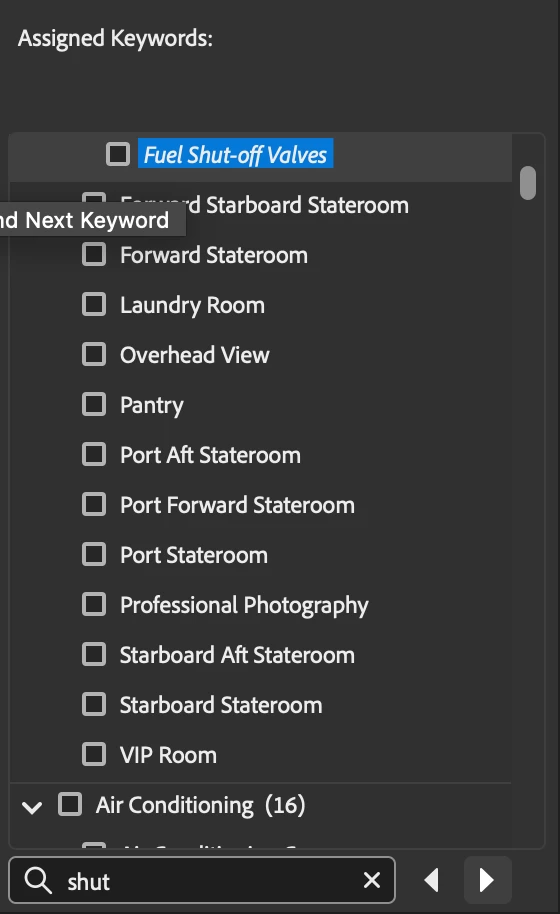
But that's not the one I want. So I click the forward arrow button until I get to the one I want (Shutoff Valve). Then I click the checkbox to apply that keyword to my photo. As soon as I do, the keywords panel jumps back to the keyword in blue highlighted above (Fuel shut-off Valves).
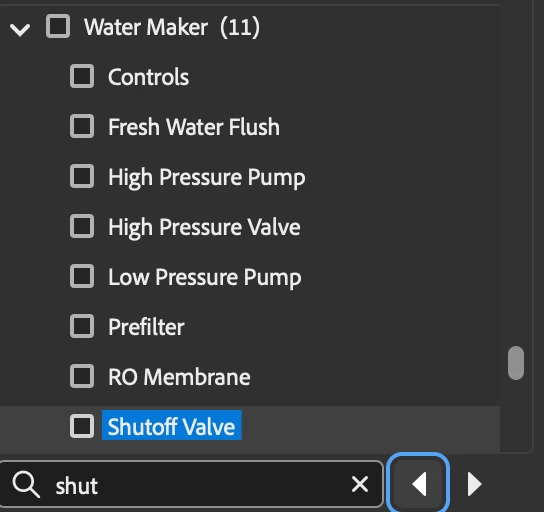
- Why does the keyword panel jump back to the other keyword that I didn't select. I don't recall it ever doing that before.
- How do I stop this behavior and get it to just stay put instead of jumping backward?


 AdChoices