

Answered
Latest Bridge update - contact sheets exports JPGs with bad color
I just ran the latest update for Photoshop and Bridge. I am working with images and exporting contact sheets and now, the JEPGs included in the contact sheets look dark in comparison to the original PSD. Everything about the two files is the same except one being a flattened .PSD and the other a .JPG. (see screen capture) Both have the same color profiles but look different when viewing the PDF contact sheet.
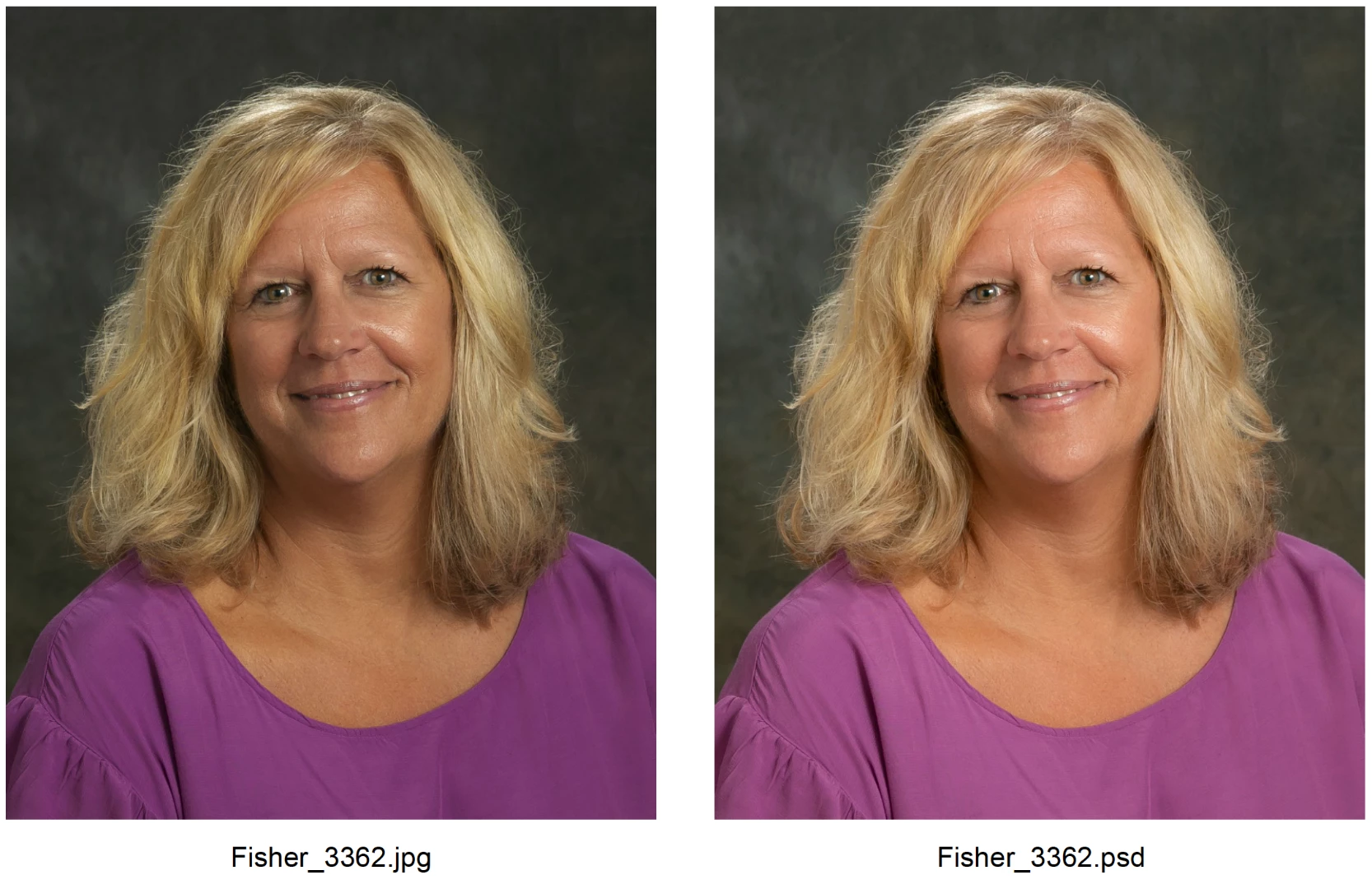
I checked the Bridge preferences and turned on "Preserve Embedded Color Profile." When I do this, the images now appear the same but become over saturated and very red.
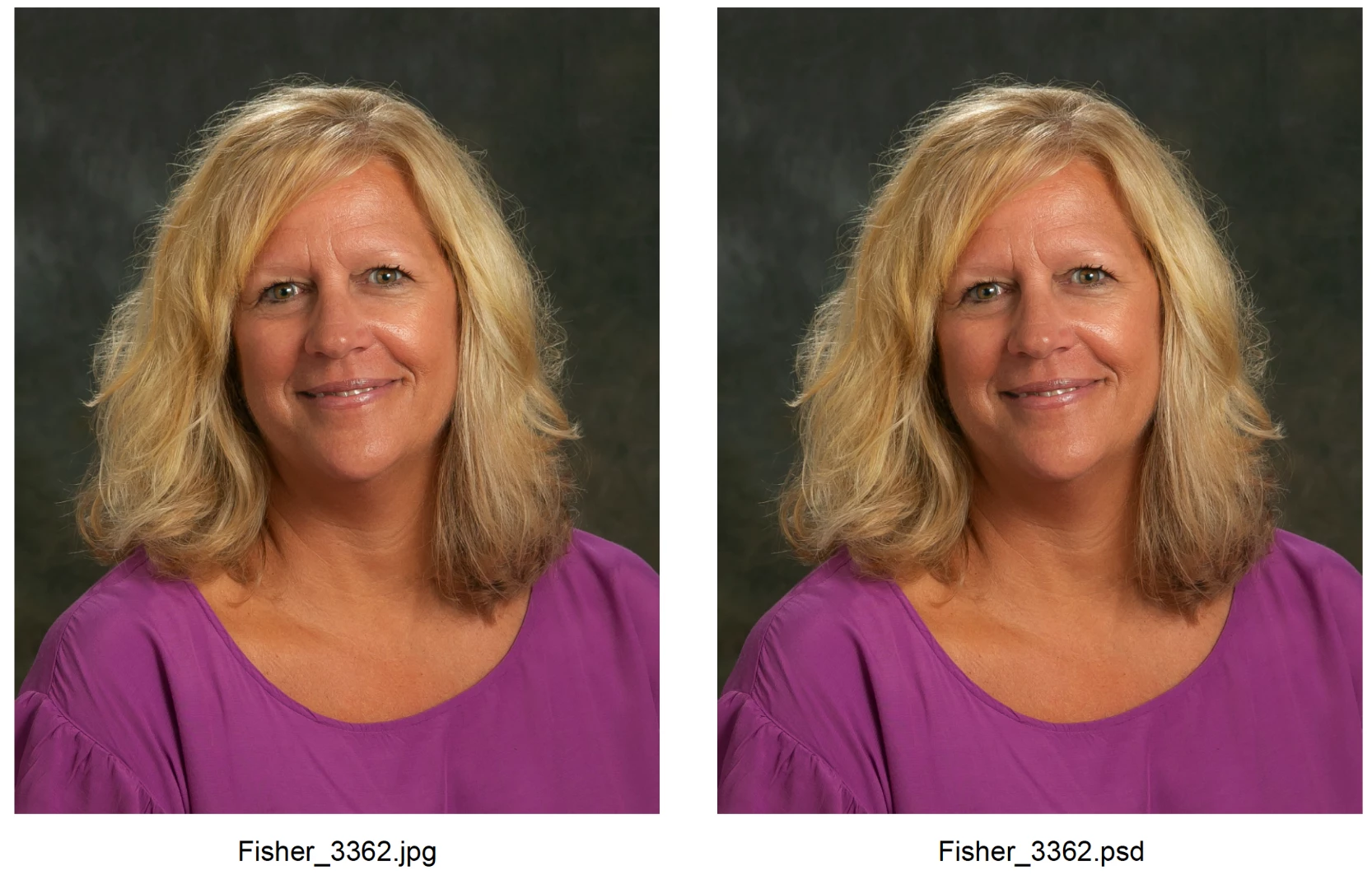
This never did this before. What has changed and how do I get the two image types to display accurate color?


 AdChoices