FlorG
Participant
January 23, 2019
Answered

Mac Mojave having issues with Bridge, Photoshop & Adobe CC App -Help!

  • January 23, 2019
  • 1 reply
  • 1335 views
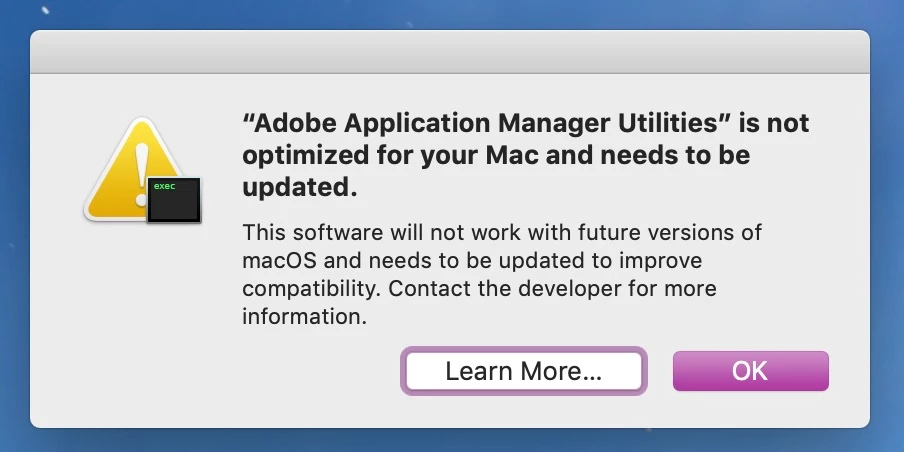
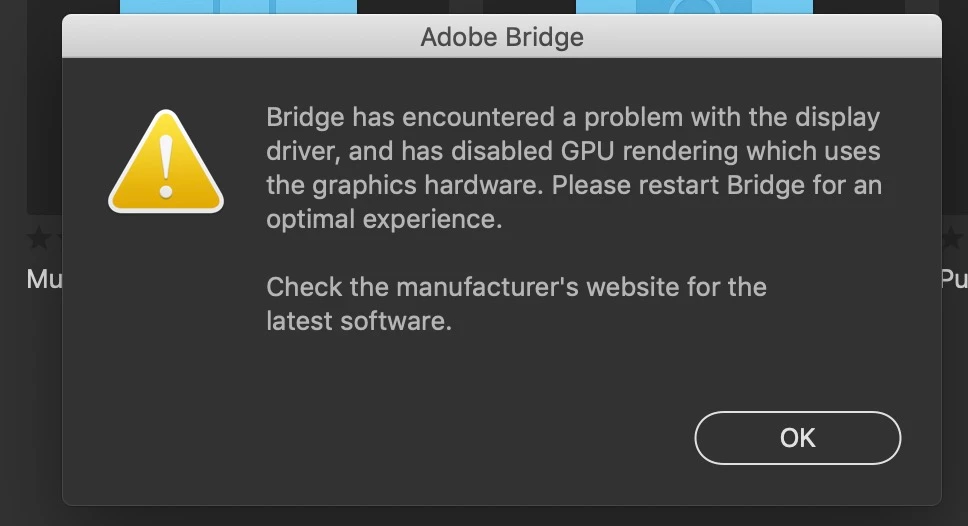
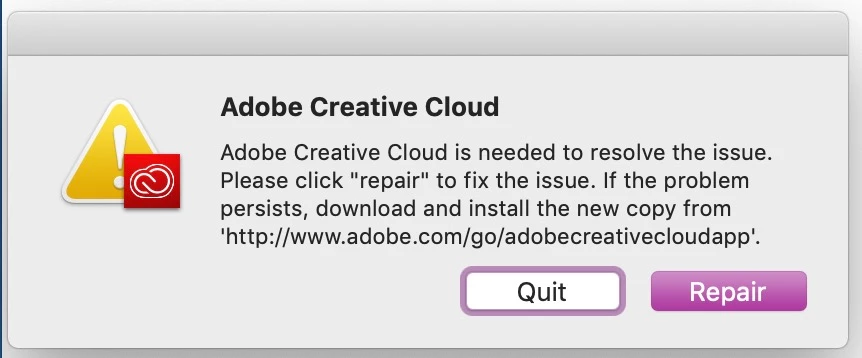
When I open Bridge, Adobe CC I get messages like this even though I have all the latest updates on Mac and from Adobe CC 2019 and just yesterday 1/22/19 Photoshop just freezes up and quit without saving my work.
Below the top screen shot was taken today 1/23/19 the other two below are from last month (Dec 2019).
Any help would be greatly appreciative since I'm using this program for my job at work.
Thank you,
F.G.
This topic has been closed for replies.
Correct answer Lumigraphics

Which computer specifically? iMac, MacBook Pro, Mac mini, etc?

Apple doesn't release video drivers separately like on Windows so you can't just "update video drivers." Just make sure you have the latest version of Mojave, dump CCleaner and never speak of it again, and reinstall Adobe CC apps.

1 reply

Legend
January 23, 2019

Which Mac do you have?

My suggestion is to completely remove CC and reinstall from scratch. There is a CC Cleaner tool you can use to make sure.https://helpx.adobe.com/photoshop-elements/kb/elements-installation-error-CC-cleaner-tool.html

Use the CC Cleaner Tool for installation issues

The last warning you can ignore. Apple is ending support for 32-bit applications so older software won't work in a future version of macOS. Adobe will have to update its support applications before then.

FlorG
FlorGAuthor
Participant
January 23, 2019

Hi-

I have a MacOS Mojave Version 10.14.2 3.3 Ghz Intel Core i5 and I use CCleaner for daily/weekly cleaning of my MacOS. I check out that CCleaner tool.

Thanks

Legend
January 23, 2019

The Adobe CC Cleaner is specifically for removing and reinstalling CC.

DO NOT use CCleaner for "daily/weekly cleaning" of your Mac. That very well could be your problem. Its garbage on Windows and even worse on the Mac. In fact, if you are coming over from Windows, just forget all of the voodoo you used to keep Windows running. A lot of it will cause problems on the Mac.