


Answered
Masking panels only allow 1x panel open - auto closes -can't fix
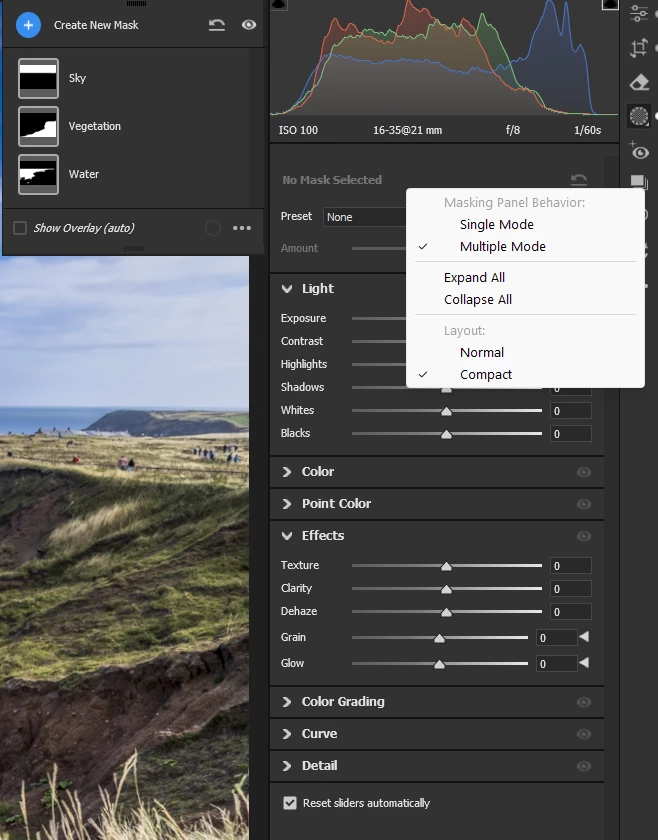
Since a little earlier this year, I can only keep ONE panel open when in masking mode in Bridge. EG: I can open the LIGHT panel, but if I try to open Color, Effect etc, I can only open 1 at a time, and the other will ‘auto close’. This is highly frustrating. When NOT in mask mode, I can keep the multiple panels open at a time. Only when in mask mode, does this occur.
Yes, I have ‘multiple’ selected in the Panel Behaviour settings, and yes, I’ve reset preference, reset workspace etc etc.
Is there a fix for this? Having to open each pane each time when masking if a real slowdown, particularly as this was not the usual behaviour until, for me, about 2 months ago. Any ideas???

 AdChoices