Inspiring
August 9, 2025
Question

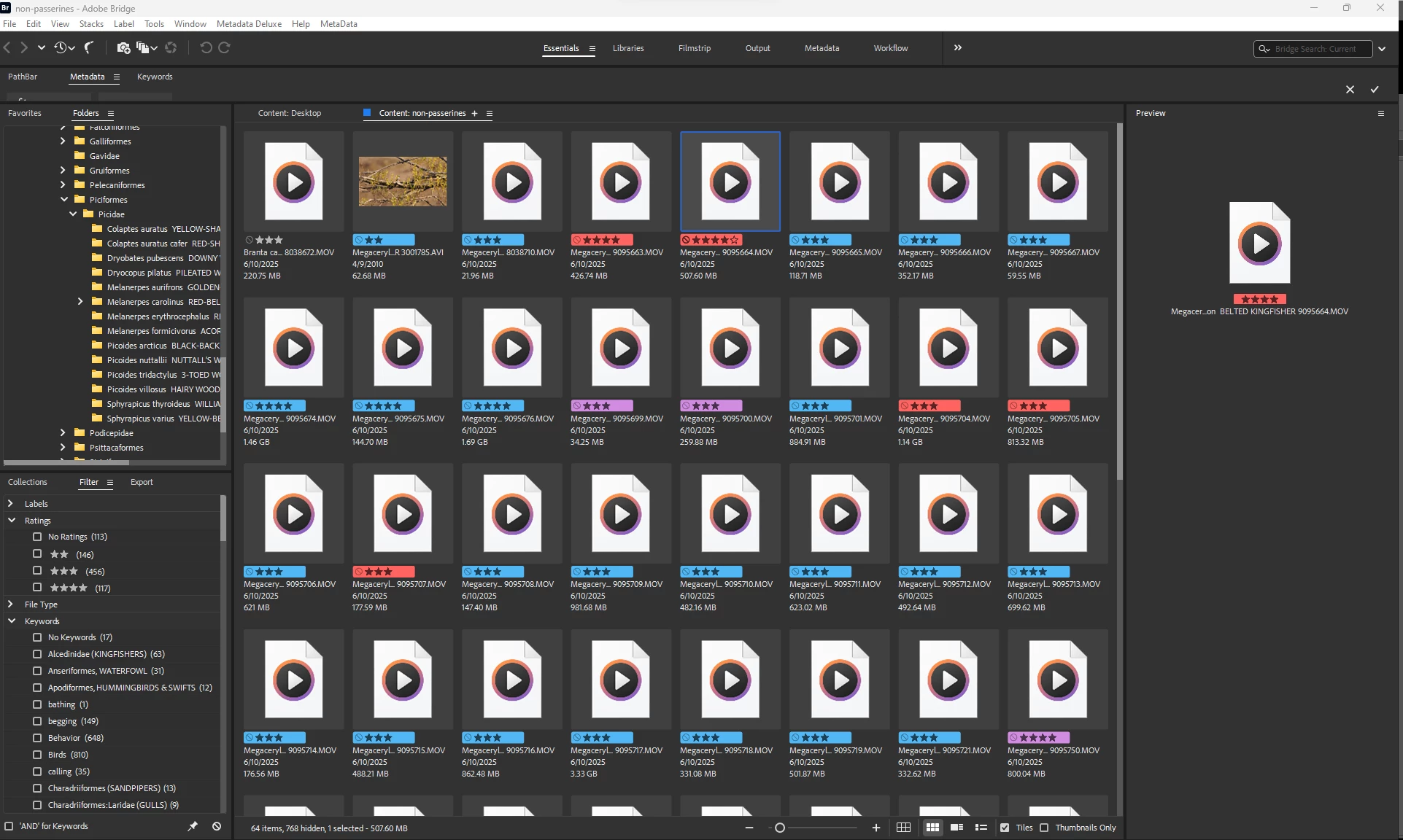
My right panel in Bridge disappeared.

  • August 9, 2025
  • 1 reply
  • 99 views

the panel disappeared.  I was able to get a panel back by including preview, but all the info, data, keywords I can't find to reappear there. 
 

1 reply

gary_sc
Community Expert
Community Expert
August 9, 2025

Hi, @robirdman1, Somehow the extra Panels were moved off. Fortunately, this is easy to restore.


To the right of the Essentials name, you'll see a hamburger menu. Right click on that and select

Now, let's say you like the current Essentials with just the Preview Panel showing on the right side. If you look at the screenshot above, you'll see another option, "Save as New Workspace." Give that a name (e.g., Robirdman's Workspace) and you'll have that as a new workspace. Please note that you cannot make a change to one of the provided workspaces and save that as "Essentials." If you do make ANY change to any default workspaces, they HAVE to get a new name to be saved.


Oh, one other great thing about Bridge's workspace: if you are working in your new saved workspace, and make a change that you wish to keep, simply select the (currently) greyed out option, "Save Changes to this Workspace." No other Adobe application has that option.

Inspiring
August 9, 2025

Thanks!
