
Answered
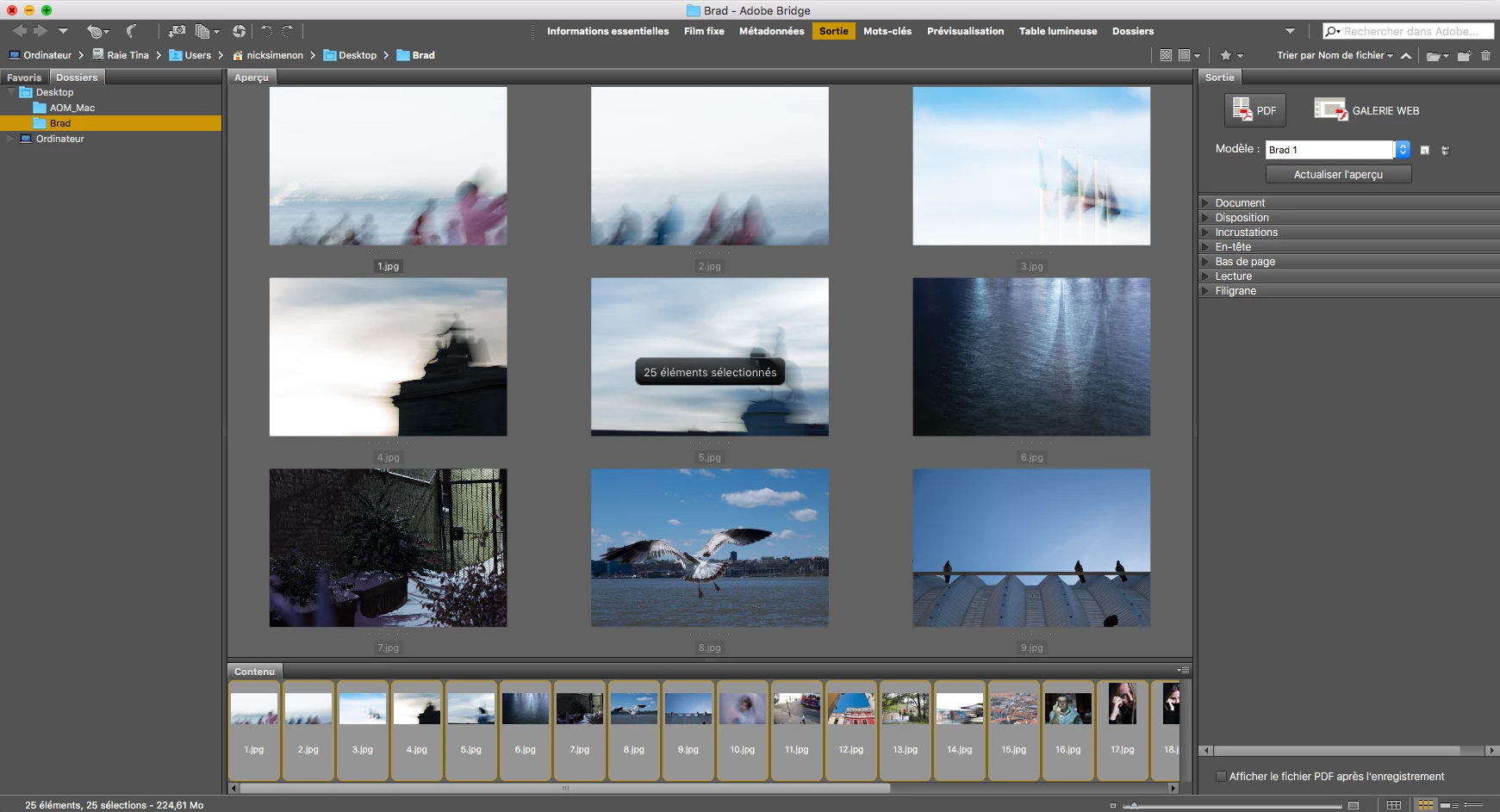
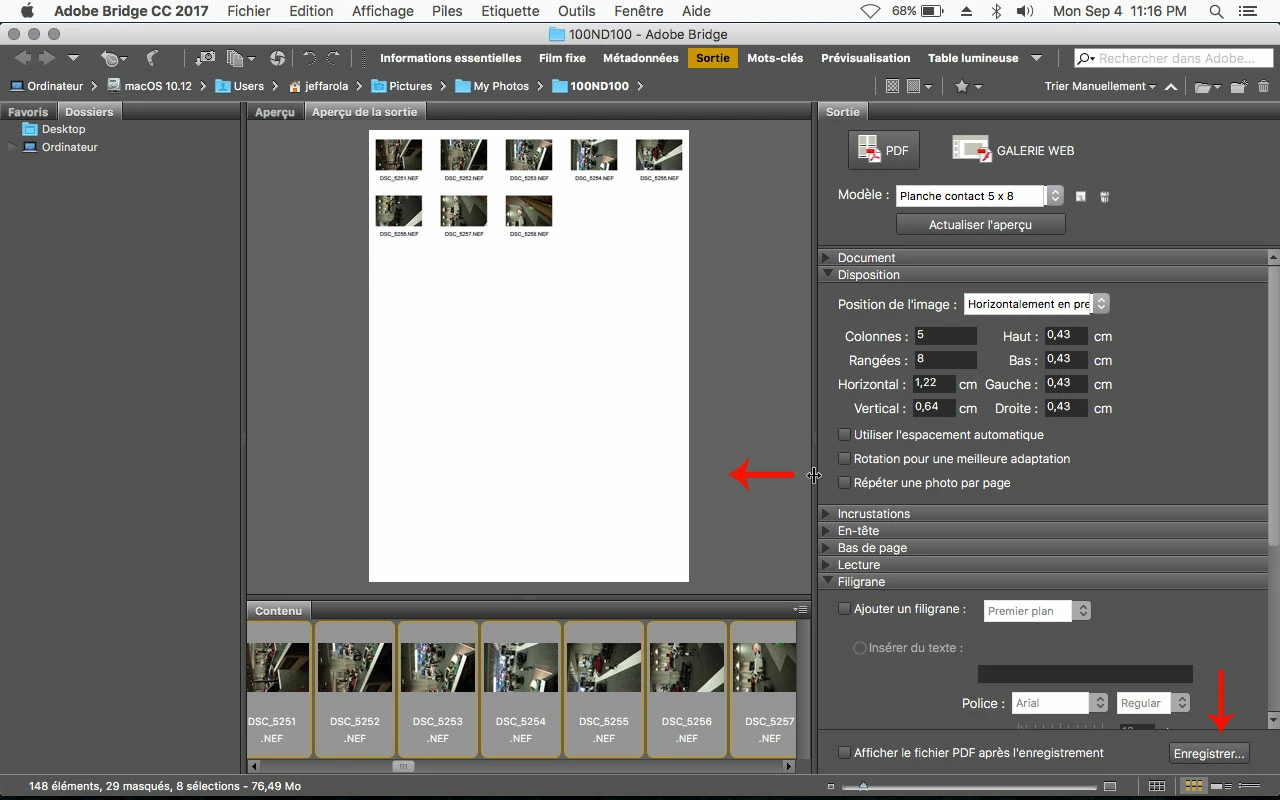
Output problem - Not showing the "save" button to save my PDF on Output.
Hey guys,
So I have downloaded Output correctly, put the files in the correct folders, I.e:
/Library/Application Support/Adobe/Bridge CC 2017 Extensions -> for the Adobe Output Module folder
/Library/Application Support/Adobe/Bridge CC 2017 Extensions/Workspaces -> for the .workspace file
BUT, I don't have the "save" button on the bottom-right to create my PDF. I attached a screenshot so you can see better what I mean.
PLEASE HELP 🙂
I am on OSX 10.11.6



 AdChoices