
Answered
PDF not generated Bridge
Hi, I keep getting a pop-up when I want to export a PDF file with pictures from Bridge. It wont export, I've tried different computers. Does anyone know what I can do about this.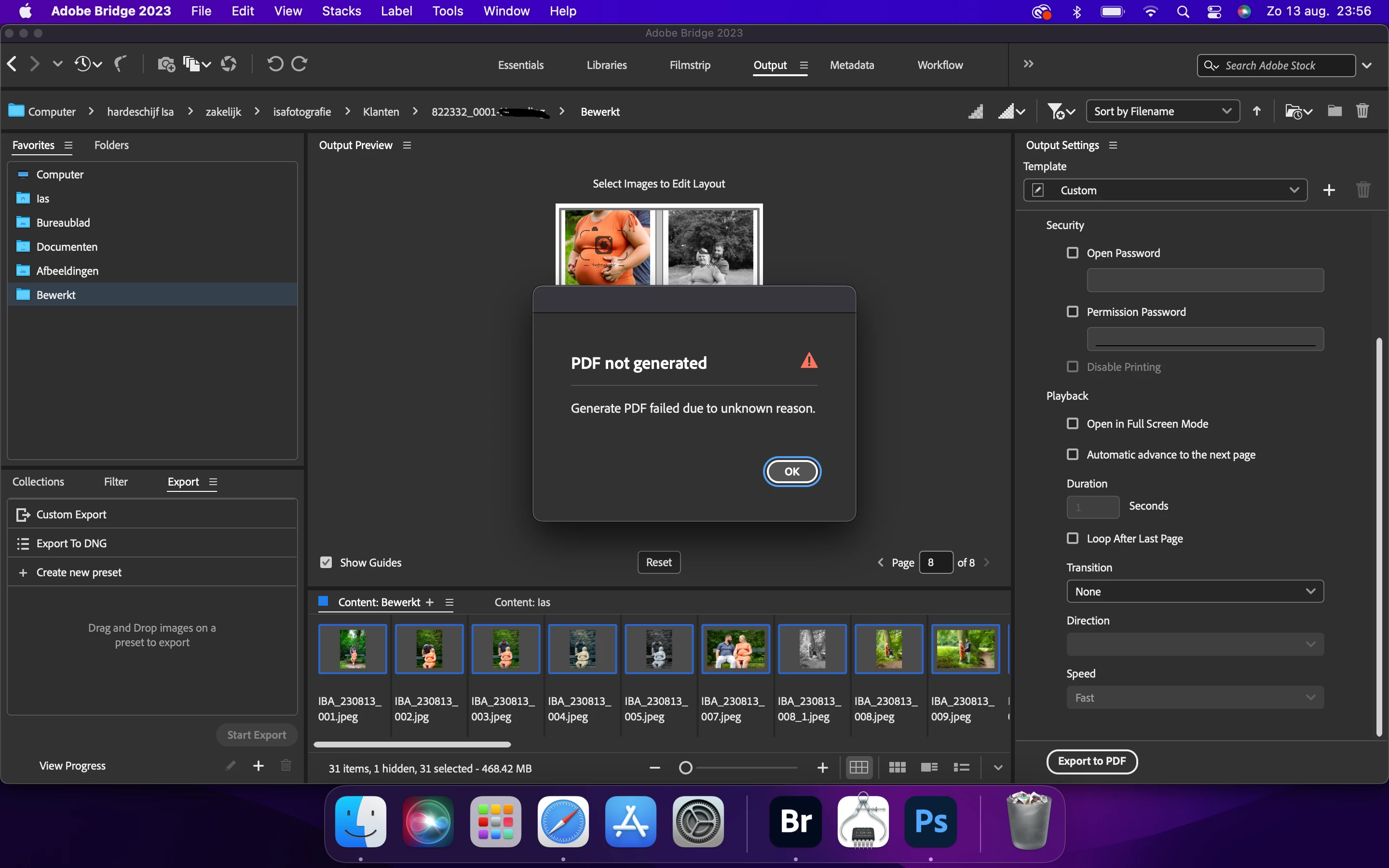

Hi, I keep getting a pop-up when I want to export a PDF file with pictures from Bridge. It wont export, I've tried different computers. Does anyone know what I can do about this.
Might the files be located or be sent to the Desktop?
The reason why I'm asking is because of Apple's virus protection. Have you given Bridge full access to the entire computer? If not, here's what to do:
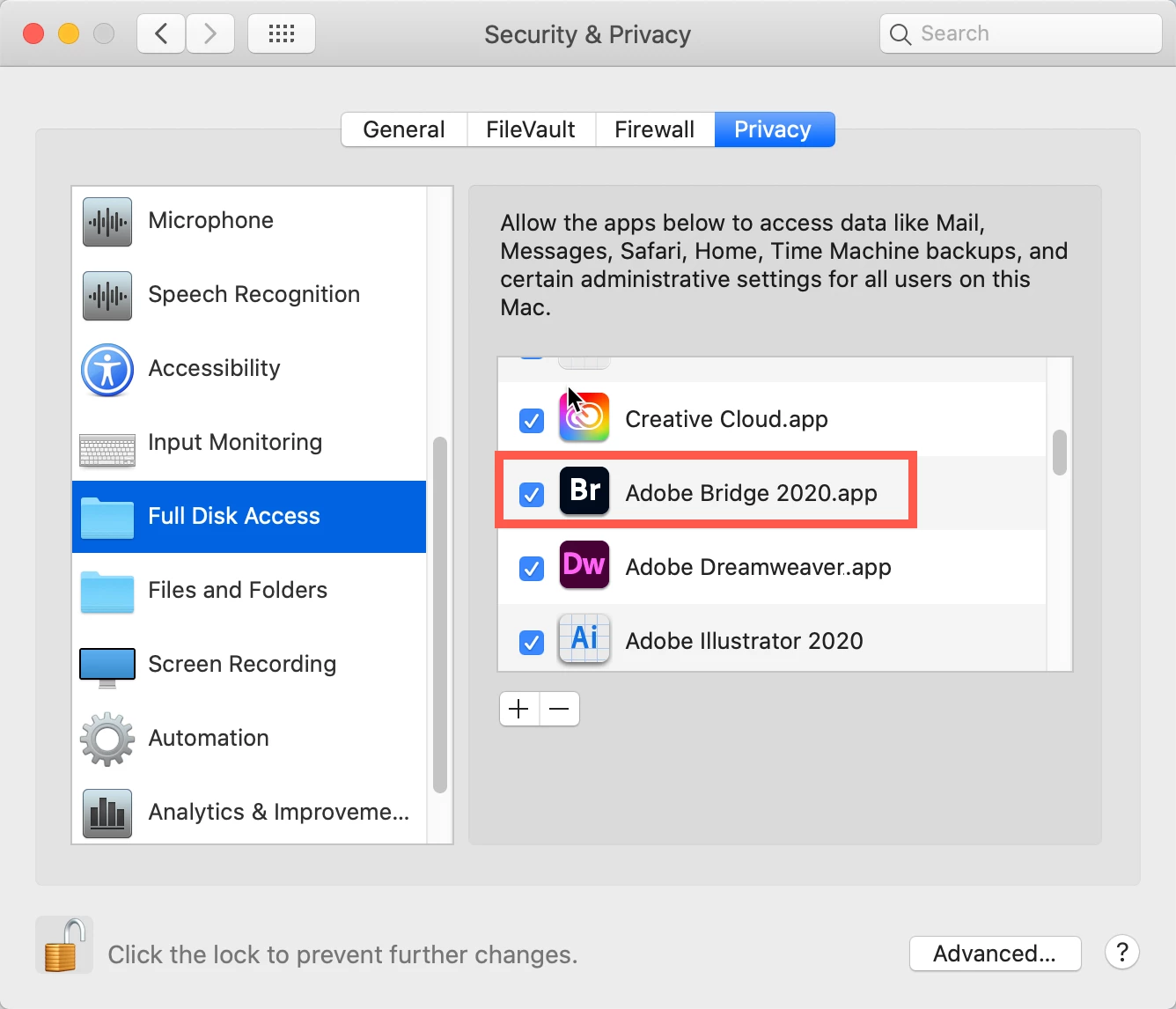
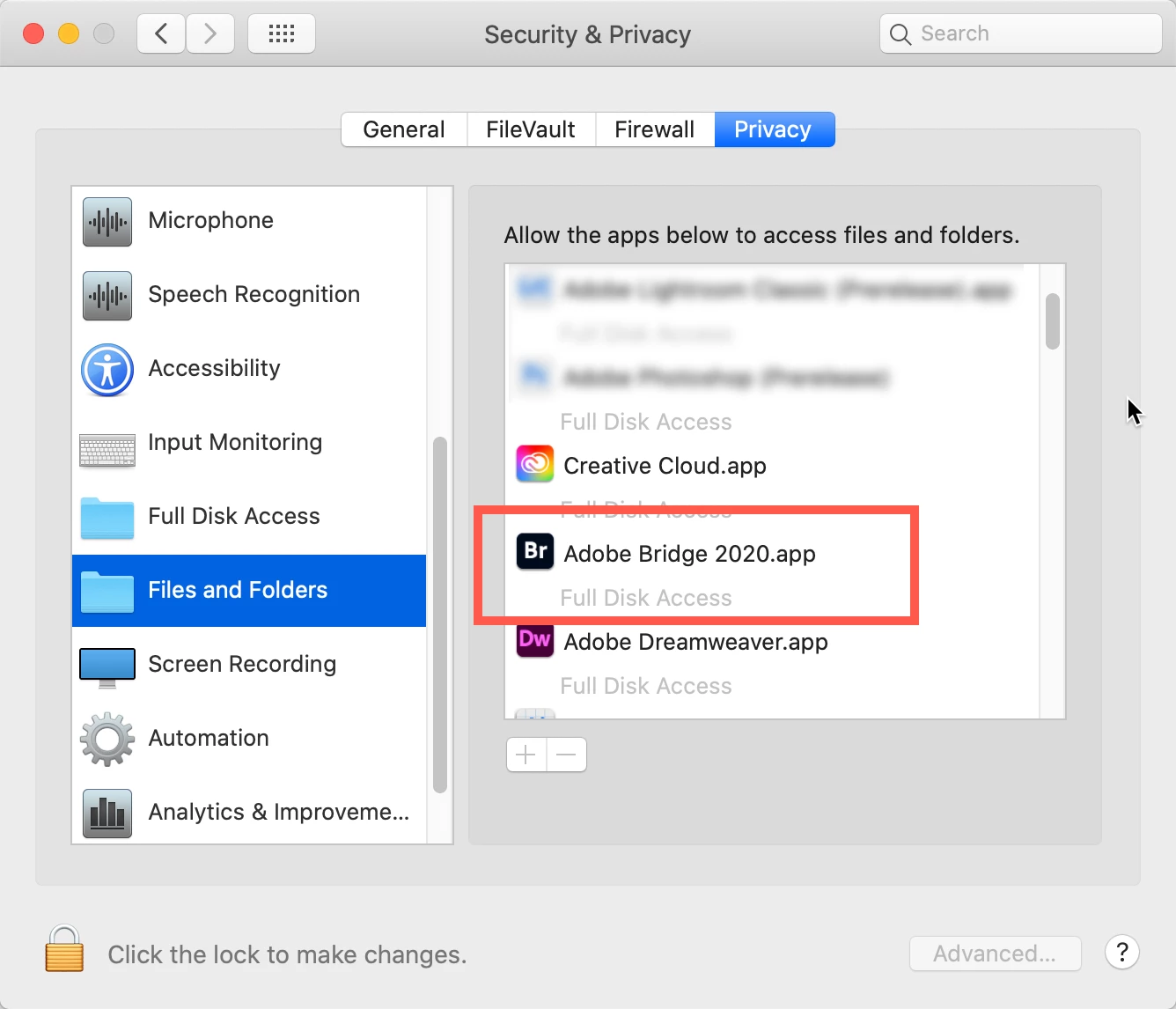
Go to your System Preferences and select Security and Privacy (found in the top section). Now click on the Privacy setting (last tab). Now click on the lock on the bottom left and provide your Administrator code. Now select the Full Disk Access option and click on the "+" symbol. This will bring up the standard Mac Open window and let you add any application you want or need to have full access. Look for Bridge, and select it; it will now appear in that window, and make sure it's checked. Next, go to the Files and Folders option and do the same thing as above (although there's nothing to check, just add. Close everything down and see if that makes it all work.
Please let me know if this is relevant and if it works.
Already have an account? Login
Enter your E-mail address. We'll send you an e-mail with instructions to reset your password.


 AdChoices