Jean Discours
Known Participant
August 24, 2023
Question

Poor display quality on Mac

  • August 24, 2023
  • 2 replies
  • 936 views

Hello to the community,

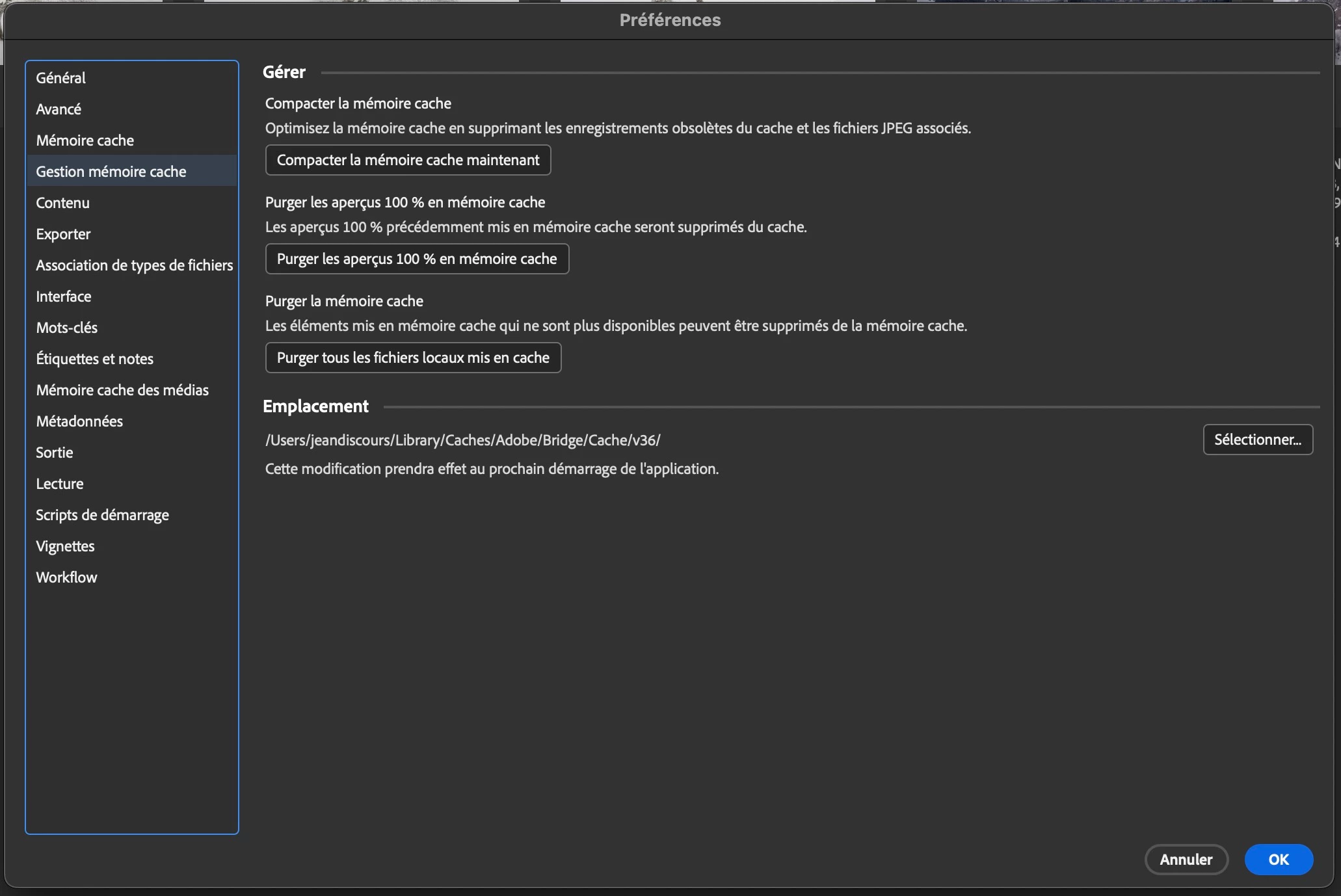
High quality preview construction is good on Bridge 2022 but not on Bridge 2023.

Problem in the second post...

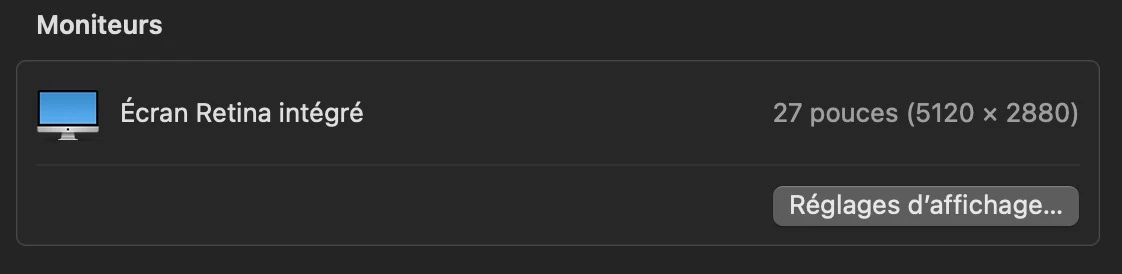
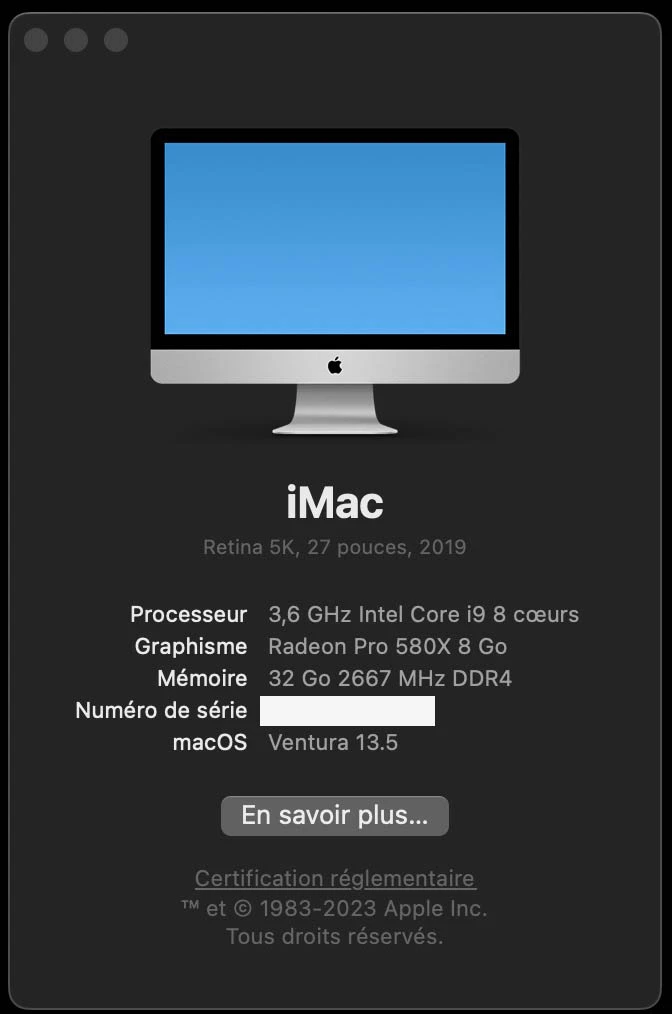
Here is my configuration:
 

2 replies

Jean Discours
Known Participant
September 14, 2023

Same issue with B2024...

Jean Discours
Known Participant
April 15, 2025

Continuation of my problem

I still have previews on B2022 at 5120 pixels wide and 2048 with B2025.

I bought a Mac Studio with a 27-inch studio display.

Installation from 0 of the system and B2025, the previews are 2048 pixels.

Installation of B2022, the previews are also 2048 pixels.

Resetting and reinstalling Time Machine, B2022 displays previews in 5120 pixels.

On the old Mac, deleting all Adobe applications and settings and then reinstalling B2022 and B2025, previews are only 2048.

Reinstallation from Time Machine, the previews are again 5120.

CMass
Community Manager
Community Manager
April 17, 2025

Hey @Jean Discours

I'm so sorry you're still encountering this issue. The team has asked if you could share sample files that cause this issue so they can test out on their end. Can you PM a couple of files they can test out?

Thank you! 
CM

Jean Discours
Known Participant
August 24, 2023

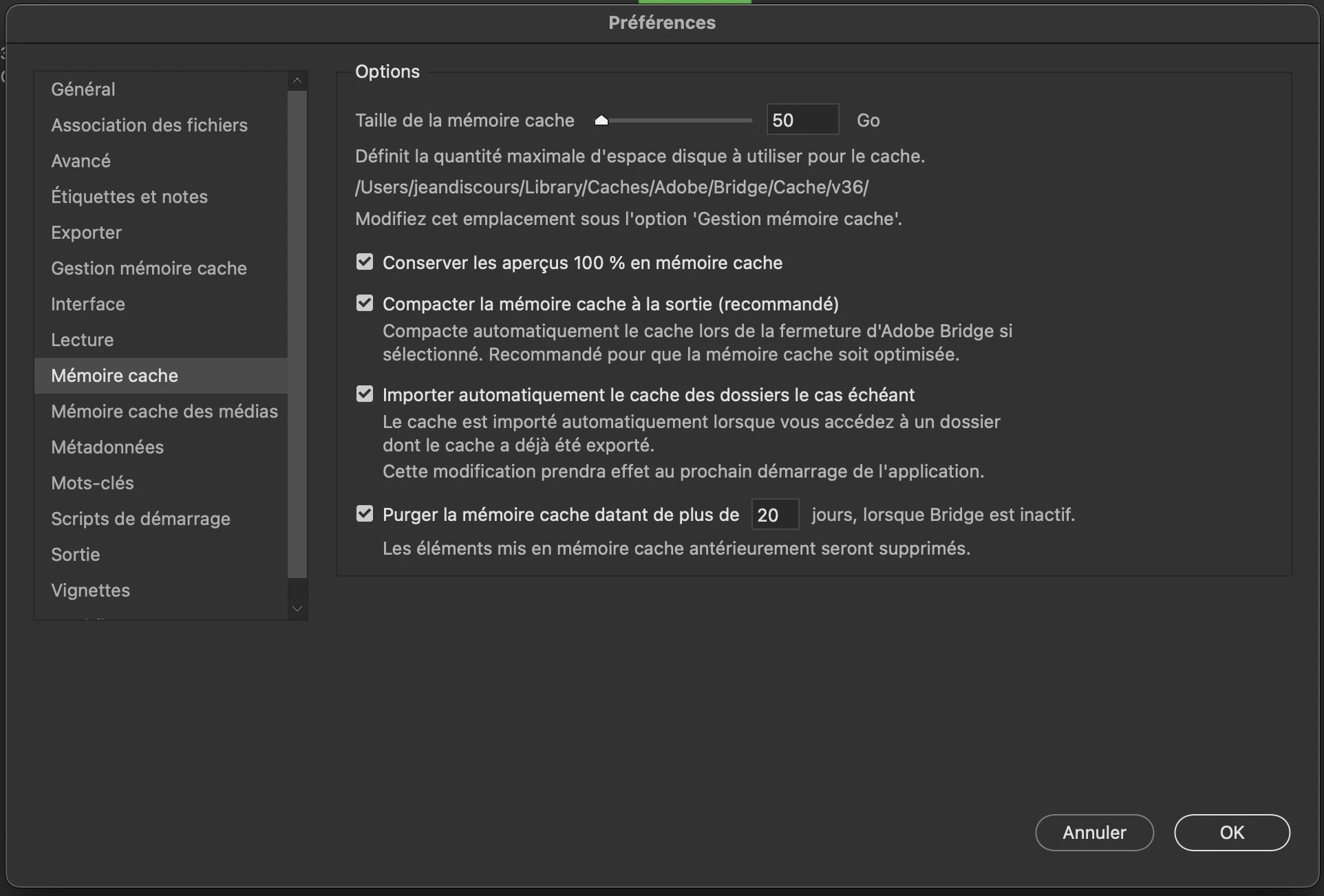
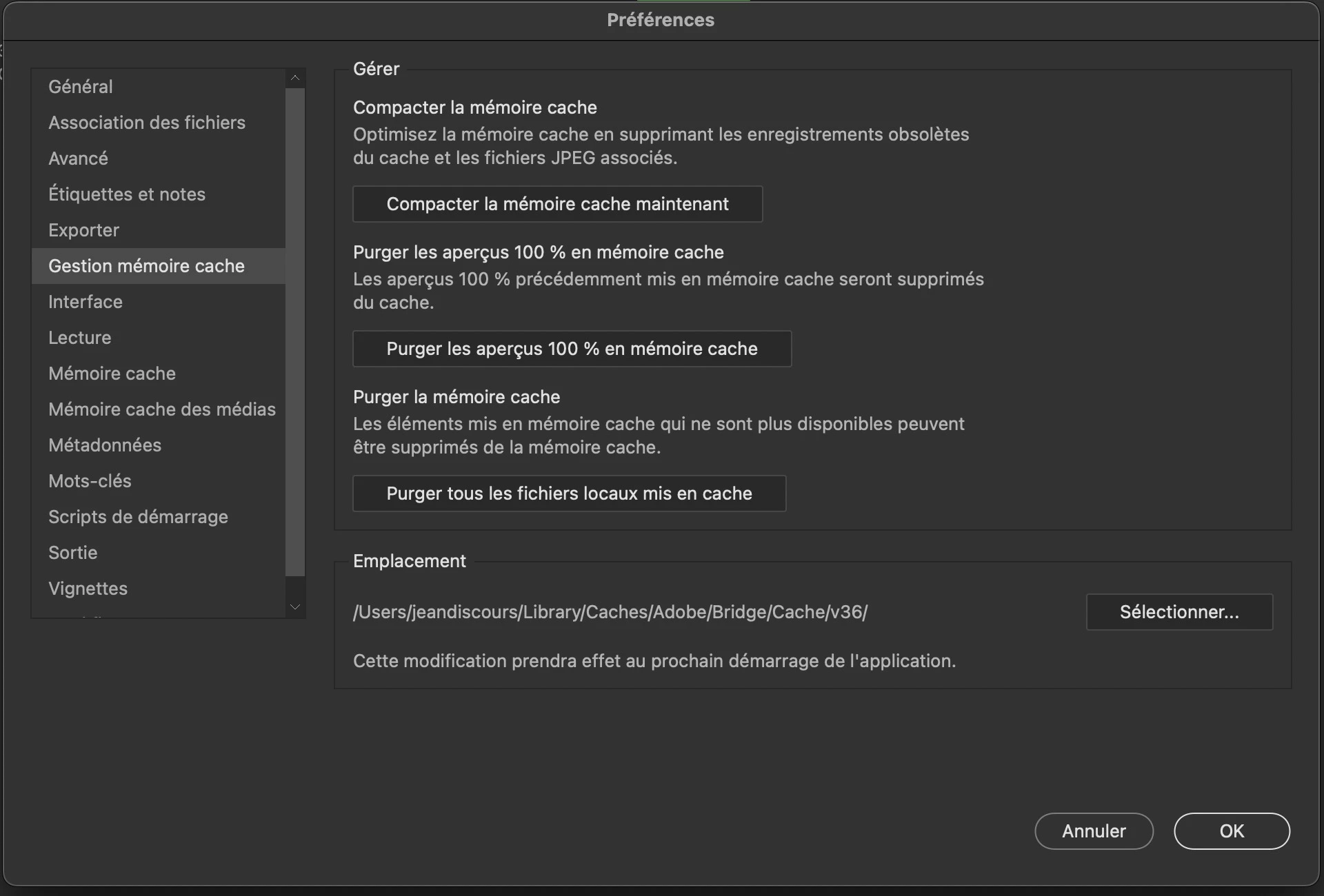
After emptying the various caches (cache memory and 100% previews), here are the dimensions of the images in the v36 folder (example with the dimensions of the following original image).

Vignettes B2023 :

Vignettes B2022 :

High-quality preview (screen size) B2023 with space bar:

High-quality preview (screen size) B2022 :

Overview 100% B2023 with clic on high quality preview:

Overview 100% B2022 :

I use the high-quality preview all the time to check the image and its sharpness, so differences in thumbnail dimensions are less annoying).
The preview created with B2023 is only 2048 px wide (5120 on B2022) and doesn't allow me to check my images.
It's worth noting that when I click on the 100% preview and then return to the high quality preview, the dimensions change without being sufficient to judge the quality of the image (from 2048 to 2560).

Adobe Employee
September 8, 2023

Hi,

Thank you for the feedback.


Could you let us know about the bridge version so we can better understand this issue?

Also, could you please share sample files with us at sharewithbr@adobe.com?


Regards,
Bridge Team

Jean Discours
Known Participant
September 12, 2023

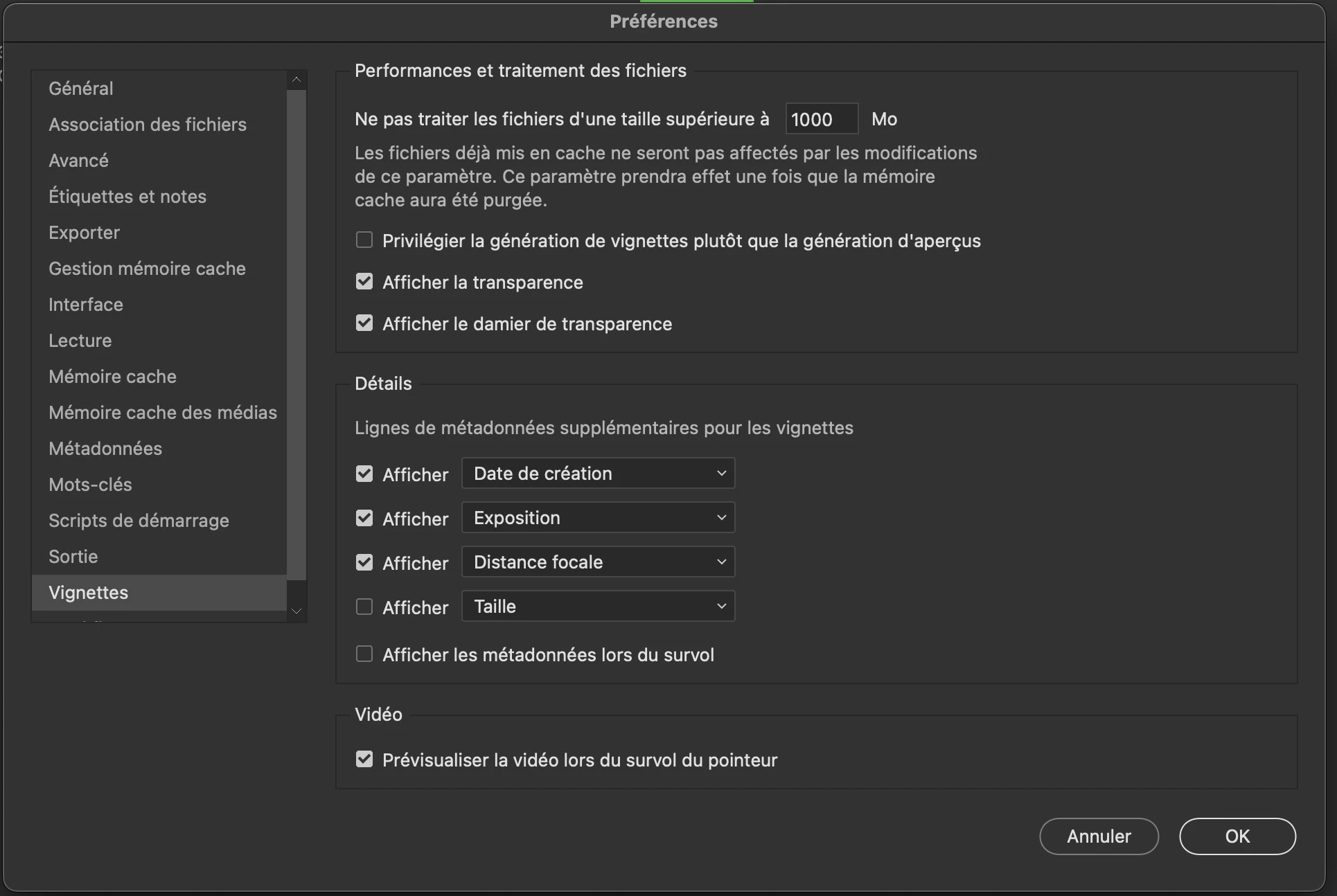
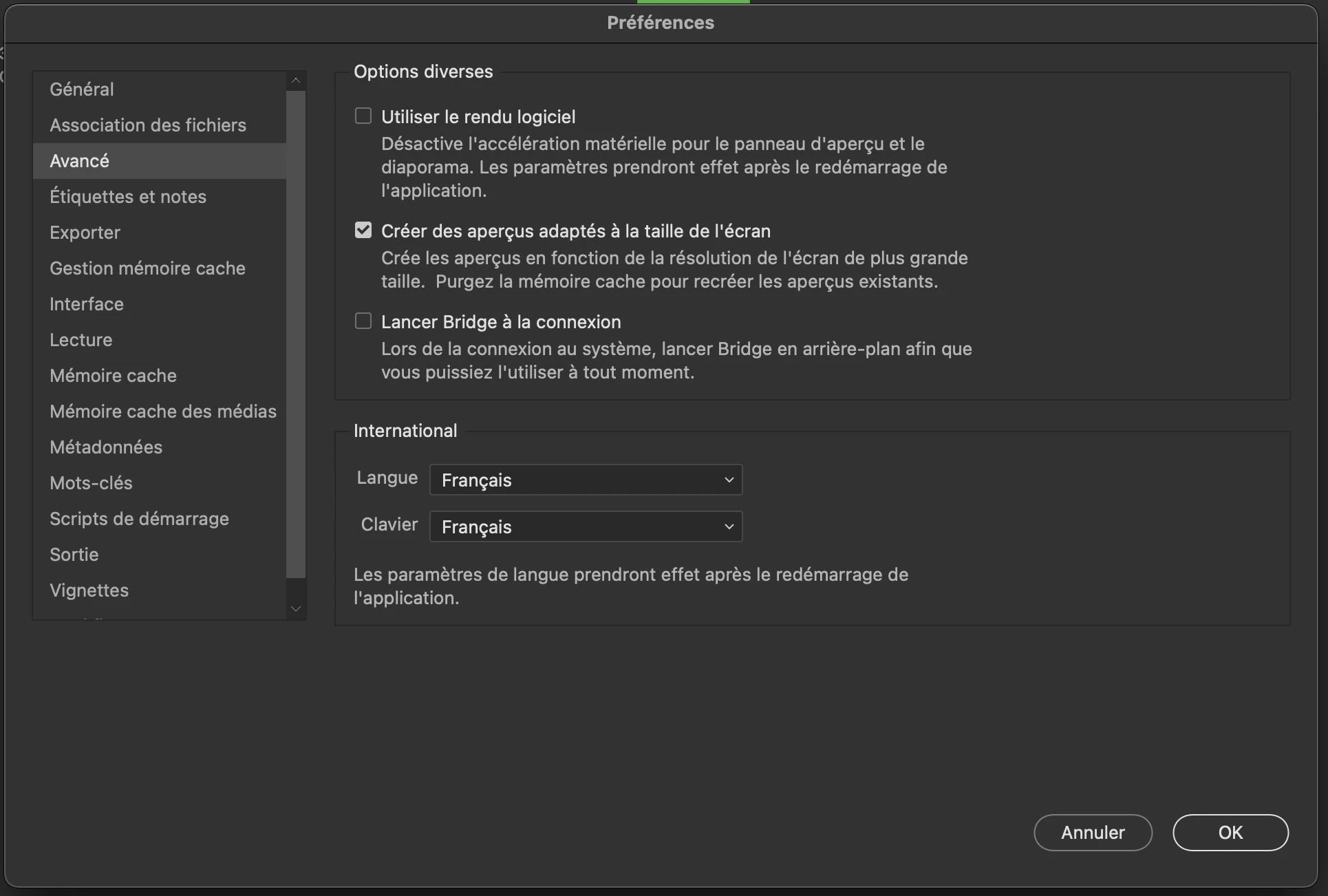
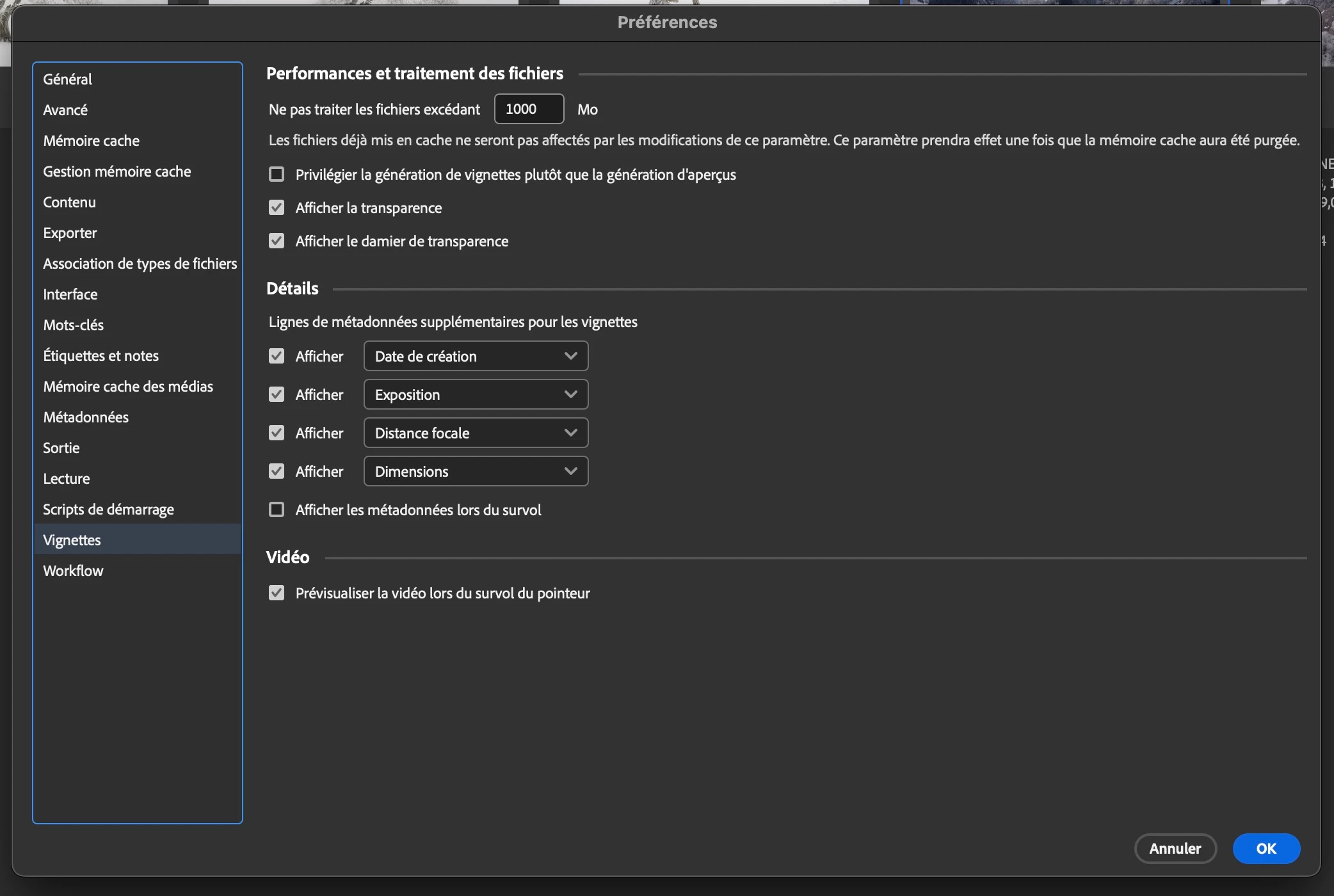
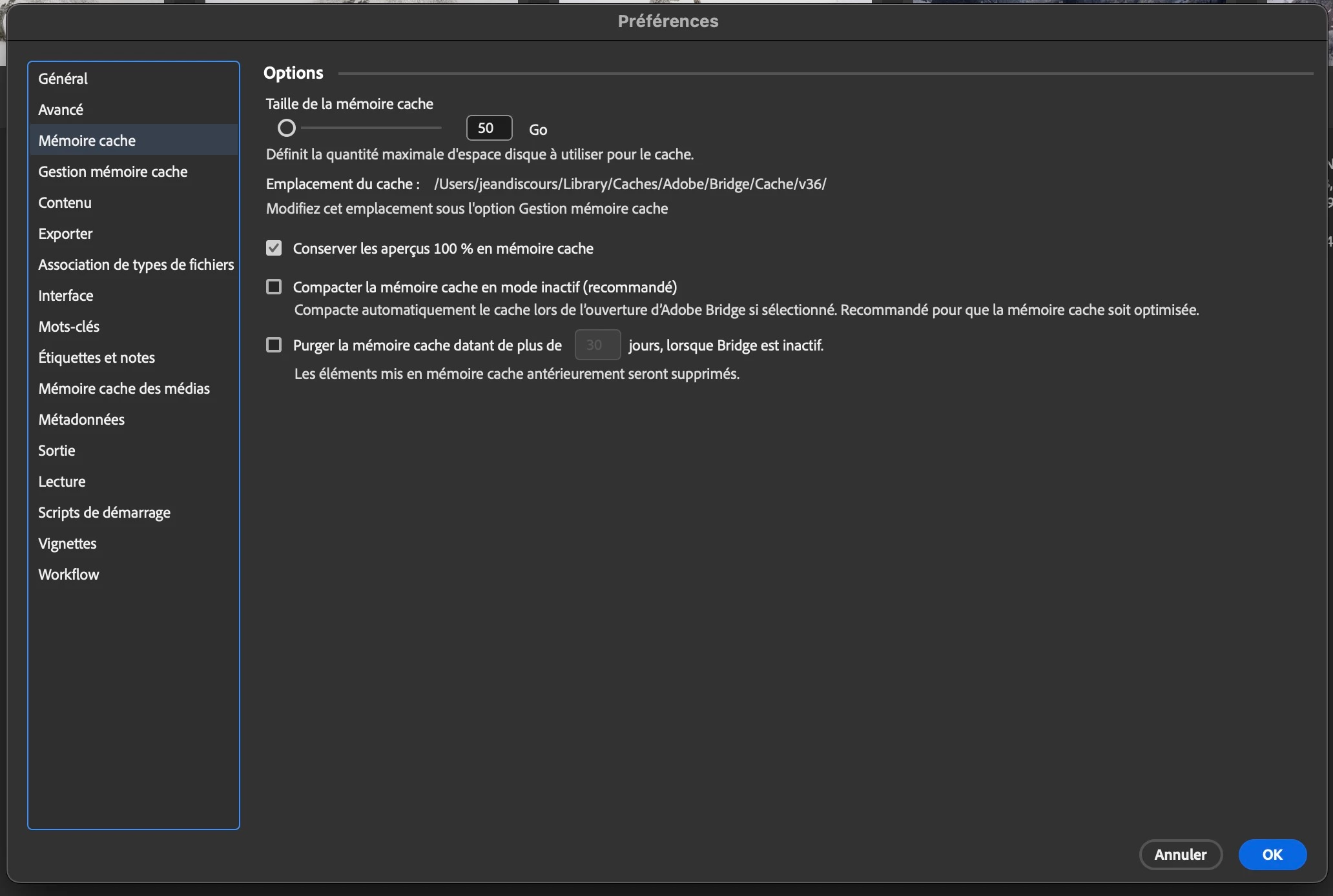
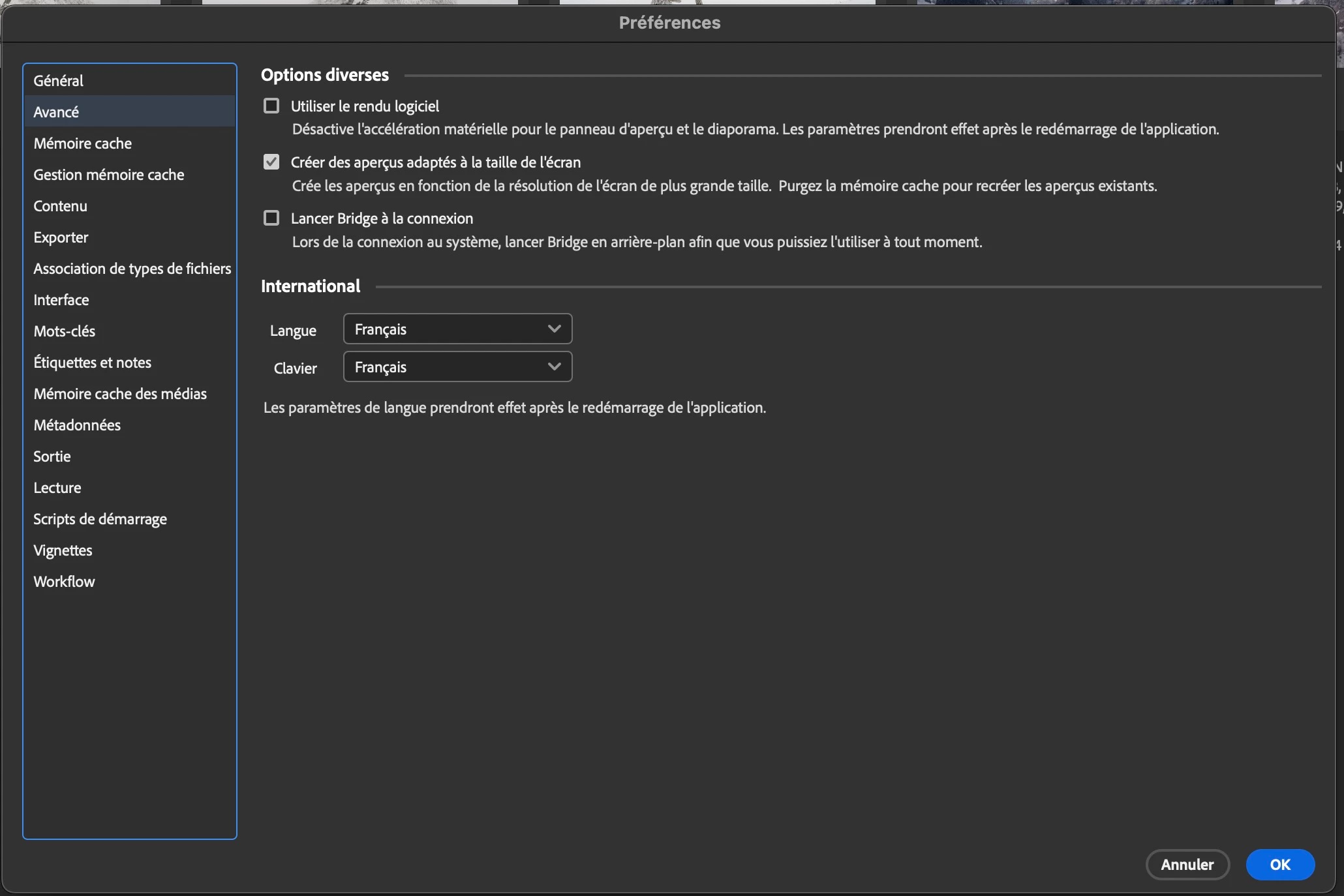
Print screen with B2022 and B2023