
EB1337
Participant
March 31, 2018
Answered

Previews won't fit the window since update

  • March 31, 2018
  • 1 reply
  • 343 views

Hey guys,

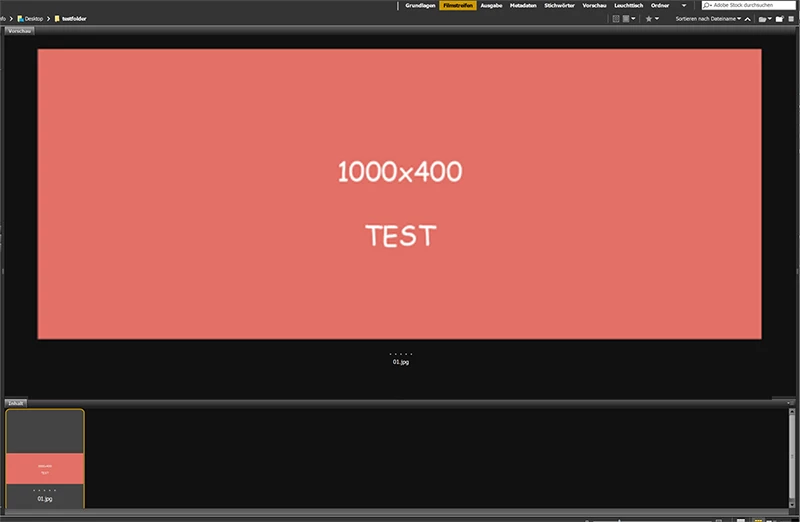
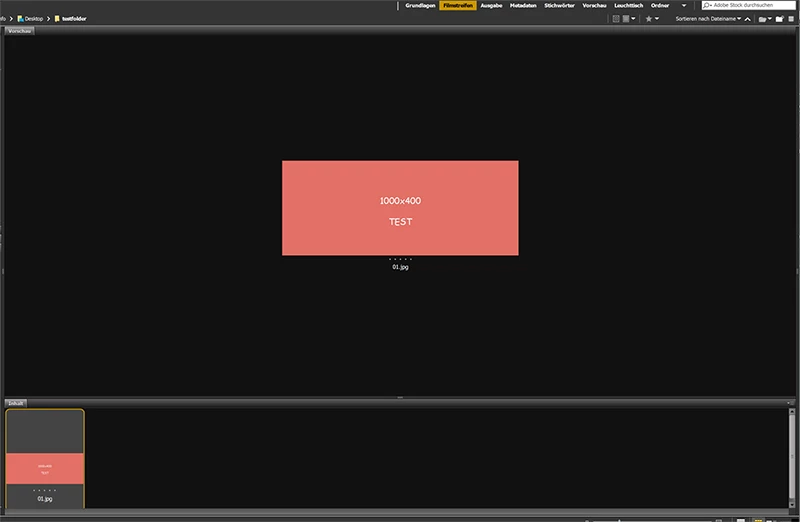
I recently upgraded from Bridge CS6 to Bridge CC. It all works perfect but my images won't be previewed as before. I am using a 2560x1440 screen resolution and the latest Bridge CC.

Before it was like this:
Now it is scaled down to its actual pixel size, which is a bummer:
If anyone can help me get it back to normal, I would greatly appreciate it. Even though there might be smaller images I still need to see them in a bigger preview.

Thanks so much and have a nice day

xx

This topic has been closed for replies.
Correct answer EB1337

Whats your windows DPI scaling?

CS 6 did not scale to the dpi settings of the OS and that is what you maybe seeing.


I have the scaling at 100%. Also resetted all the Bridge settings now.

1 reply

jbm007
Community Expert
Community Expert
March 31, 2018

make sure "generate monitor size previews" is checked off in preferences.

If it is try clearing your Bridge preferences.

EB1337
EB1337Author
Participant
March 31, 2018

I now checked "generate monitor size previews" and deleted my cache. Still no change.

jbm007
Community Expert
Community Expert
March 31, 2018

Whats your windows DPI scaling?

CS 6 did not scale to the dpi settings of the OS and that is what you maybe seeing.