
mikee4389943
Participant
June 29, 2020
Question

Problem viewing a file after 12.3

  • June 29, 2020
  • 2 replies
  • 274 views

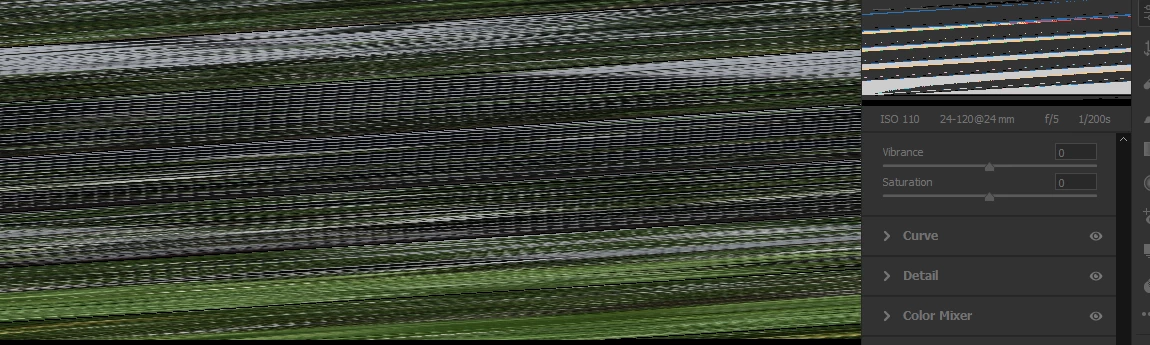
Just started using Bridge after the 12.3 update. When I opened a file it displayed a scrambled version of it.  I can't get rid of it.  I had this problem with my first Bridge a few years ago but I was able to to find a way to display the file I wanted to edit. I can't seem to do that with this one. 
This topic has been closed for replies.

2 replies

jbm007
Community Expert
Community Expert
July 7, 2020

Also cear your ACR cache folder

Known Participant
July 7, 2020

Looks like a video card issue to me.  Try going into your Bridge Preferences and swithching off the Use GPU option, then get out of Bridsge and re-open it.  Turn the GPU option back on latewr if the problem has gone away.  Check for an upgrade in your GPU driver first though.