
michellem87129500
Participant
November 27, 2019
質問

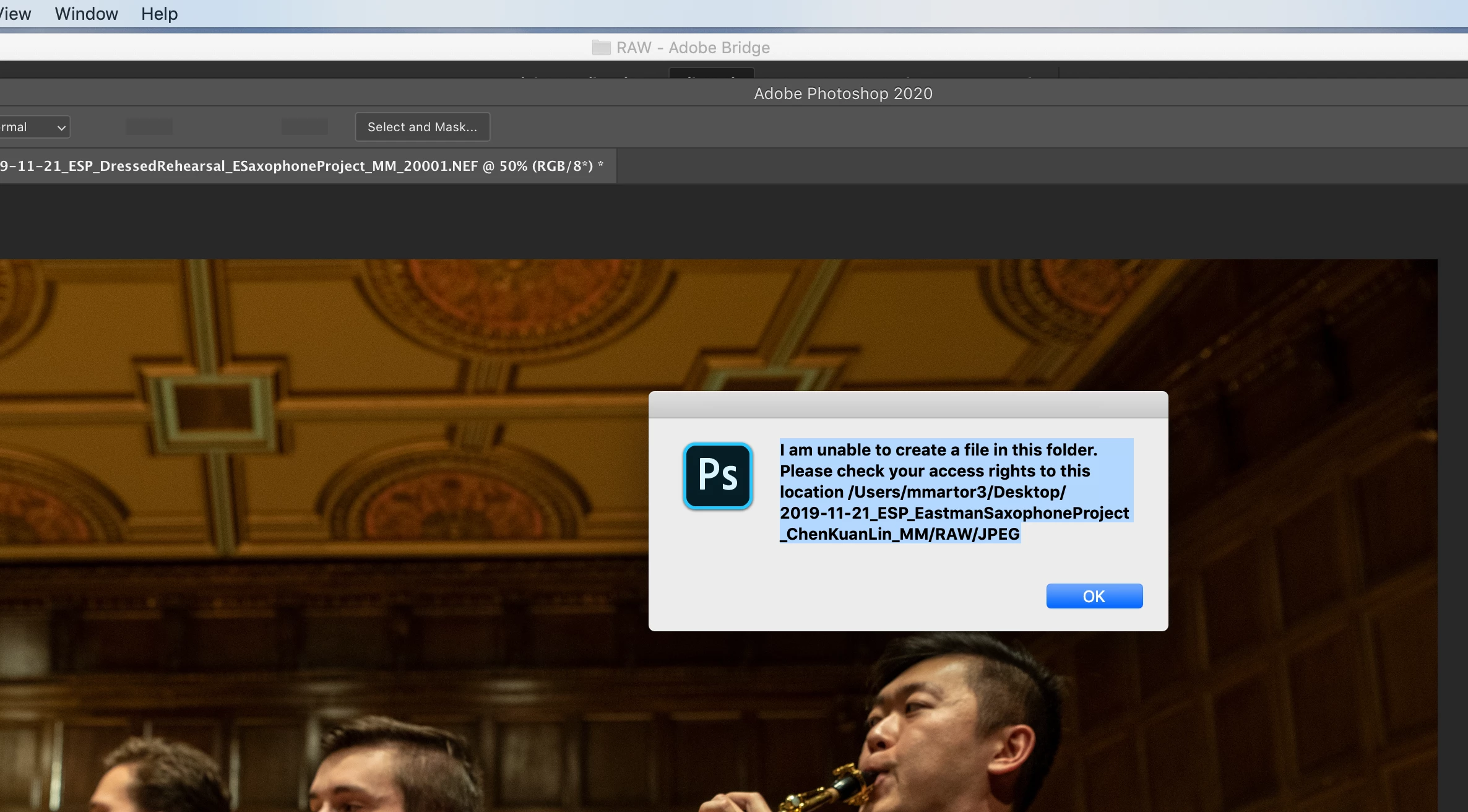
Processing Images from Bridge to Photoshop and getting Error Unable to create a file in this folder
  • November 27, 2019
  • 返信数 2.
  • 669 ビュー

I am trying to process images like I have done a million times before and suddenly I started getting this message. I uninstalled photoshop to see if that was the problem, nothing changed.

I created new folders somewhere else, it didn't change this error.

I made sure all the folders were read and write and nothing changed the error.

I don't know what is wrong and I have a ton of pictures to process. 

HELP!!!!

I am using Photoshop 2020 and Bridge 2020. Is this a known issue with the new versions? I know I didn't have this problem before updating.

Let me know, I need to do my job!!!

Thanks,

Michelle

このトピックへの返信は締め切られました。

返信数 2

nikunj.m
Legend
November 27, 2019

Hi Michelle,


We are sorry about the experience with Bridge and Photoshop 2020.


Would you mind sharing the macOS version you are using? If you are using macOS Catalina, you can add both Photoshop 2020 and Bridge 2020 to the Accessibility list for macOS by going to the System Preferences, then Security and Privacy and then selecting the Privacy Tab. Also, grant permissions to both Bridge and Photoshop under the Files and Folders list. Then restart the computer and check if the issue persists.


Regards,

Nikunj

Legend
November 27, 2019

If you upgraded to catalina, there are a LOT of problems with CC apps. Google "Catalina permissions." Most likely its what the error says, access problems.