
Known Participant
November 4, 2024
Question

Quick Action not working

  • November 4, 2024
  • 1 reply
  • 405 views

Dear all,


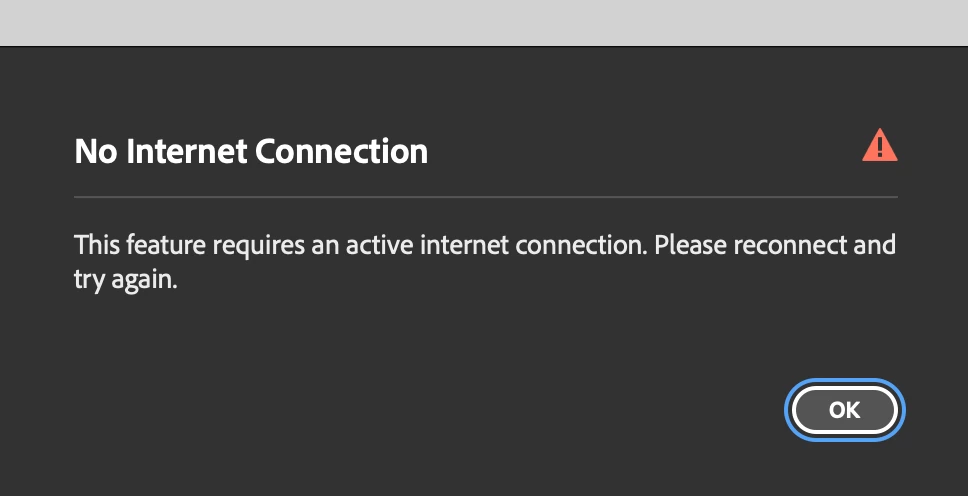
I updated my Bridge to 2025 version and now it keeps showing this warning when I am connected to wifi. I've restarted the app and the laptop and it' still the same. Anyone has encountered the same issue?


Sincerely,

Karen
1 reply

Adobe Employee
November 5, 2024
Hi @Karen JR 
Thanks for you feedback, Could you please confirm the following for us to help debug this issue?
 
  1. Have you tried logging out and logging back in the Creative Cloud application.
  2. Are you able to preform same quick action inside Creative Cloud app (To do this, you can launch Creative Cloud and try this quick action under the quick actions section)?
  3. Is this issue reproducible on all types of assets or some particular asset ? If yes, could you please share a sample asset with sharewithbr@adobe.com.


Thanks,

Navkamal 

Participant
January 30, 2025

Hi Navkamal, 


I am also having the same issue - can you help me?


thanks