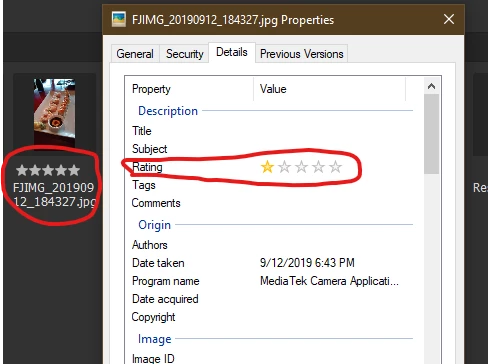
The problem is conflicting metadata. My initial findings using ExifTool comparing files rated by Bridge and Windows 10 are as follows...
Adobe software uses the following metadata for a 5 star rating:
[XMP-xmp] Rating : 5
While Microsoft Windows does write this same metadata, it also additionally uses its own system:
[XMP-xmp] Rating : 5
[XMP-microsoft] RatingPercent : 99
(1 Star = 1, 2 Stars = 25, 3 Stars = 50, 4 Stars = 75, 5 Stars = 99)
It also appears that Windows is writing the same tags/values to a different metadata group (EXIF), which is likely there to support older versions of Windows that did not use XMP:
[IFD0] Rating : 5
[IFD0] RatingPercent : 99
Adobe software does not write the second MS metadata tag in red, so there is a conflict if the file has been handled by both software using different ratings.
Therefore the answer is to not change any ratings using MS Windows and only use Adobe Bridge to change ratings if you wish to have cross-application consistency.
P.S. I am not sure if it is possible to write a Bridge script that would also write the MS metadata to match the Bridge metadata or just remove the MS metadata conflict, even if possible for the XMP tag group – I have a feeling that it would not handle the EXIF/IFD0 tag group.
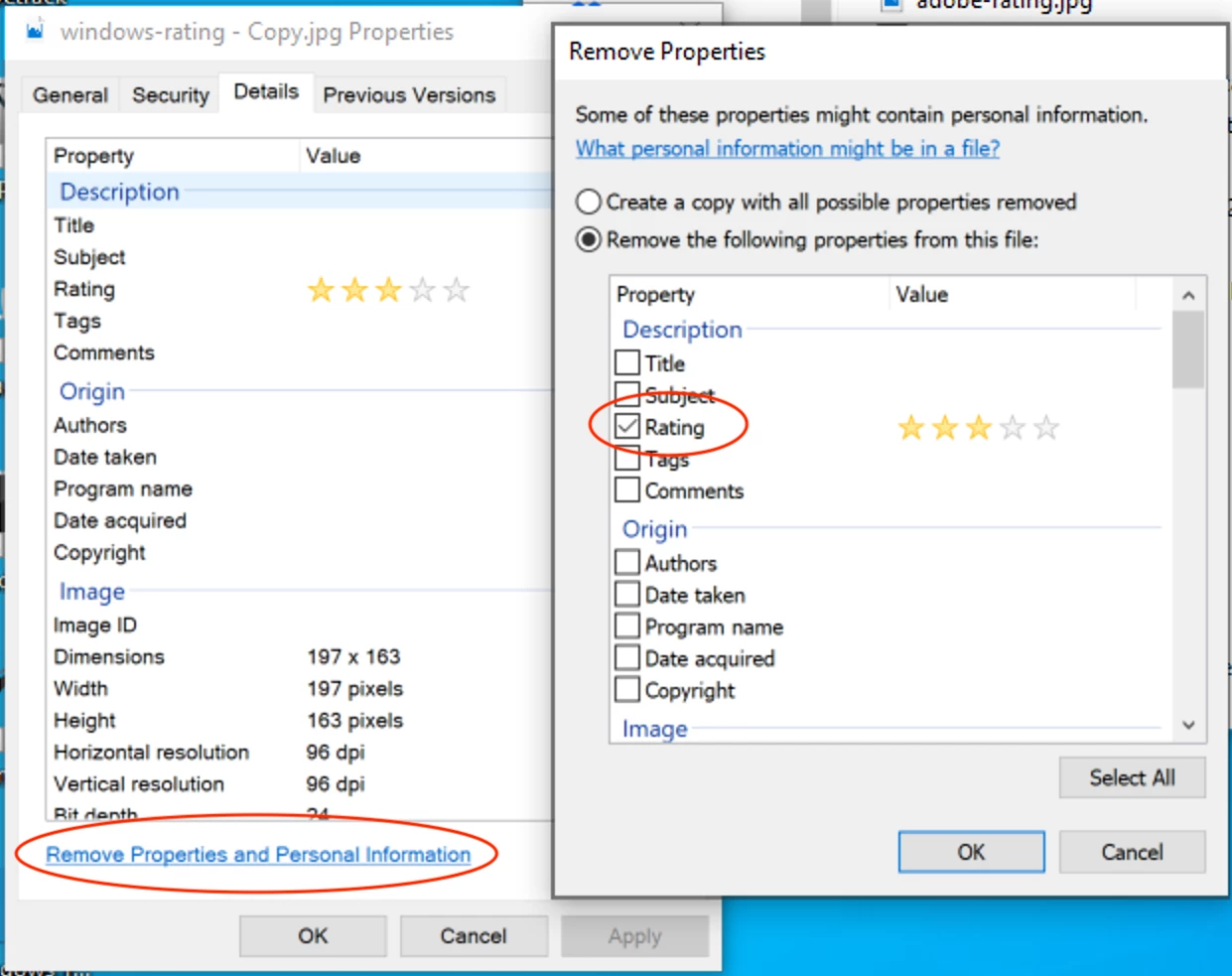
You can remove the Windows metadata using ExifTool or the Windows GUI:



 AdChoices