
toby55
Participant
February 13, 2017
Question

Raw Files are not Visible in Updated Bridge and updated camera raw

  • February 13, 2017
  • 3 replies
  • 782 views

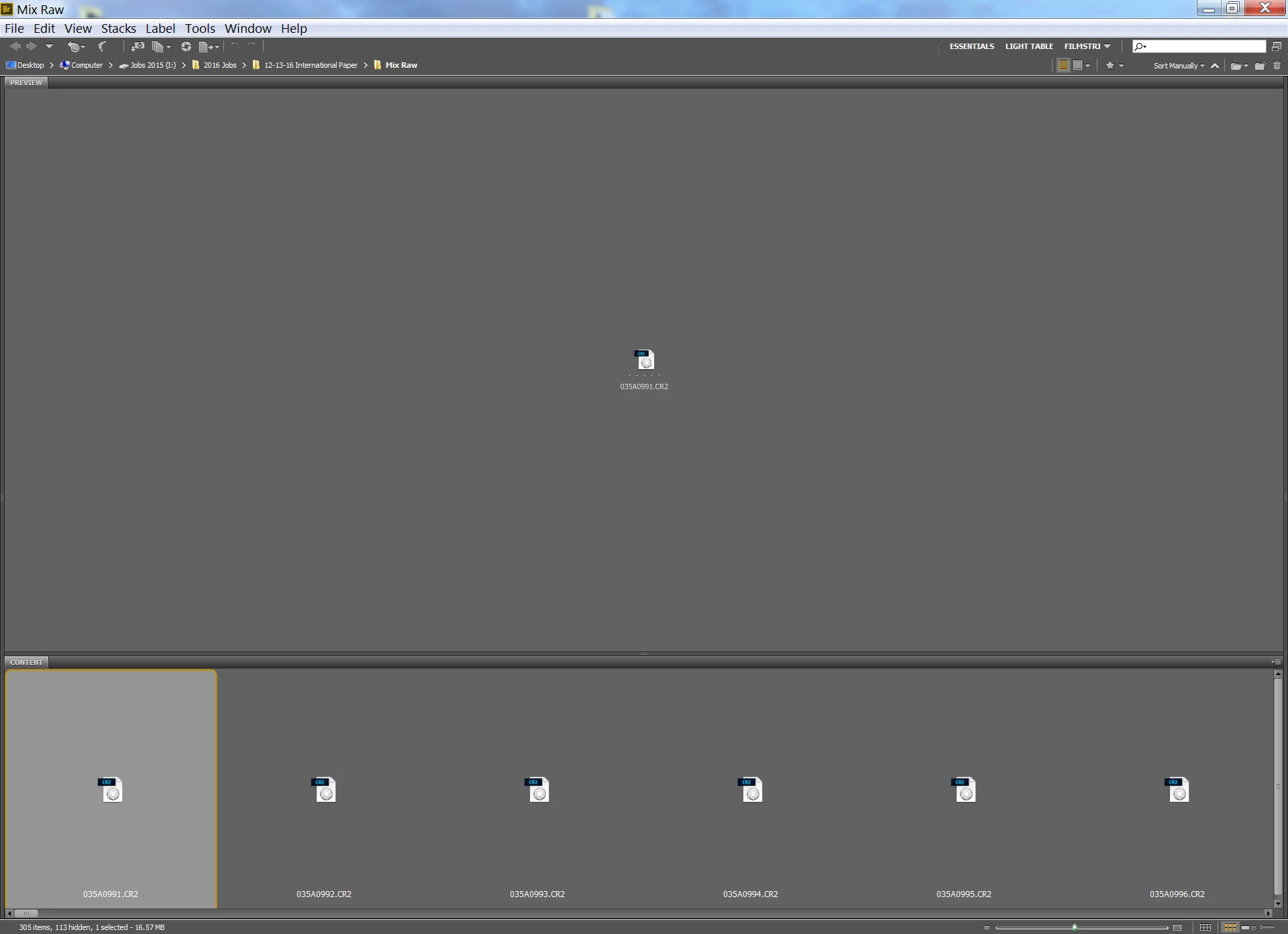
We are having the issue with not being able to see our Camera Raw files in bridge.

They do open in photo shop, but the files are not visible in bridge.

We are currently updated with the latest bridge as well as camera raw settings.

Camera raw file is from the Canon 5D Mark 4.

We also tried to clear the history in bridge, including the cache.

Any Suggestions?
This topic has been closed for replies.

3 replies

toby55
toby55Author
Participant
August 2, 2017

Not sure why my comment was marked as correct answer, since my issue has not been solved.

Please advise on a possible solution.

toby55
toby55Author
Participant
March 20, 2017

Hi Sahil,

The update did not solve this issue. Also tried un-installing and reinstalling.

Toby

Deepak_Gupta1
Participating Frequently
March 30, 2017

Hi toby55,

Can you check you CameraRaw version and share on this thread.

Thanks,

Deepak Gupta

toby55
toby55Author
Participant
March 30, 2017

Hi Deepak Gupta,

Just to note I have had this issue even before the last camera raw update that was recently released.

I successfully updated to camera raw 9.9 through the creative cloud that is installed on my computer.

That did not fix my issue.

So I then went to the adobe camera raw page and tried to reinstall it again manually. That as well did not fix the issue. Keep in mind I can open the raw file and edit it, The issue is that the file is not visible before i open it in bridge.

I have also tried uninstalling and reinstalling. As well as clearing the cash and other files in bridge which i was told to try.

Sahil.Chawla
Adobe Employee
Adobe Employee
March 15, 2017

Hi toby,

Could you please try updating the version of camera raw Camera Raw installer for Adobe Photoshop CC and CS6

Regards,

Sahil