


Mskalny
Participating Frequently
April 28, 2026
Question

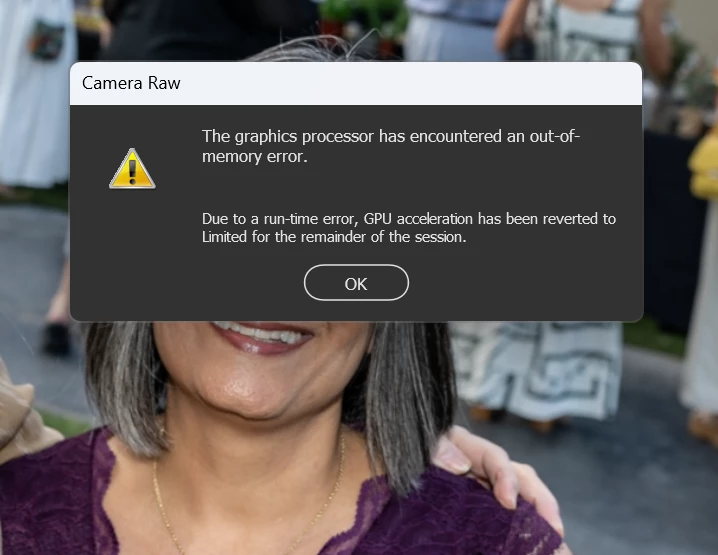
Received a GPU error in Bridge. Love to know how to truly fix it?
  • April 28, 2026
  • 1 reply
  • 24 views

Is this due to lack of space on my Starch drive and or my main hard drive?

    1 reply

    Erik Bloodaxe
    Legend
    April 28, 2026

    This is a Camera Raw issue, nothing to do with Bridge and it's neither of those things you mention, rather a GPU issue. I have only had this happen once for no discernible reason. My GPU has lots of memory. Look in Camera Raw Preferences under Performance and try resetting GPU support.

    Mskalny
    MskalnyAuthor
    Participating Frequently
    April 28, 2026

    Thank you Erik. And yes, it is Camera raw within Bridge. And the Cache has been cleared, GPU is set up correctly, but I’m leaning towards a Hard Drive Memory issues. We have been shoot a lot of files as of late and the drives are getting very full. I’m doing a full back up now and then will clear the hard drives to free up space and hopefully that will solve the problem.

    I’ll let you know how is works.

    Erik Bloodaxe
    Legend
    April 28, 2026

    It is GPU memory the error message refers to not HDD memory. Which GPU do you have?