


Known Participant
August 28, 2023
Question

spontaneous color profile changes in Bridge 2023

  • August 28, 2023
  • 2 replies
  • 338 views

This is something new and puzzling; After opening a raw file in Bridge 2023, when I move the mouse over the open file, the color profile appears to change between the chosen color profile and the darker one. If I continue and open the file in Adobe Photoshop 2023, it opens up in the correct profile. I don't know what causes these changes, but it obviously makes it difficult working with the raw files in Bridge.
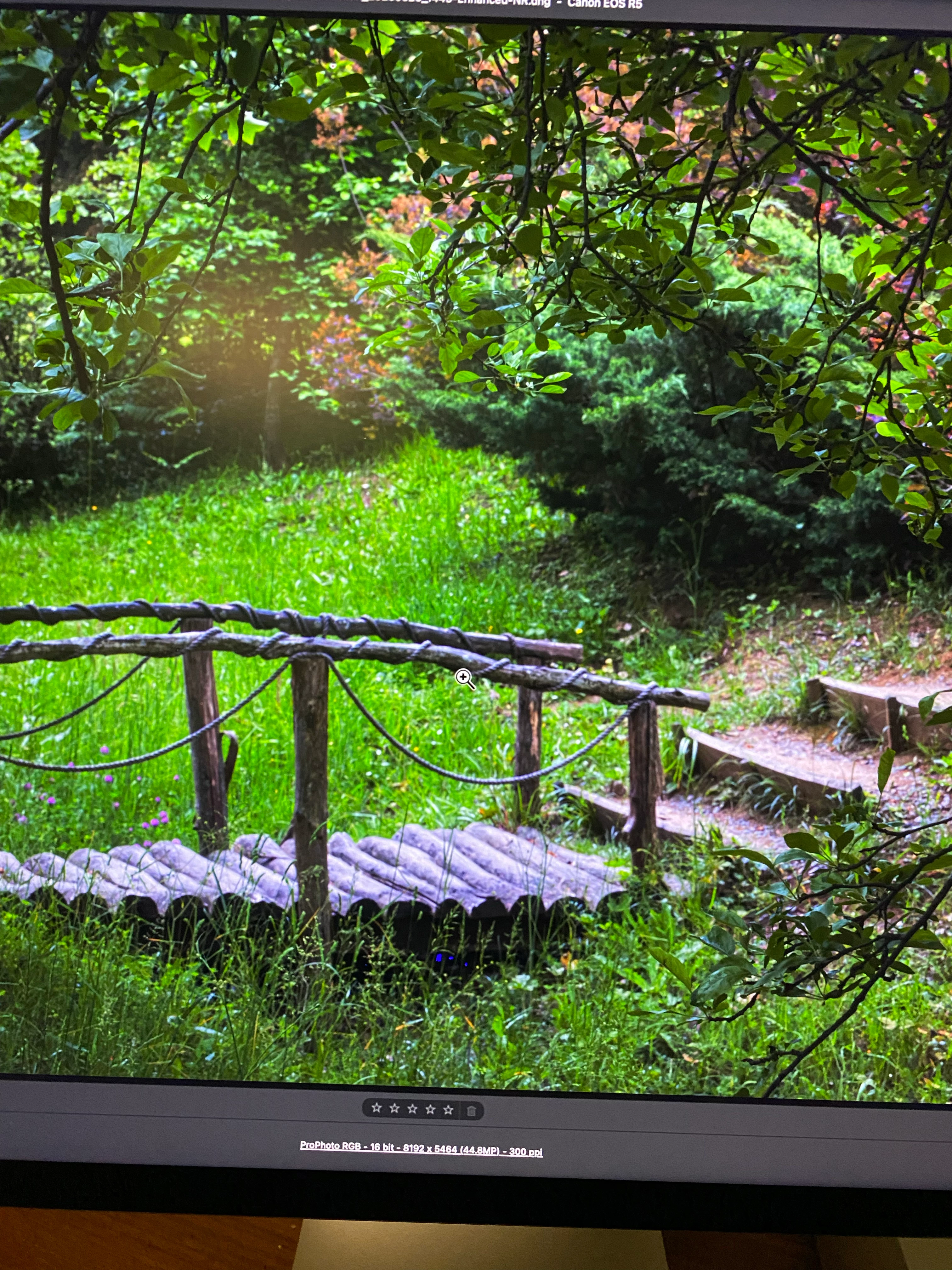
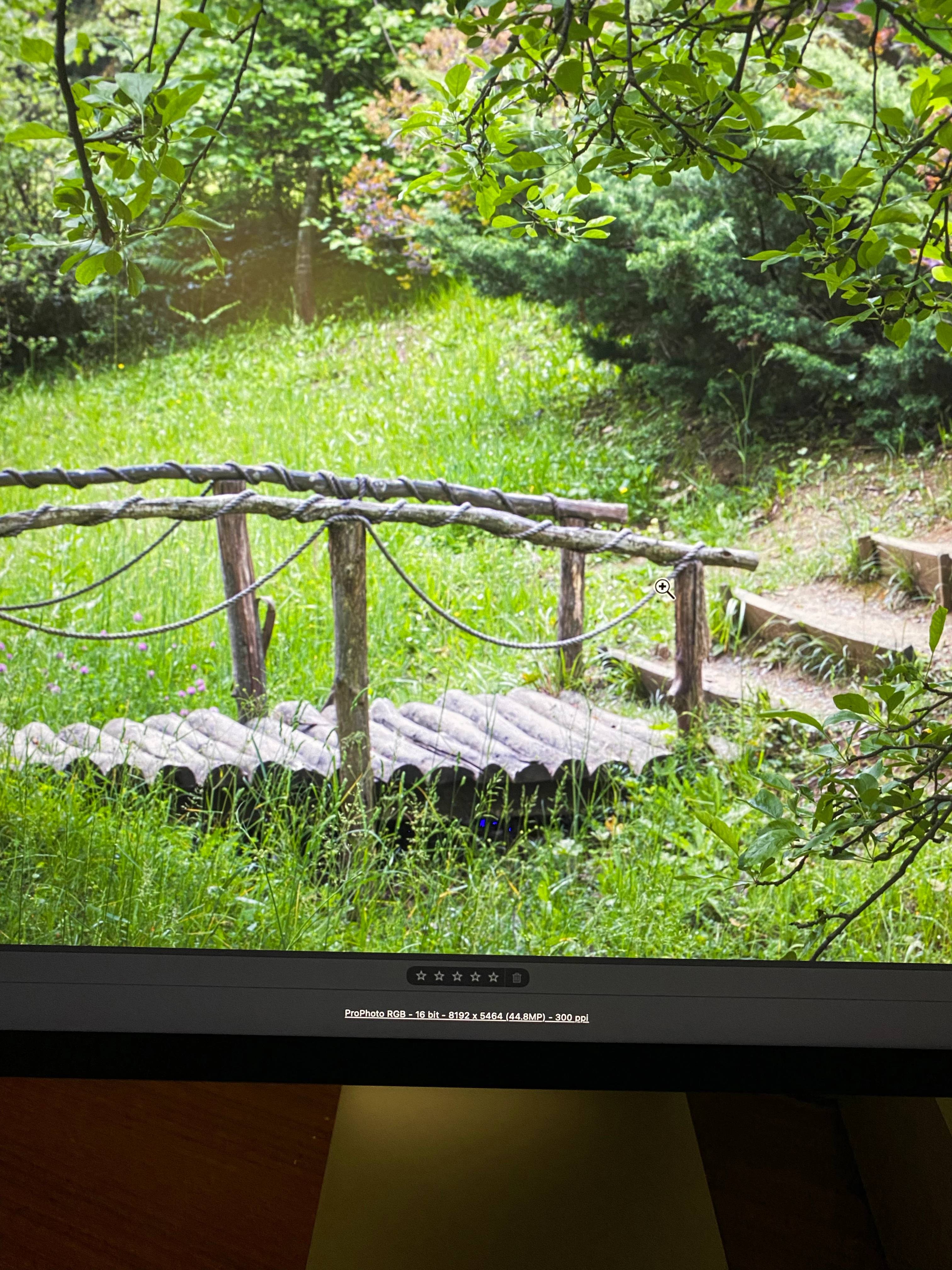
 Mac Studio

Sonoma 14.0

Studio Display

Adobe Bridge 13.04

Adobe Photoshop 24.7

This topic has been closed for replies.

2 replies

Community Manager
August 29, 2023

Hi Sarpel,


Thanks for your feedback.

Please share the sample file and screen recording of the issue at sharewithbr@adobe.com


Thanks,
Bridge Team

Legend
August 28, 2023

Sonoma is beta software and not supported. Does it work in Ventura?

SarpelAuthor
Known Participant
August 29, 2023
My other computer is iMac Pro Late 2017, Mac OS Sonoma 14.0, Adobe Bridge 2023 13.0.4, Adobe Photoshop 2023 24.7.0
Same thing does not hapen with this computer.
It is interesting (at least to me) the problem with Beta software after the update cleared in the second one, but I still can not use the beta software with Mac Studio.
So hopefully new updates (both apple and Adobe) will take care of the problem.
Thanks
S.C.Sarpel