
Question
Trying to create a workflow to resize images for social media
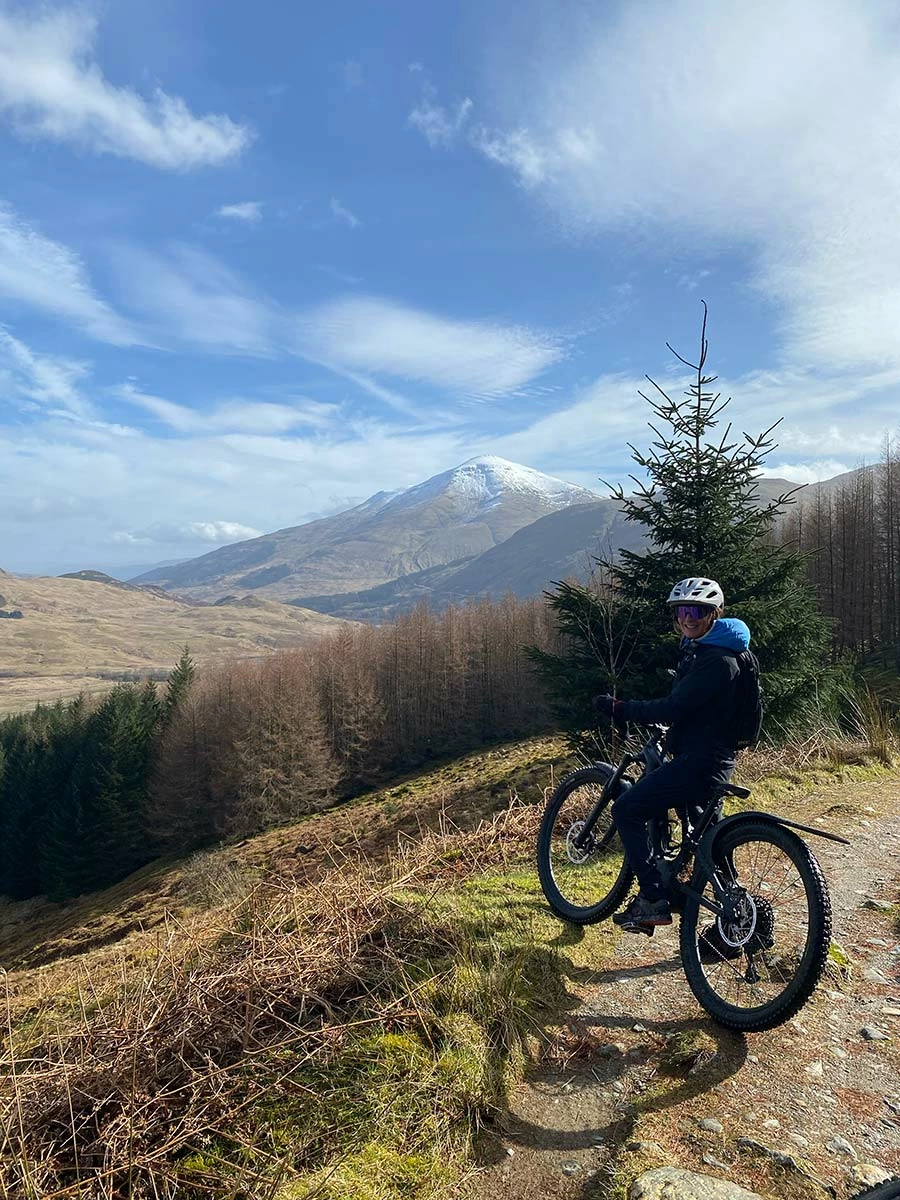
I'm trying to create a workflow to resize images for social media. I've set it to 1600px at longest length and 300px/in, and 7 as image quality, but it's still only bringing file size down to 1.5mb. I've resized images in Photoshop to 1600px longest length, 300 px/in and 77% quality and it brings the file size down to the early - mid hundreds of kb. Is there any way I can bring filesize down to around 4/500kb whilst maintaining decent quality in a workflow in Bridge?
Thanks for your help, Cat


 AdChoices