



Question
Unable to batch process files in Bridge, error message "Install the latest version of Photoshop to"
I have been using the subscription for several years and am fastidious about upgrading when I receive notifications. Since upgrading to the latest version of Bridge (11.1.4.213), I am unable to batch process any files in Photoshop because of the error message "Install latest version of Photoshop to continue..." I have confirmed that I am using the latest version of Photoshop (23.5.1), and have re-installed the latest version, to no avail. I am using a late-2013 27"inch iMac, running OS Catalina (10.15.7). Please help!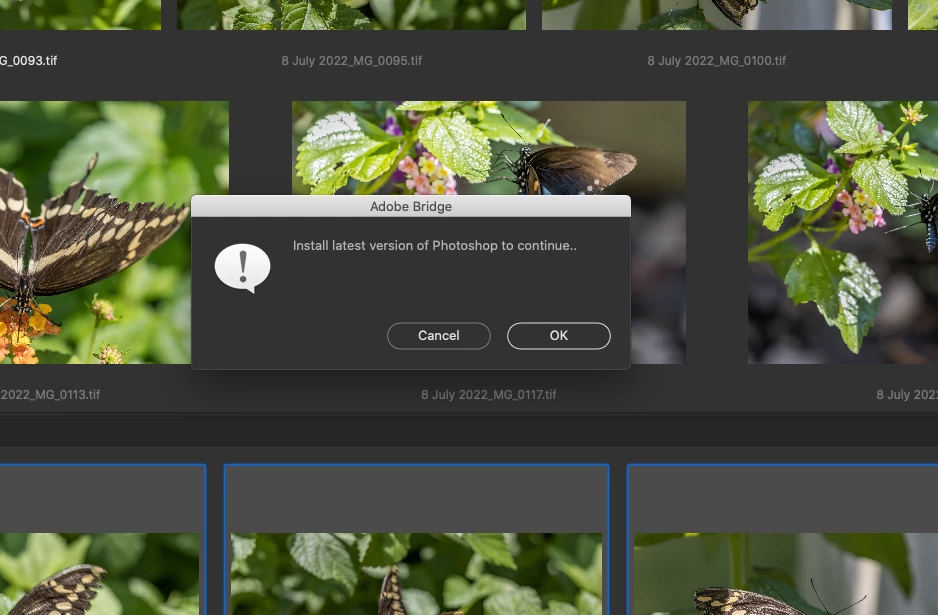


 AdChoices