



Shlomit Heymann
Inspiring
August 8, 2017
Answered

Unable to drag multiple photos from Adobe Bridge to Apple Photos

  • August 8, 2017
  • 2 replies
  • 794 views

Hello,

When I try to drag Multiple photos from Adobe Bridge into Apple Photos, only one photo is added and I get the following messege:

"Cannot Import Item

This item cannot be added to your Photo library because it may be an unrecognizable file format or the file may not contain valid data."
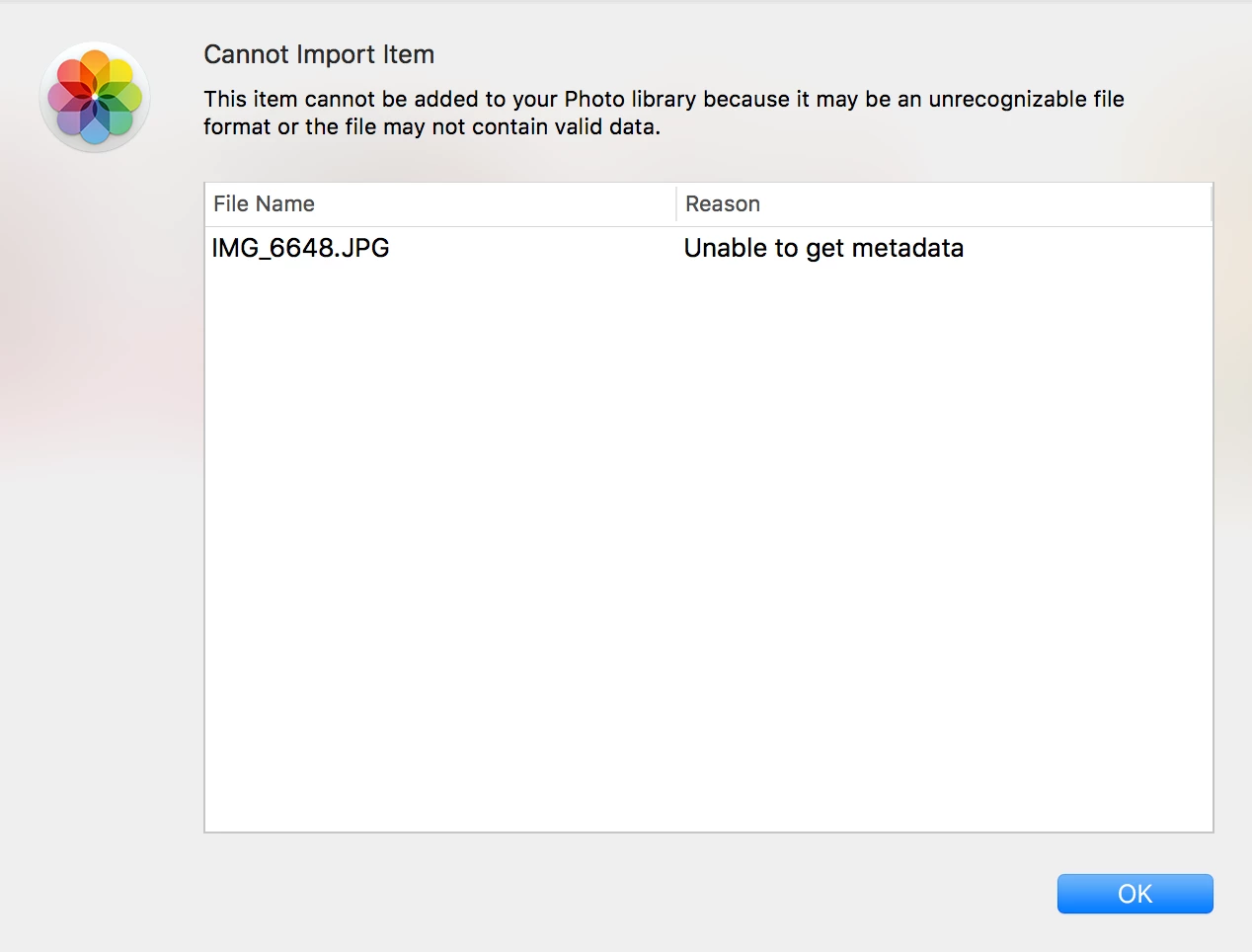
I than have to drag one by one.

Any idea why?

All the photos are JPG.

Thank you,

Shlomit

    This topic has been closed for replies.
    Correct answer Stephen Marsh

    The simple answer is that Photos is not an application created by Adobe / Bridge – it's an application created by Apple.

    2 replies

    Participant
    December 9, 2022

    i know these, how do i attach files to my ipad

    Stephen Marsh
    Community Expert
    Stephen MarshCommunity ExpertCorrect answer
    Community Expert
    August 8, 2017

    The simple answer is that Photos is not an application created by Adobe / Bridge – it's an application created by Apple.