November 25, 2020
Question

Unable to open RAW File

  • November 25, 2020
  • 1 reply
  • 198 views

Hi, 

could someone possibly help me, I went to open my RAW files in Adobe camera RAW but it keeps saying this 
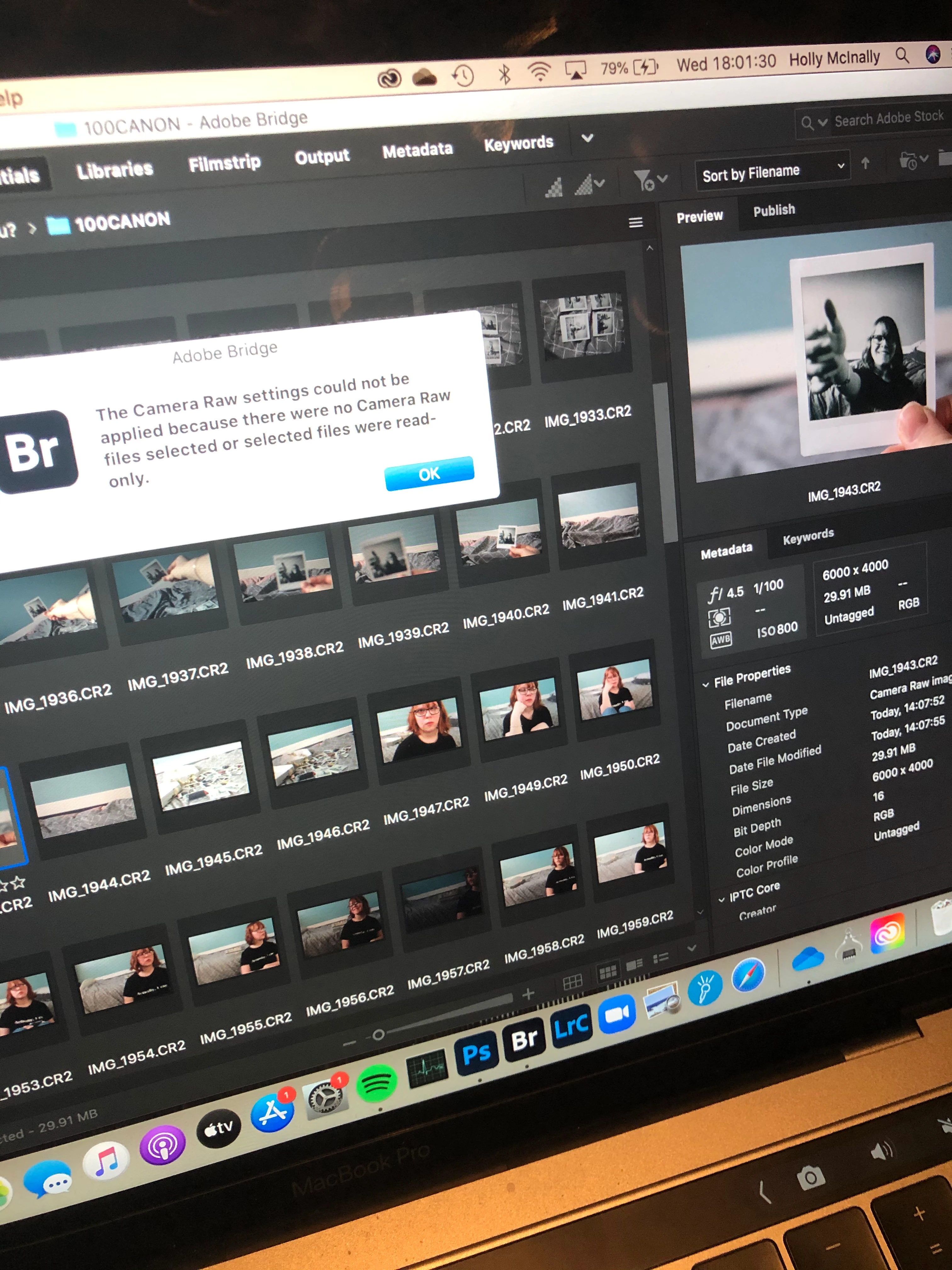
This topic has been closed for replies.

1 reply

gary_sc
Community Expert
Community Expert
November 25, 2020

Hi Holly, there are several things that can cause this:

-your ACR is not up-to-date.

-the version of ACR you have is too old to deal with your new camera (you can get around this by converting your images to DNGs, you can access this from here: https://helpx.adobe.com/photoshop/using/adobe-dng-converter.html)

-you had a bad instillation and needs to be done again

-your files are on a drive that has not received permission (from you) to access them. This is an Apple thing expecially if you are on Catalina. If you need help on this let me know.


If none of these work or need more explanation, please also supply what Mac OS you have (and what release) and what version of Bridge, ACR, and PS do you have (and what release)?


jbm007
Community Expert
Community Expert
November 26, 2020

Like he said.
