

Answered
updating edited photos from one hard drive to another
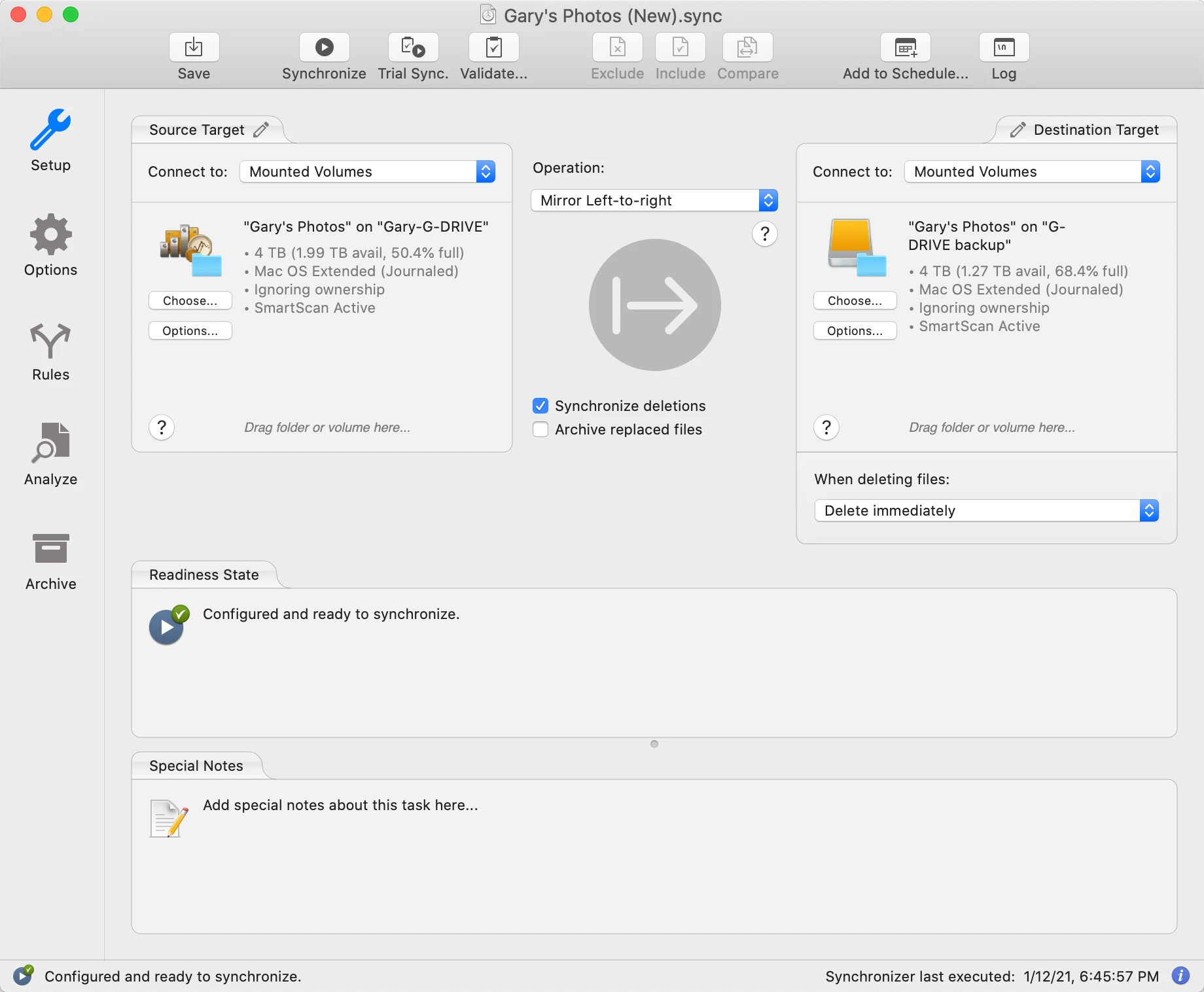
I use Adobe bridge to view/edit my photos but store them on an external hard drive with a second external hard drive as back up. I do all my editing and saving on the first hard drive but from time to time, would like to copy these edited files to the second hard drive so that if the first hard drive fails, I dont have to re edit all over again from the raw files. At the moment, I am copying and replacing all the photos from the first hard drive to the second hard drive. There must be an easier and quicker way to do this so that only the files that have been changed/edited in the first hard drive are updated on the second hard drive ?


 AdChoices