
Inspiring
April 8, 2017
Answered

Weirdest thing Bridge shows previews only at 30%

  • April 8, 2017
  • 2 replies
  • 966 views

Still have not solved this after posting once, and updating to new Bridge  2017. Also full screen preview does not solve issue, just shows same small preview with Black background.

Ok bizarre issue:

Bridge shows previews at 30% of size, very small very frustrating. Bridge 2017
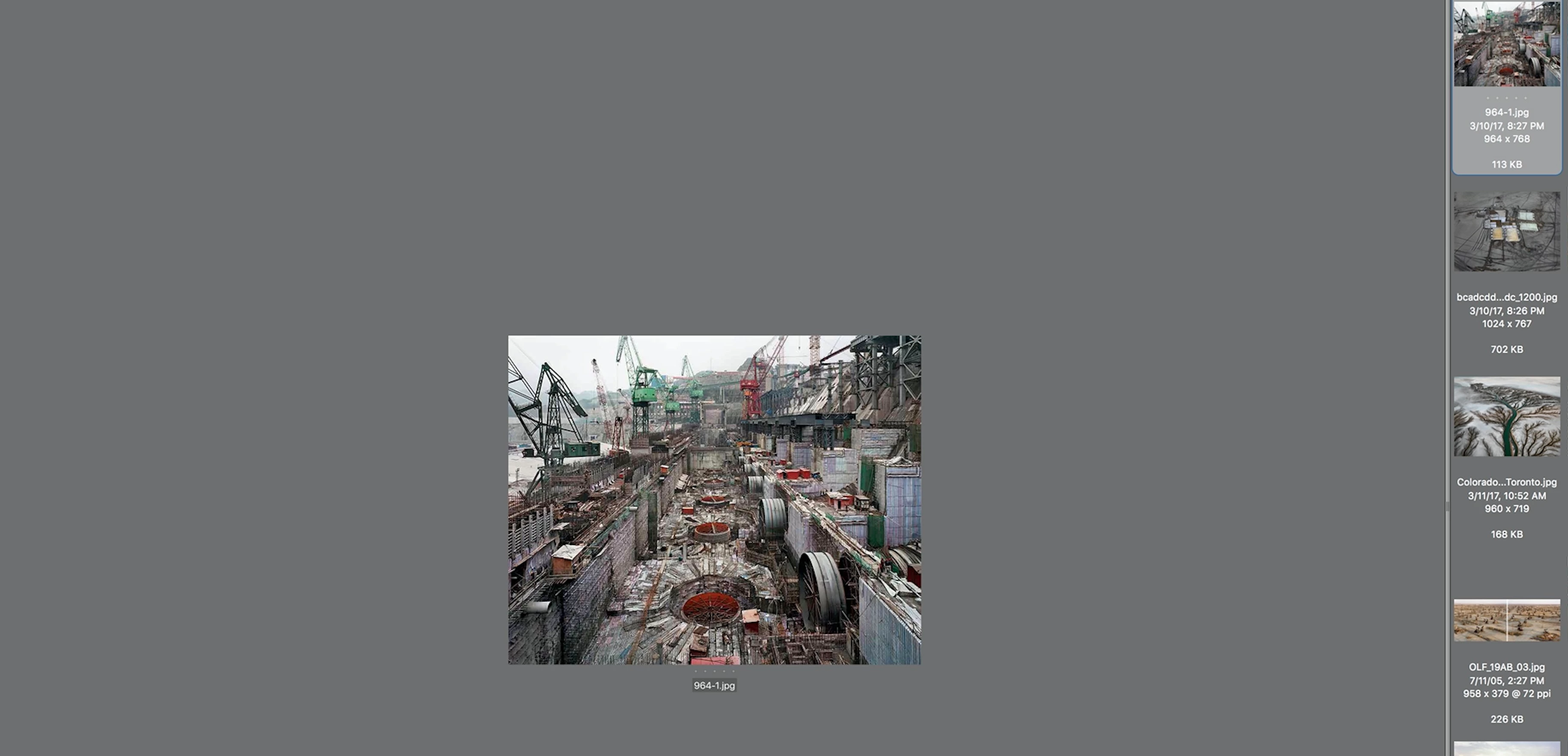
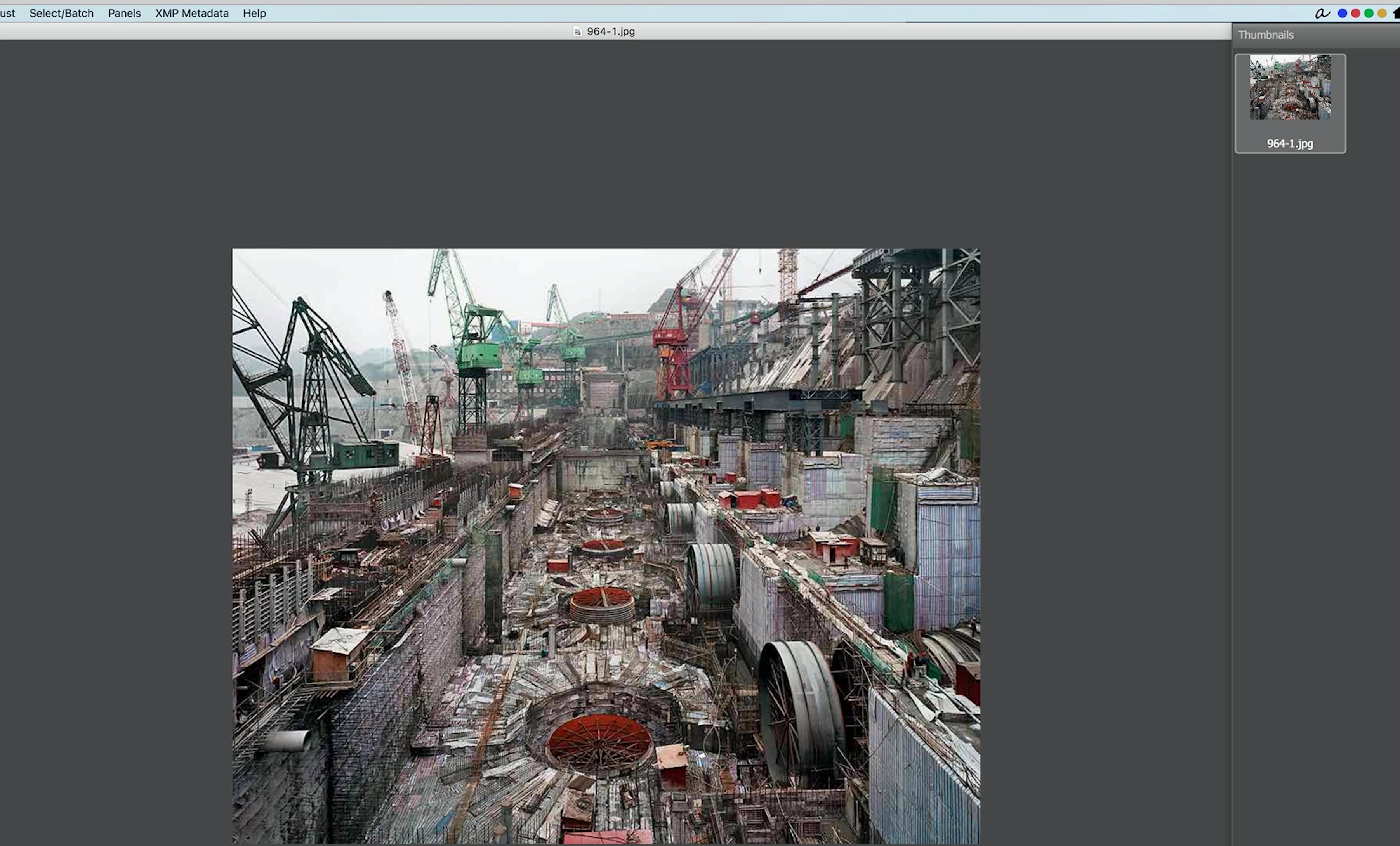
Yet another app, fast raw viewer show it how it should look:

    This topic has been closed for replies.
    Correct answer Sahil.Chawla

    Thanks Sahil, it turns out that is checked and it's correct. The problem should be stated then that Bridge does not have the ability to go larger than 100% in preview, unlike all other apps where you can go 200% if you like.


    Looks like you are right! I suggest you follow this link and post it as a feature request so that our engineering team can have a look at this feature Feature Request/Bug Report Form

    2 replies

    pgelra
    Adobe Employee
    Adobe Employee
    May 12, 2017

    Hi @larry4545,

    Bridge's Preview panel shows maximum 100% zoom, however Full screen Preview  can show upto 800% zoom.

    You can try using mouse wheel scroll in full screen view to zoom.

    Please see the zoom level (green highlighted area ) in the attached screenshot.

    Please let us know if you are suggesting something else.

    Thanks,

    Praveen Gelra

    larry45Author
    Inspiring
    May 12, 2017

    Thanks Pravel, can one do this without mouse?

    Also, we really need this to work with thumbnails on side in preview window

    pgelra
    Adobe Employee
    Adobe Employee
    May 13, 2017

    Zoomin/out can also be done by +(Plus) and -(minus) keyboard strokes.

    larry45Author
    Inspiring
    April 17, 2017

    So this is normal and the way it is.

    Their preview window does not show the image at a normal 100% view. It seem to come in small at about 30-40%

    Sahil.Chawla
    Adobe Employee
    Adobe Employee
    May 2, 2017

    Hi Larry,

    As your previews are generating small could you try going into bridge's preferences > Advanced and check "Generate Monitor Size Previews" and relaunch bridge?

    Regards,

    Sahil

    larry45Author
    Inspiring
    May 2, 2017

    Thanks Sahil, it turns out that is checked and it's correct. The problem should be stated then that Bridge does not have the ability to go larger than 100% in preview, unlike all other apps where you can go 200% if you like.